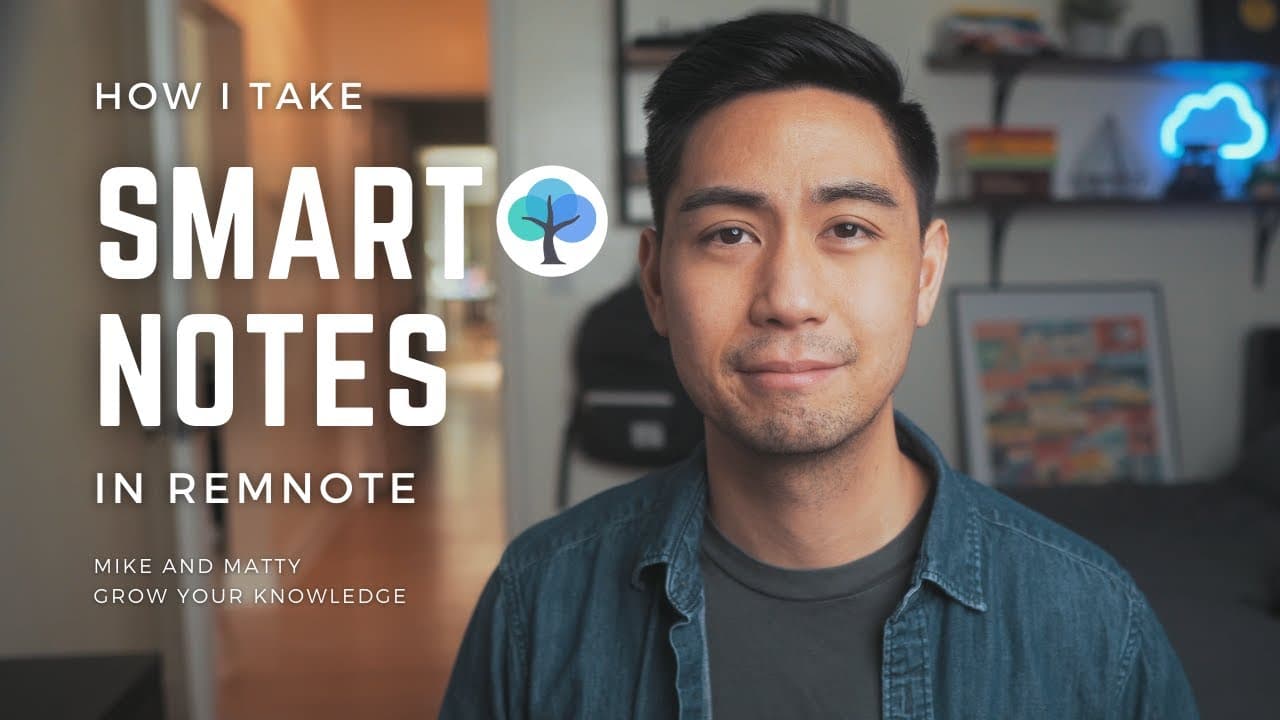
How I Take Smart Notes
TL;DR
Learn the basics of smart note-taking using Rem Note, a free app that helps you create a network of knowledge.
Transcript
in this video i'm going to be showing you the basic idea of how to take smart notes i'm going to be using rem notes which is a free app that you can find here and if you can i highly encourage you to have a second browser open and follow along it'll just make so much more sense if you have live hands-on experience all right let's get started if you... Read More
Key Insights
- 🖥️ Smart notes are the next frontier for learning and thinking, and can boost productivity for individuals managing multiple responsibilities, such as working full-time as a doctor while growing businesses.
- 📝 In RemNote, every note is a smart note, and you can create pages for specific topics by highlighting a word or phrase and pressing open bracket, making it easy to link related information.
- 🕷️ You can create a network of knowledge by linking notes together, either by making references or using tags, which visually tuck away the linked content to the side of the page.
- 😄 Emojis in RemNote also serve as their own pages, enabling easy linking and organization of information based on recurring themes or topics.
- 📱 RemNote is a free app that allows for hands-on experience while following the tutorial, enhancing understanding of the concepts presented.
- 💡 The more notes you link together, the more you enrich the page with information, and you find new relationships between past and present thoughts.
- 🔖 Using tags is useful when the word you want to link isn't mentioned in the note, allowing for neat organization and linking of relevant information.
- 🧠 Learning how to take smart notes using RemNote takes practice and experimentation, but the effort is worth it for effective knowledge management.
Install to Summarize YouTube Videos and Get Transcripts
Explore YouTube Video Summarizer or Get YouTube Transcript Extractor
Questions & Answers
Q: How does Rem Note help in organizing and linking notes together?
Rem Note allows you to create a network of knowledge by linking and organizing your notes through references, tags, and emojis. By highlighting words or phrases and using open brackets, you can create pages and easily connect thoughts and ideas.
Q: How can Rem Note help boost productivity?
Rem Note enhances productivity by allowing users to create a network of knowledge and easily retrieve information by linking notes together. By organizing thoughts and ideas, users can save time and improve their learning and thinking processes.
Q: Can you explain the difference between using references and tags in Rem Note?
References and tags serve the same purpose of linking notes together in Rem Note. References are created by highlighting words or phrases, while tags are created by typing hashtags twice and adding the desired page. Visually, tags are neatly tucked away to the side and can be used when the word or phrase is not present in the note.
Q: How can emojis be used in Rem Note's smart note-taking?
Emojis in Rem Note are treated as separate pages and can be used to enhance note-taking. Each time an emoji is used, it creates a link to all other instances where the same emoji has been used, helping to create connections between related ideas and concepts.
Summary & Key Takeaways
-
Rem Note is a free app that allows you to take smart notes, where each note is linked and connected, creating a network of knowledge.
-
You can create pages within your notes by highlighting a word or phrase and pressing open bracket, making it easy to organize your thoughts.
-
You can link notes together through references or tags, and even use emojis as separate pages to enhance your note-taking experience.
Read in Other Languages (beta)
Share This Summary 📚
Summarize YouTube Videos and Get Video Transcripts with 1-Click
Try YouTube Summary with ChatGPT & Claude or YouTube Transcript Generator
Explore More Summaries from Cajun Koi Academy 📚


Summarize YouTube Videos and Get Video Transcripts with 1-Click
Try YouTube Summary with ChatGPT & Claude or YouTube Transcript Generator