How to Create and Style Tables in HTML
TL;DR
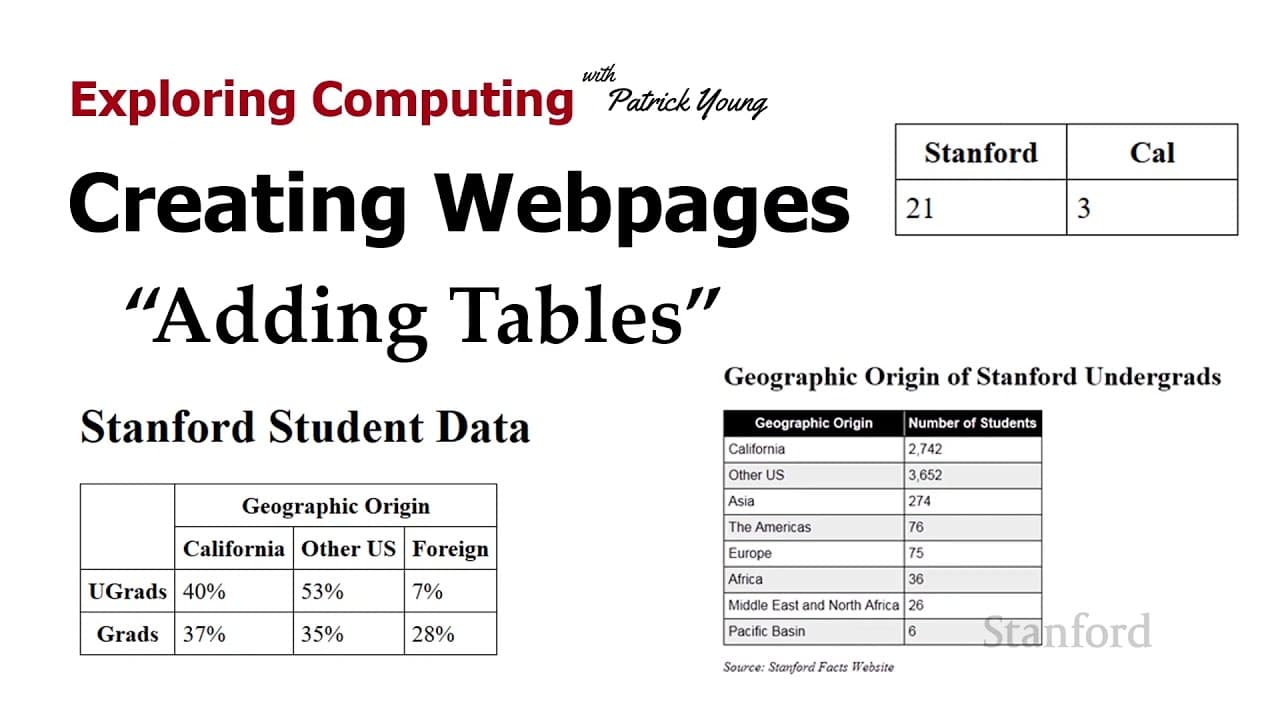
Learn to create and style tables in HTML using specific tags like <table>, <tr>, <td>, and <th>. Use CSS for visual enhancements such as borders, padding, and alignment, while attributes like 'colspan' and 'rowspan' allow for more complex layouts. Enhance readability with techniques like zebra striping for improved table designs.
Transcript
welcome to exploring computing today's video is creating web pages adding tables so tables show up in a wide range of places if you're writing a paper for class and you're writing a paper on economics or history there's a good chance you might need a table if you're in the fine arts and you're creating a new web page for a new play you're putting o... Read More
Key Insights
- 👨💼 Tables are versatile tools used in various fields, such as education, entertainment, and business, to present data effectively.
- 🫤 HTML uses specific tags like table, tr, td, and th to structure and populate tables.
- 🪜 CSS is essential for adding visual styling to tables, including borders, padding, alignment, and font formatting.
- 🤕 The th tag provides semantic information as a table heading, aiding accessibility and search engine optimization.
- 😫 Customization options for table cells include setting vertical alignment, text alignment, height, and width.
- 👖 Attributes like "column span" and "row span" allow cells to span multiple columns or rows for more complex table structures.
- 🤨 Table appearance can be further enhanced with techniques like zebra striping, which alternates row colors to improve readability.
Install to Summarize YouTube Videos and Get Transcripts
Explore YouTube Video Summarizer or Get YouTube Transcript Extractor
Questions & Answers
Q: Why are tables useful in web development?
Tables are useful for organizing and displaying structured data, such as schedules, directories, and statistics, making them easily readable and accessible for website visitors.
Q: What is the purpose of the th tag in HTML tables?
The th tag is used for table headings and provides semantic information, including bold formatting and center alignment. It helps visually impaired users and web browsers interpret the content correctly.
Q: How can we customize the appearance of table cells?
By using CSS, we can set properties like border style, padding, alignment, height, and width on both table data items (tds) and table headings (ths) to achieve the desired visual representation.
Q: How can we span cells across columns or rows?
To span cells across columns, the "column span" attribute can be used, specifying the number of columns a cell should occupy. For spanning cells across rows, the "row span" attribute is used, combining multiple cells into a single cell.
Summary & Key Takeaways
-
Tables are commonly used in various fields, such as academia, arts, and non-profits, to display data.
-
HTML uses table tags, table row tags, and table data items (tds) to create tables.
-
CSS is necessary to style tables, including adding borders, padding, and formatting table headings.
Read in Other Languages (beta)
Share This Summary 📚
Summarize YouTube Videos and Get Video Transcripts with 1-Click
Try YouTube Summary with ChatGPT & Claude or YouTube Transcript Generator
Explore More Summaries from Stanford Online 📚






Summarize YouTube Videos and Get Video Transcripts with 1-Click
Try YouTube Summary with ChatGPT & Claude or YouTube Transcript Generator