How to Turn Your Glasp Highlights into Anki Flashcards

Jul 27, 2026
3 min read
21 views
Do you use Anki to remember what you learn? With Glasp's new Anki Export integration, you can turn your web highlights and notes into a ready-to-import Anki deck in one click. Every highlight becomes a flashcard, so the best lines from your reading turn into long-term memory through spaced repetition.
In this tutorial, you'll learn step by step how to export your Glasp highlights as Anki flashcards and import them into Anki.
If you haven't signed up for Glasp or installed the Glasp browser extension, please do so. You can refer to this tutorial.
Step 1: Open the Anki card
Go to the Settings page on Glasp and click Integrations in the left sidebar. Open the Export tab, find Anki Export, and click it. It opens the Anki modal.
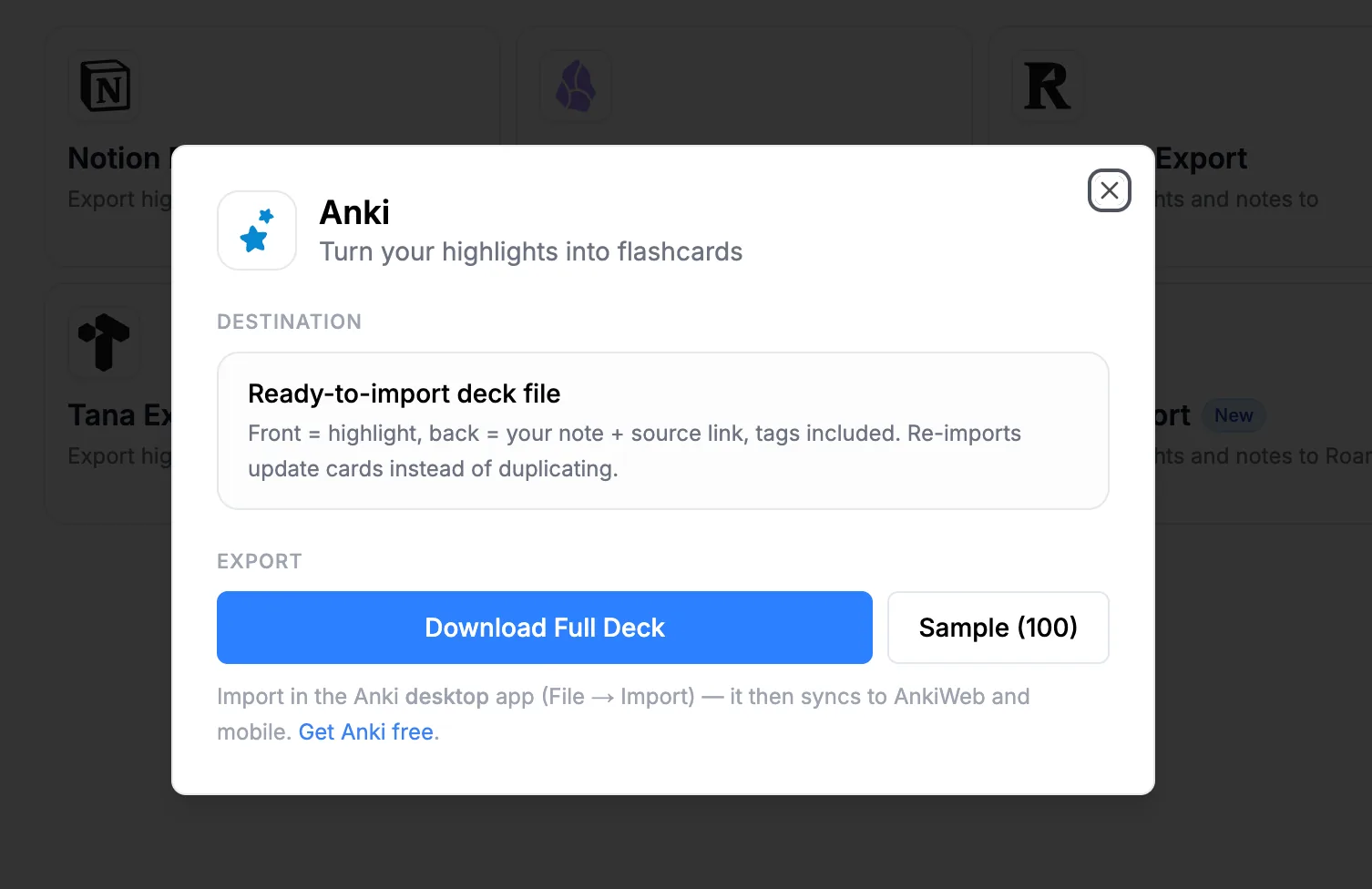
There's no account to connect and no token to paste. The export is a deck file you download.
Step 2: Download your deck
If this is your first time, click Sample (100) to download a small deck and see how the cards look. When you're ready, click Download Full Deck to export your whole library.
Each card is structured for review:
Front: your highlight
Back: your note and a link back to the source
Tags: included, so you can organize decks inside Anki
Step 3: Import the deck into Anki
Open the Anki desktop app and click Import File at the bottom of the Decks screen (a red circle below). You can also go to File → Import. Then, select the deck file you downloaded. Anki is free, and you can get it at apps.ankiweb.net.

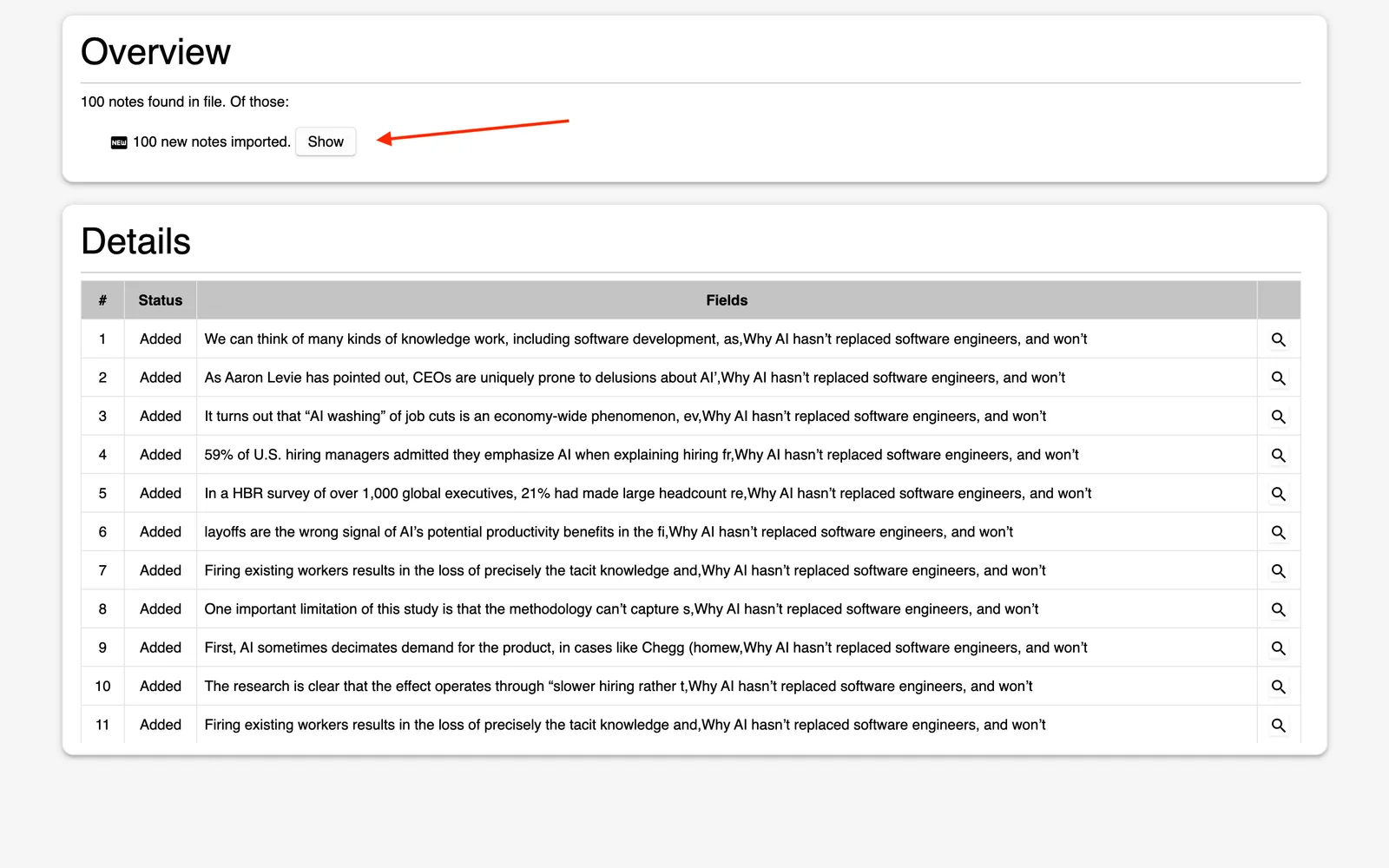
Anki shows you a summary of the import, with each card listed below. As you can see, the front of each card is your highlight, followed by the source title.
After the import, the Glasp deck appears in your deck list, ready to review.
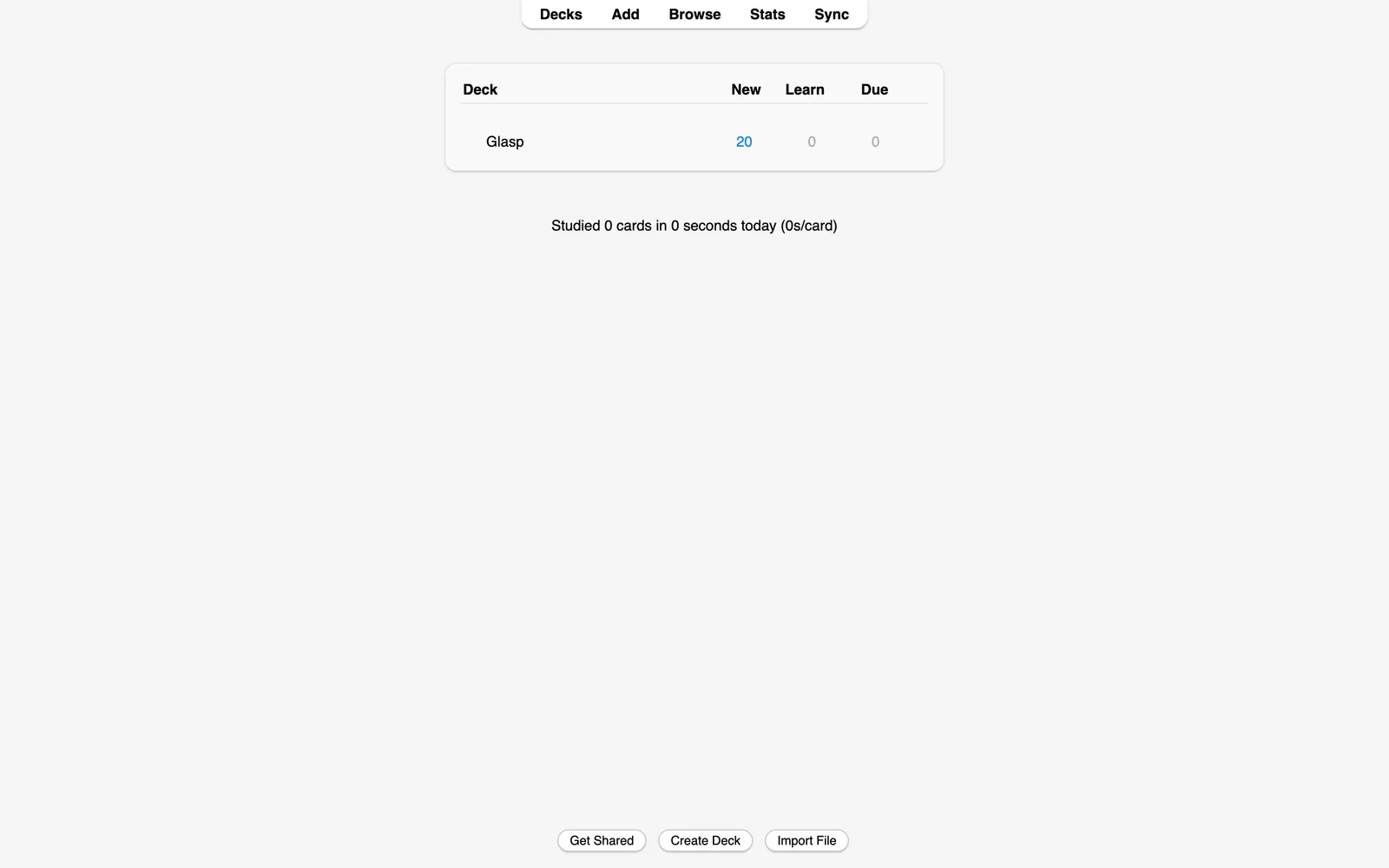
Once imported, the deck syncs to AnkiWeb and your mobile devices through Anki's own sync, so you can review your highlights anywhere.
Step 4: Review, then re-export anytime
Start reviewing your highlight cards like any other Anki deck. As you keep highlighting with Glasp, come back and download the deck again. Re-imports update your existing cards instead of duplicating them, so you can refresh the deck as often as you like.
It's easy and useful, right? With the Anki Export integration, your highlights stop being something you saved once and become something you actually remember.
FAQs
Q. What does each flashcard look like?
The front is your highlight, and the back is your note plus a link to the original source. Your tags are included, so you can organize the cards inside Anki.
Q. Do I need to connect an account or paste a token?
No. The Anki export is a file download. Click Download Full Deck on Glasp, then import the file in the Anki desktop app.
Q. Will re-importing create duplicate cards?
No. Re-imports update your existing cards instead of duplicating them, so you can re-export as your highlights grow.
Q. Can I review the cards on my phone?
Yes. Import the deck in the Anki desktop app first, and it syncs to AnkiWeb and Anki's mobile apps through your Anki account.
Q. Is Anki free?
The Anki desktop app and AnkiWeb are free. You can get Anki at apps.ankiweb.net.
Q. Can I try it before exporting everything?
Yes. Click Sample (100) in the modal to download a deck with 100 cards first, then download the full deck when you're ready.
Q. Can Claude or ChatGPT read my Glasp highlights?
Yes. With the Glasp MCP Connector, AI assistants such as Claude, ChatGPT, and Claude Code can search and read your own highlights, notes, Kindle highlights, and AI summaries, including your YouTube summaries. The connection is read-only and private to you. See How to Connect Glasp to Claude, ChatGPT, and Claude Code (MCP Connector).
Before you leave
If you have any questions, please refer to the FAQ or contact us.
👉 FAQs
👉 X
See you next time,
Glasp team