How to see the number of people you invited to Glasp?

Oct 27, 2026
2 min read
0 views
Glasp provides a way of inviting non-Glasp users to Glasp and of recognizing if a new user signed up through you. This helps you see how many people have been inspired by you.
How to see the number of people signed up through you
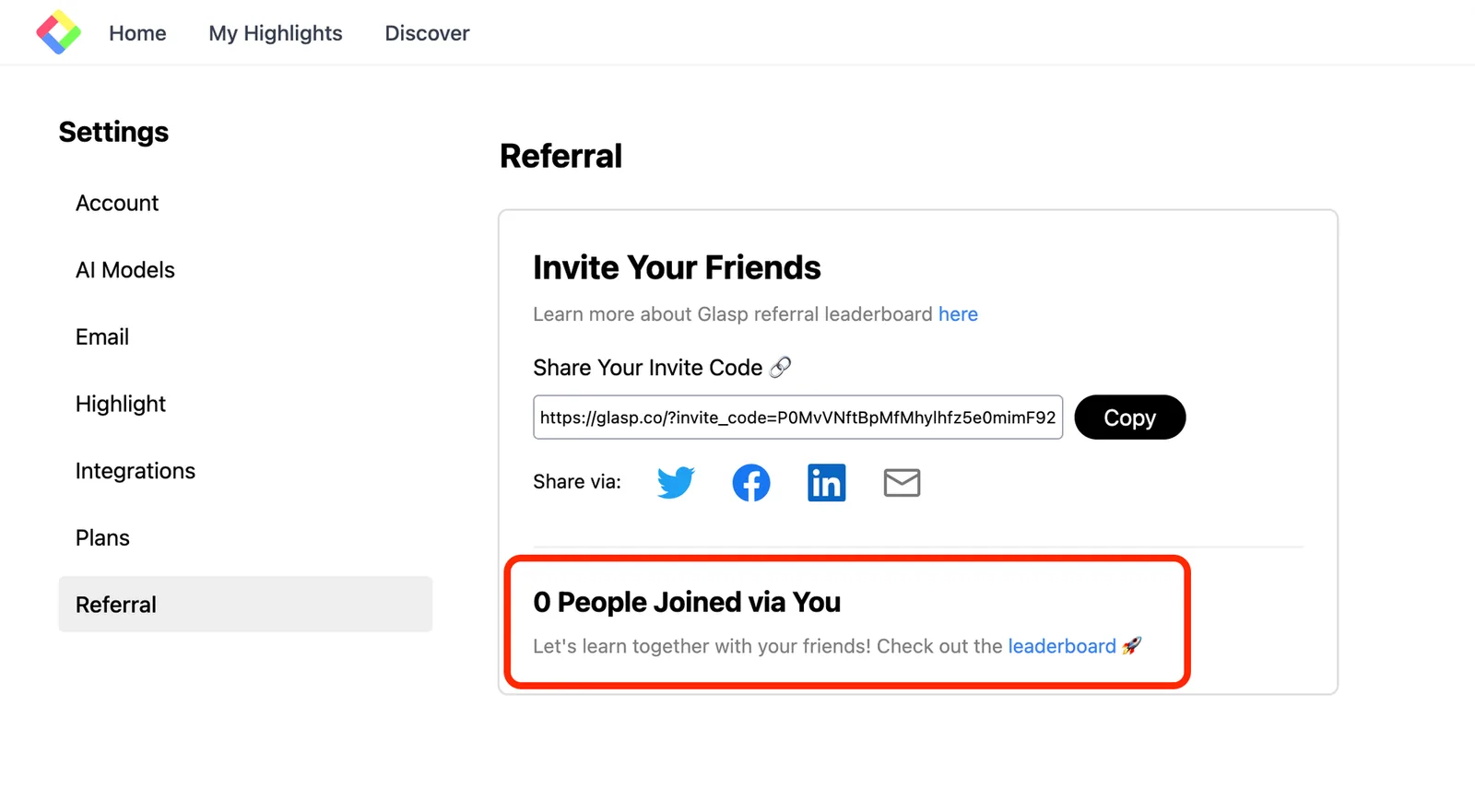
You can see the number of people you invite to Glasp at Referral on the Settings page.
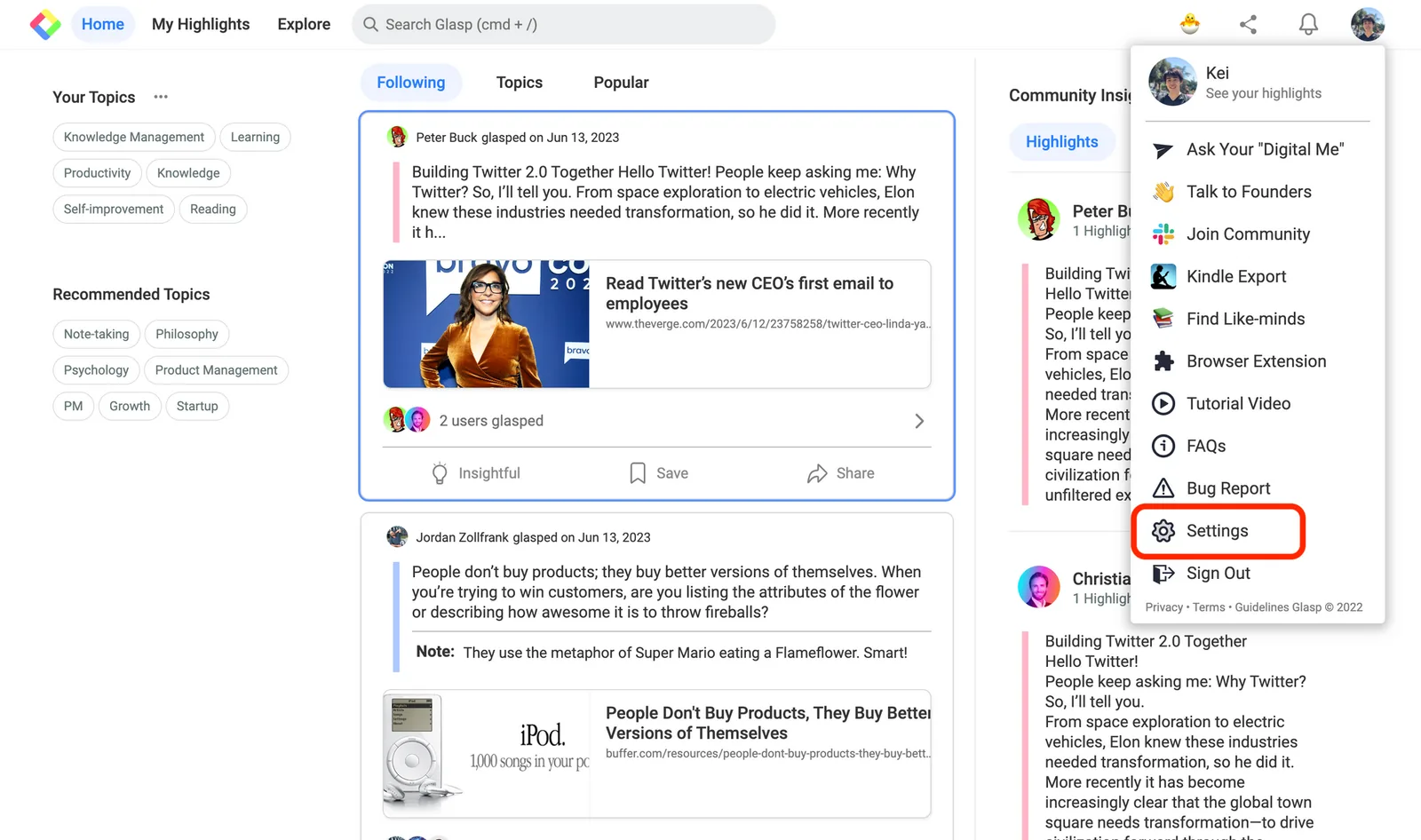
Glasp's Home
In this case, it says "0 People Joined Glasp via You." But if a new user signed up through you, you can see the total number of users signed up via you and the user lists.
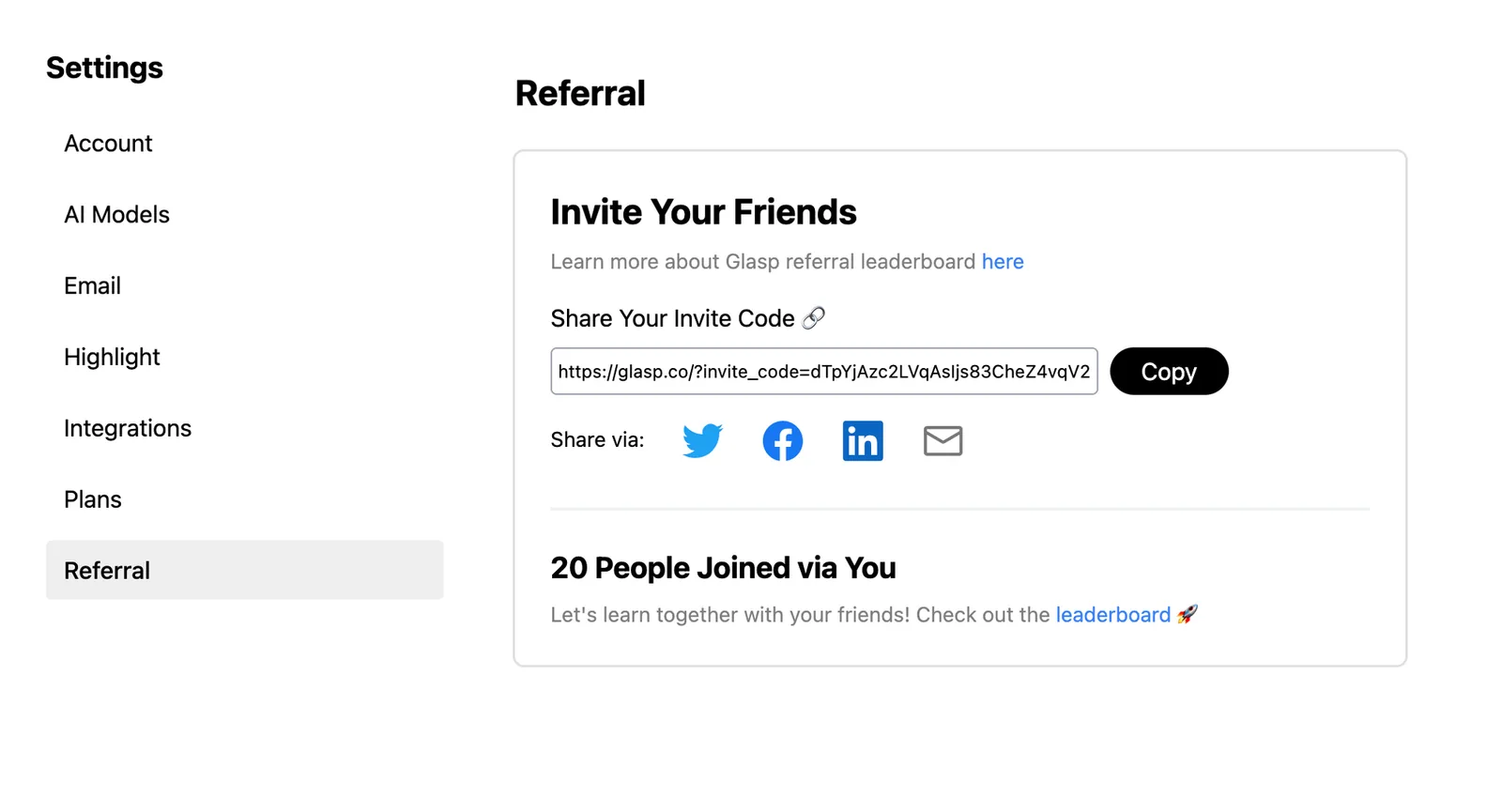
In the example below, you can see "20 People Joined Glasp via You🎉.”
What invite means
There are several ways we regard invitation. Below is a list of invitations.
Invitation link via a Top bar or Setting page
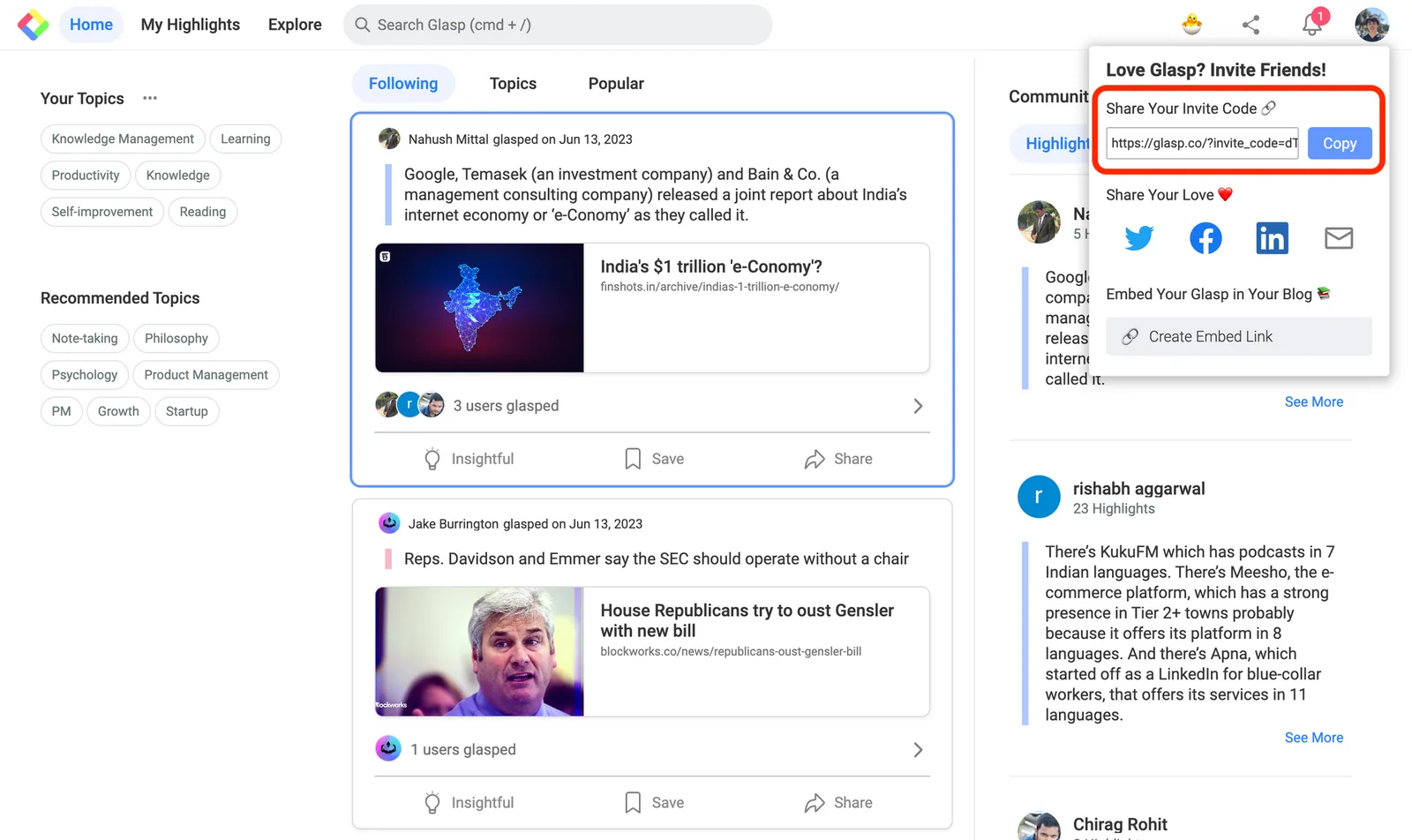
If a new user signed up for Glasp through your invitation link, we consider it invited. You can get your invitation link at the top bar on the Home feed or My Highlights. Or you can get it at the Setting as shown above.
Embedded page (Notion, Obsidian, Website, etc)
If a user signed up through your embedded Glasp page, we regard invited. There are two ways to embed your Glasp into note-taking apps or websites. Please check to embed your highlights or your reading list.
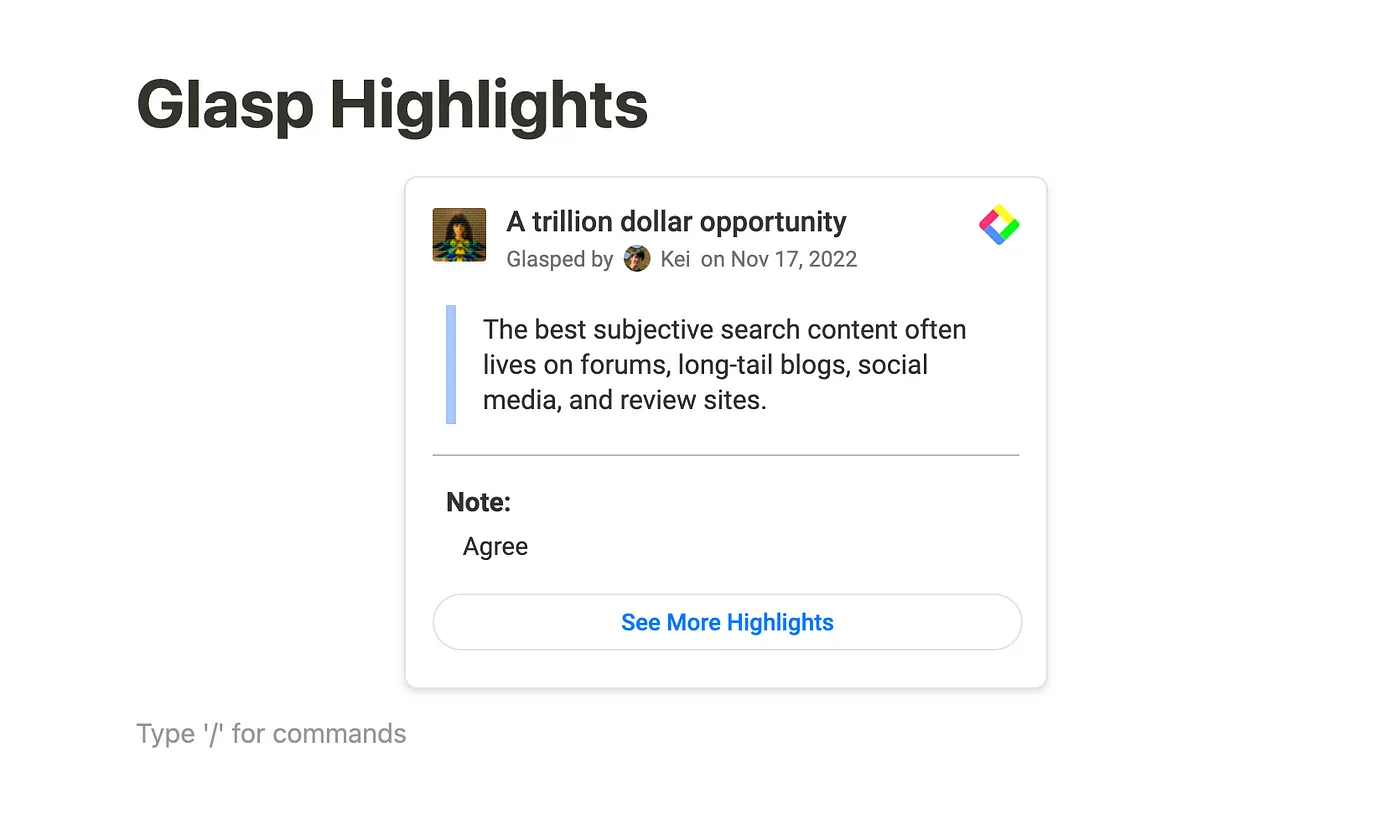
Through your profile page
If you share your Glasp profile page with others or on social media, and a new user signs up through your profile page, then we consider it invited.
The benefit of inviting
You can see these benefits below by inviting people to Glasp.
Learn with your like-minded people
Knowledge is valuable when it's shared. And Glasp is useful when it's used with like-minds. By inviting your friends, you can learn from each other.
Apply to the account verification
We have an account verification system. One of the criteria to apply is to invite at least five users to Glasp. If your account is verified, it's exposed a lot on Glasp and you'd get more followers.
Win in a leaderboard
There is a leaderboard to showcase the number of users they invited to Glasp. If you win, we're going to contribute to them. To see what the leaderboard is, please check this page.
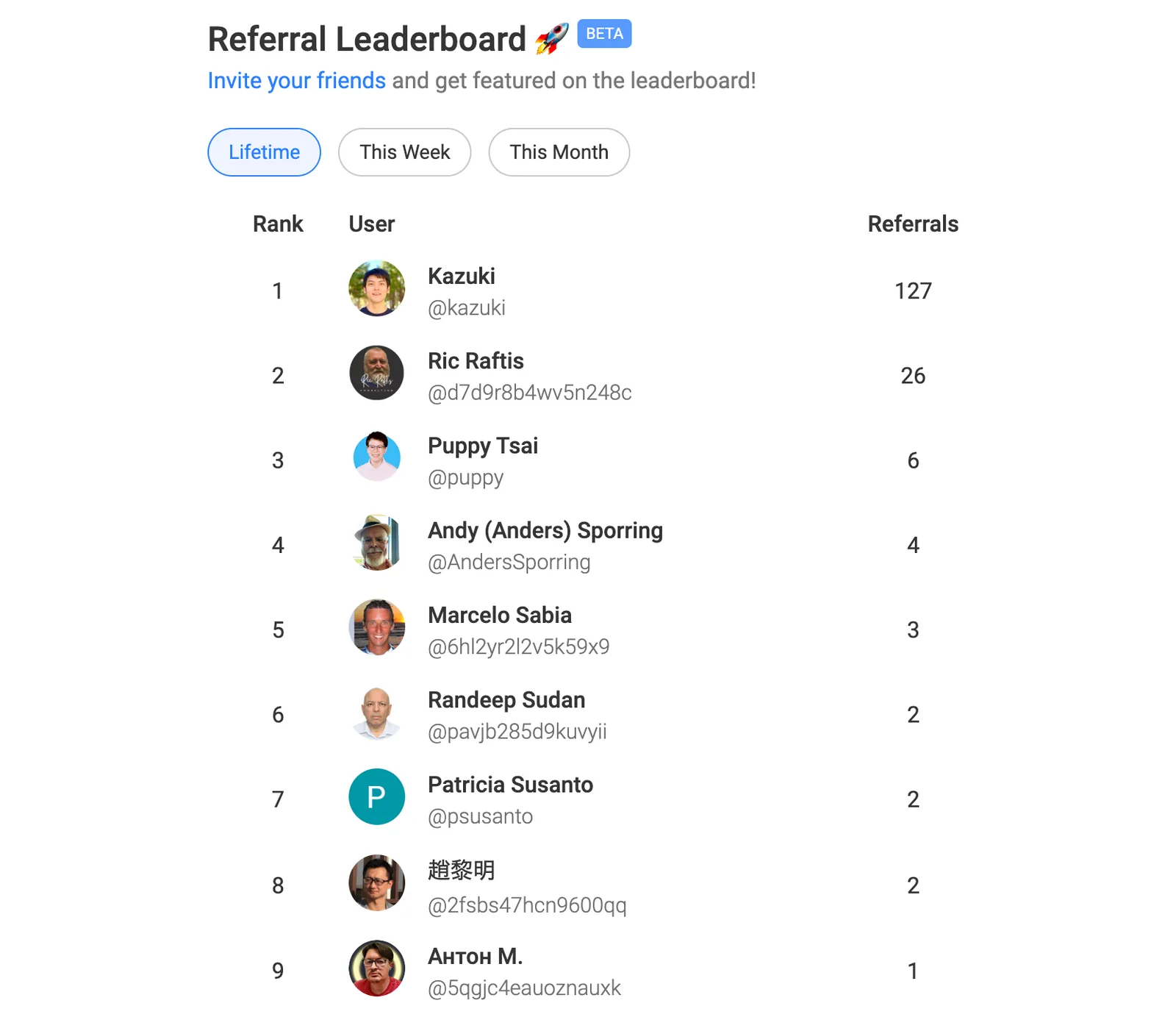
Notes
We started calculating the number of users signed up through your invitation on June 13, 2023. So, even if users signed up newly through your invitation before that date, it's not counted. However, if a new user signed up through your invitation link on a top bar or setting, it's counted.