Best Free Kindle Highlight Exporter: Glasp, Readwise, and Clippings.io Compared

Mar 24, 2026
9 min read
221 views
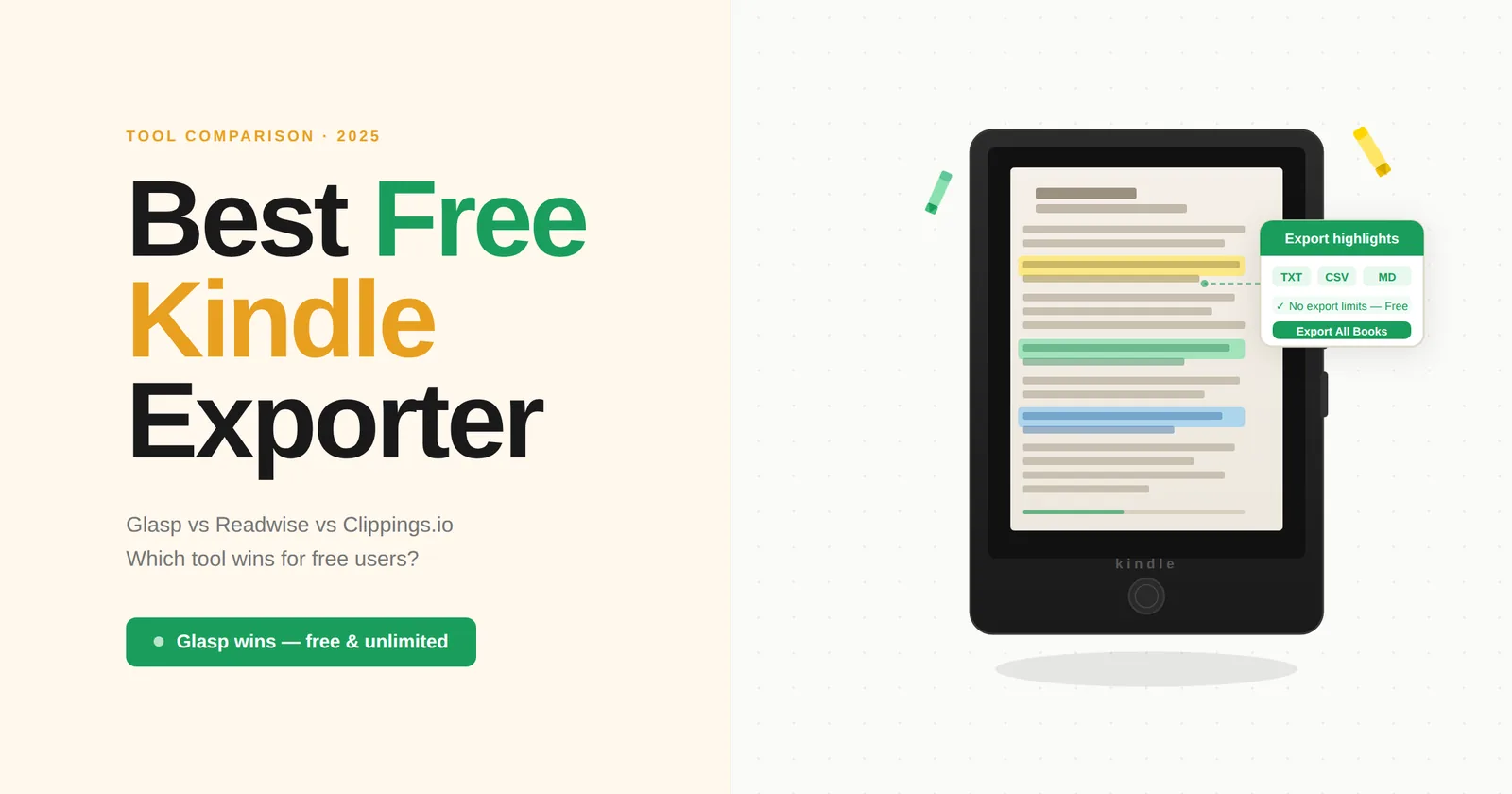
Glasp is the best free Kindle highlight exporter. It works directly in your browser via Kindle Cloud Reader, bypasses Amazon's publisher-set export limits, exports to TXT, CSV, and Markdown, and sends highlights directly to 11+ note-taking apps — all at no cost. If you want to export Kindle highlights for free without compromising on features or limits, Glasp is the tool to start with.
Why Amazon's Built-In Export Falls Short
Every Kindle book has a publisher-set export limit — typically between 10% and 20% of the book's total text. Once you hit that cap, Amazon stops showing you the rest of your highlights. You'll see a message like "Some highlights have been hidden or truncated due to export limits."
This means if you're a heavy highlighter — a researcher, student, or avid reader — you may lose access to half or more of your own annotations. The highlights are still in your Kindle, but you can't get them out using Amazon's native tools.
That's why dedicated Kindle highlight exporters exist. Below is a comparison of the best options, starting with the strongest free choice.
The 5 Best Kindle Highlight Exporters
1. Glasp — Best Free Option Overall
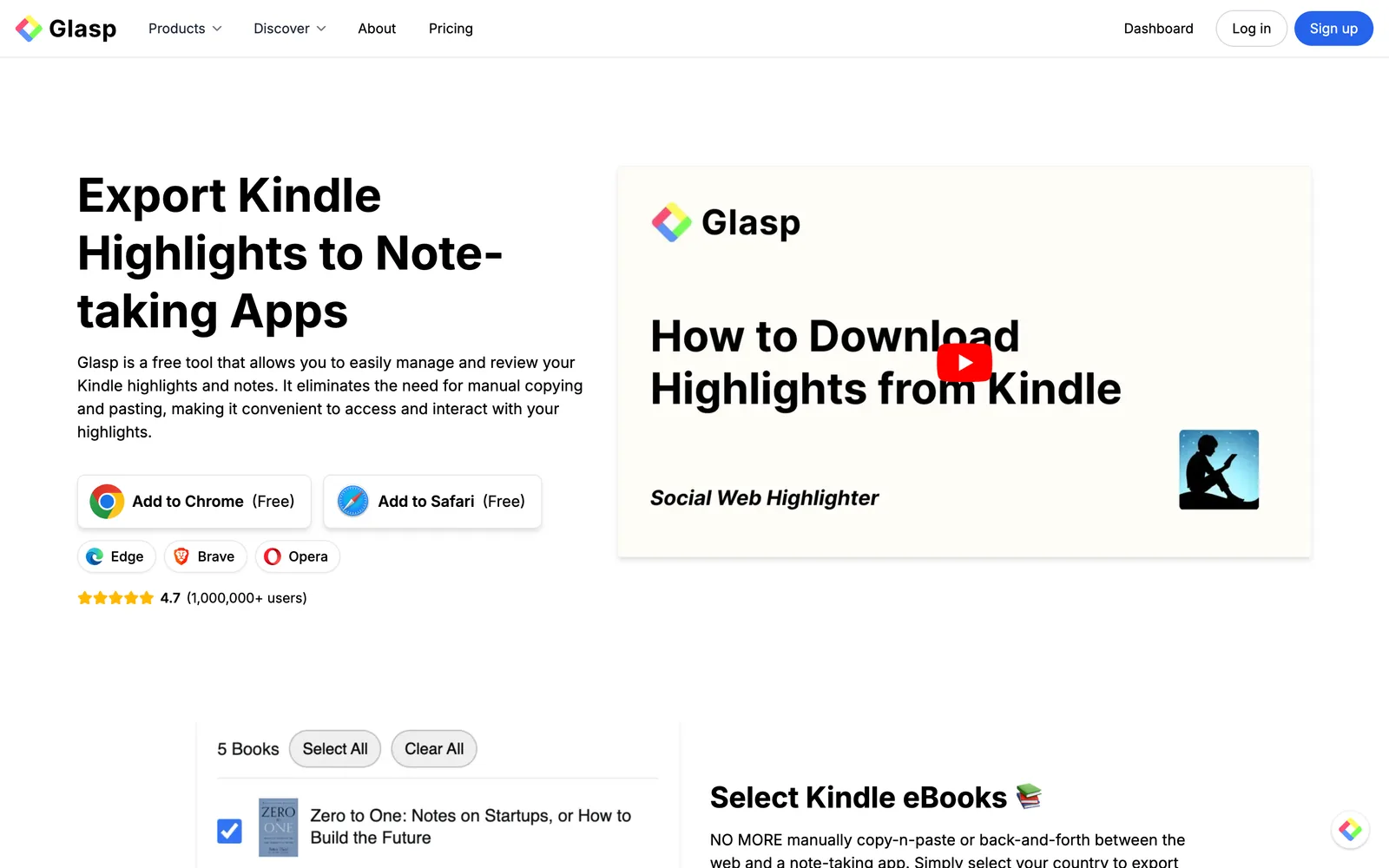
Price: Free Requires Kindle device: No (works via Kindle Cloud Reader in your browser)
Export limits: None
Export formats: TXT, CSV, Markdown
How it works: Copy all highlights to clipboard in one click, or download as TXT/CSV/Markdown and import into any app
Browser support: Chrome, Brave, Edge, Safari
Glasp is a free browser extension that overlays directly on Kindle Cloud Reader (read.amazon.com). Once installed, you'll see a Glasp panel appear on the Kindle Cloud Reader page. From there, you can select one or multiple books and export all highlights at once — with no export limit regardless of how heavily you've highlighted a book.
What sets Glasp apart from other free tools is its direct integrations with note-taking apps. With one click, highlights land in Notion, Obsidian, or whichever PKM tool you use — complete with book title, author, thumbnail, and a link back to the original book. You don't need to manually copy, paste, or format anything.
Glasp also supports Amazon stores across multiple regions including the US, UK, Japan, Canada, Germany, France, India, Australia, Brazil, and more.
One additional feature worth noting: Glasp can send you a daily review email with random Kindle highlights from your library. This turns your exported highlights into an ongoing spaced-repetition habit without any extra setup.
Best for: Anyone who wants to export all Kindle highlights for free and send them directly to a note-taking app.
2. Amazon's Native Export — Free but Limited
Price: Free (built into Kindle)
Requires Kindle device: Depends on method
Export limits: Yes — publisher-set, typically 10–20% of book text
Export formats: HTML (Kindle app), TXT (My Clippings.txt), Email
Direct app integrations: None
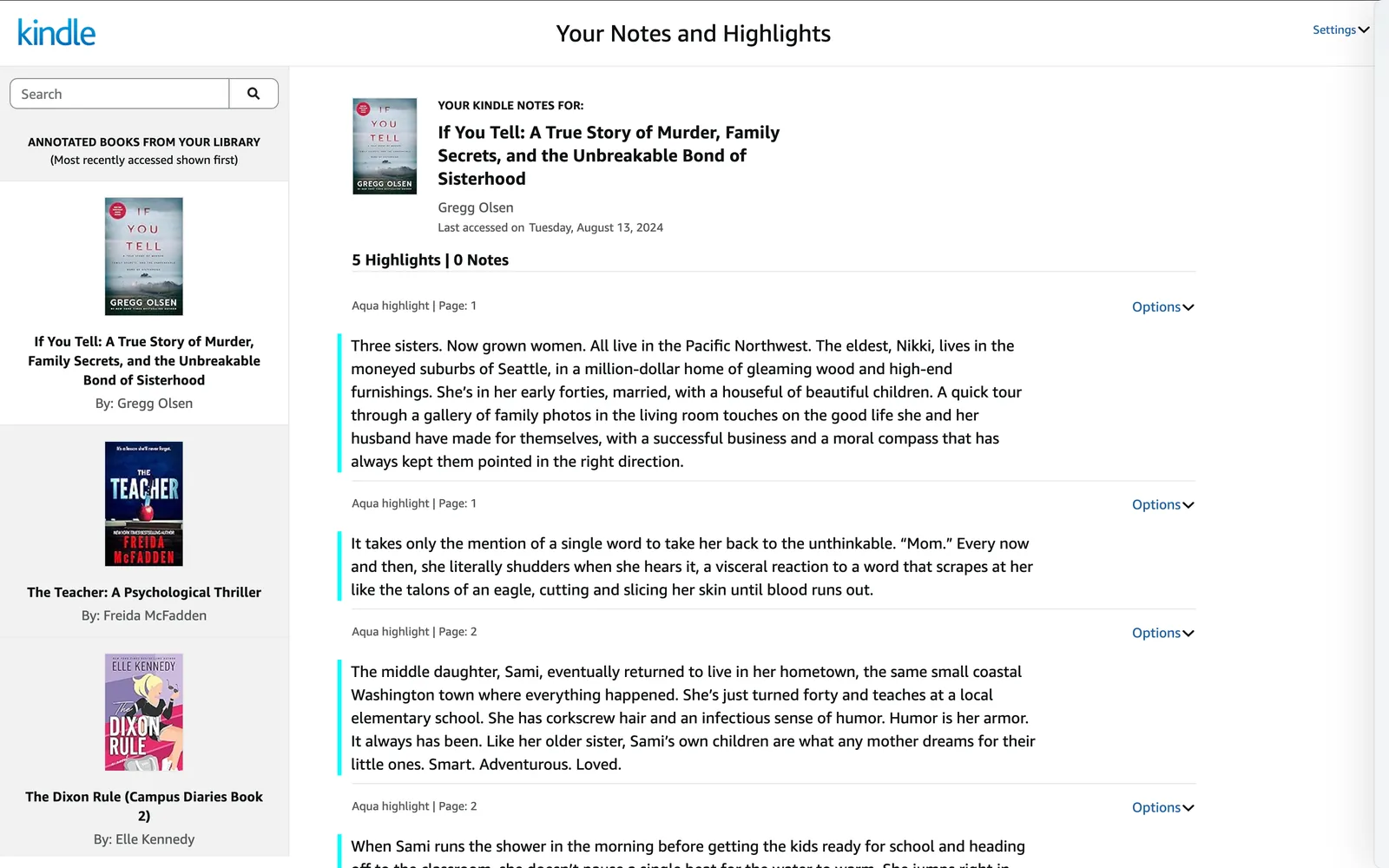
Amazon offers several built-in ways to access highlights: the Kindle app's Export Notebook feature (saves an HTML file), the My Clippings.txt file accessible via USB on a physical Kindle device, and the read.amazon.com/notebook web page.
The major limitation is the publisher-imposed export cap. For any book you've highlighted heavily, you will hit this limit. Highlights beyond the cap are hidden in the notebook view and excluded from any export.
Additionally, none of Amazon's native methods connect directly to note-taking apps. After exporting, you'll need to manually format and paste your highlights wherever you want them.
Best for: Casual readers who highlight lightly and don't need app integrations.
3. Readwise — Best Paid Option
Price: $7.99–$12.99/month (30-day free trial, no free plan)
Requires Kindle device: No
Export limits: None (bypasses Amazon's limits)
Export formats: CSV, Markdown
Direct app integrations: Notion, Obsidian, Roam Research, Evernote, Logseq, and more (30+ integrations)
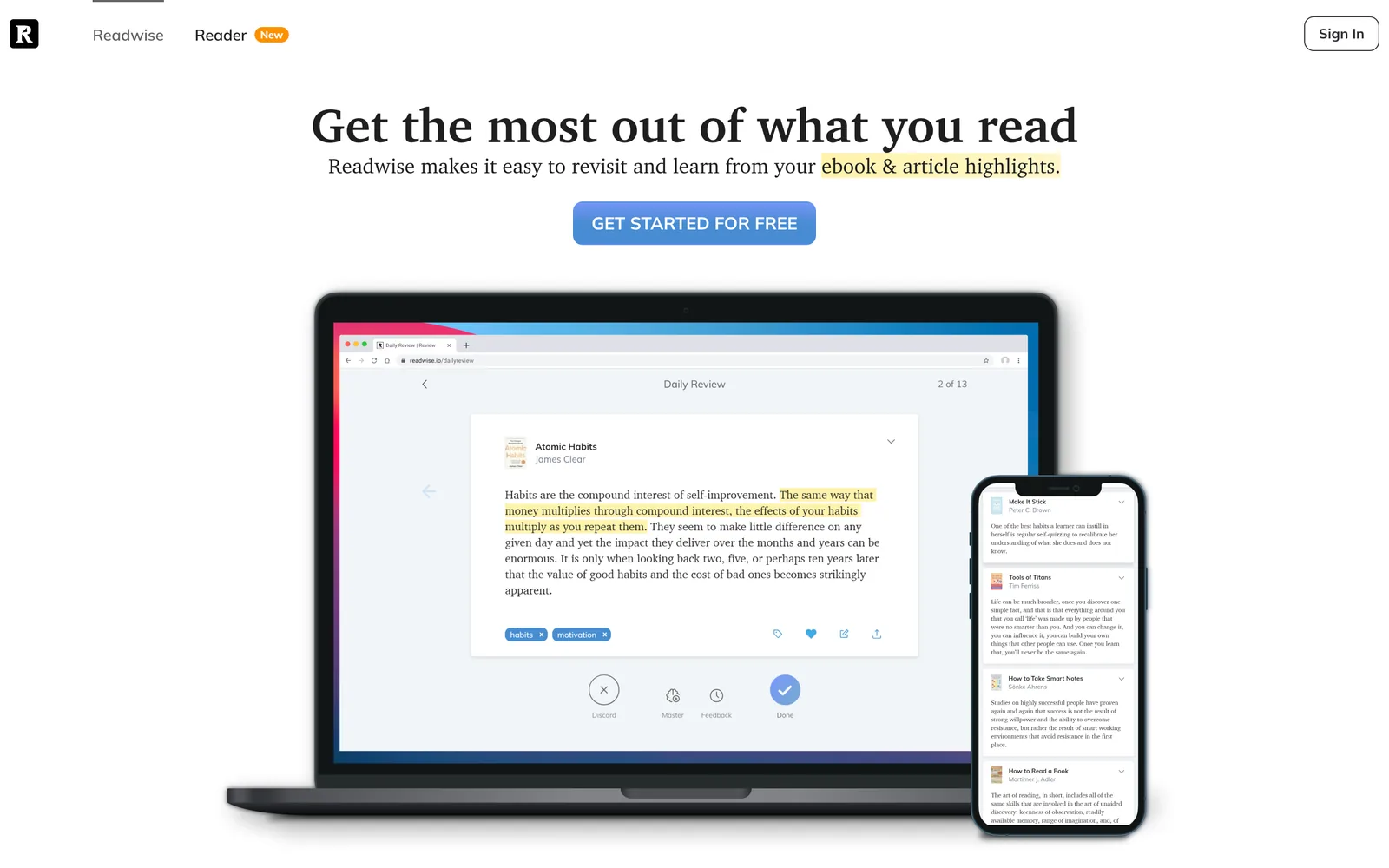
Readwise is the gold standard for readers who want a comprehensive highlight management system across multiple platforms — Kindle, Apple Books, Instapaper, web articles, physical books (via photo), and more. It syncs everything to one place, resurfaces highlights via daily email using spaced repetition, and connects to a wide range of PKM tools.
The tradeoff is price. Readwise has no free plan — only a 30-day trial. The full bundle including Readwise Reader costs $9.99/month (annual) or $12.99/month (monthly). For readers who only want to export Kindle highlights without paying a monthly subscription, Glasp covers the core use case for free.
One important caveat: once the 30-day trial ends, Readwise locks you out of your highlights entirely unless you upgrade to a paid plan. You cannot view, search, or export the highlights you've already imported without an active subscription. This is a significant risk if you've moved your entire reading library into Readwise and then decide not to pay — your annotations become inaccessible until you subscribe again.
Best for: Power users who highlight across multiple platforms and want automatic syncing plus spaced-repetition review.
4. Clippings.io — Free Import, Paid Export
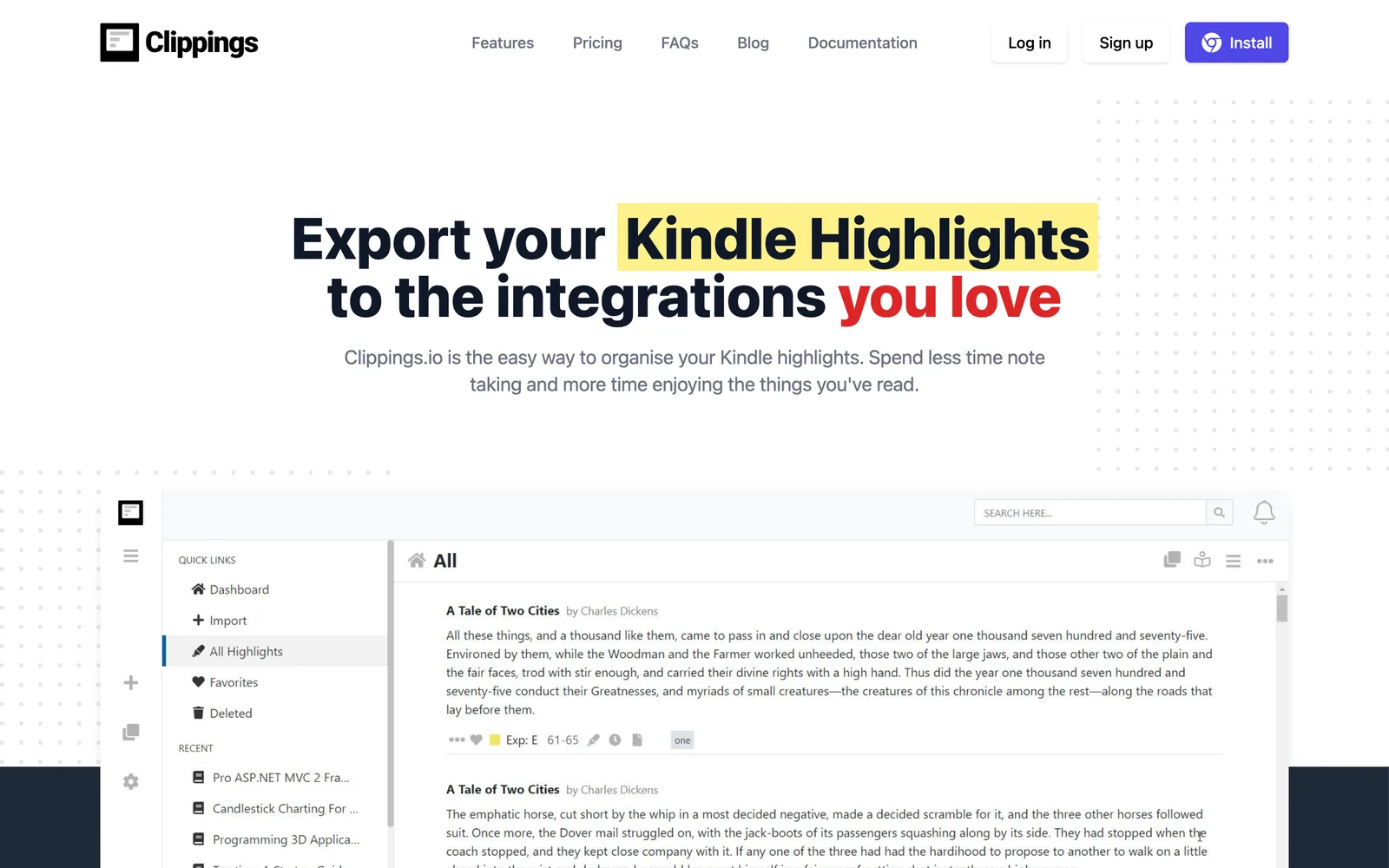
Price: Free to import and view; paid plan required for full exports
Requires Kindle device: No (browser extension) or Yes (My Clippings.txt upload)
Export limits: Free plan exports are truncated to the first 100 characters per highlight
Export formats: PDF, Word, Excel, Markdown, JSON, Text (full exports on paid plan)
Direct app integrations: Evernote, Dropbox, OneDrive, OneNote, Google Drive (paid)
Clippings.io is one of the oldest Kindle highlight managers. It lets you import highlights for free and view them in an organized library. However, the free plan truncates every exported highlight to its first 100 characters — making full-text exports unavailable without a paid subscription.
If you want to view and organize your highlights in Clippings.io without exporting, the free plan is functional. But for any export workflow, you'll need to upgrade.
Best for: Readers who primarily want to organize and search highlights within the Clippings.io interface, and are comfortable paying for export access.
5. Bookcision — Free Bookmarklet
Price: Free
Requires Kindle device: No (works via read.amazon.com)
Export limits: Subject to Amazon's display limits
Export formats: Plain text, JSON
Direct app integrations: None
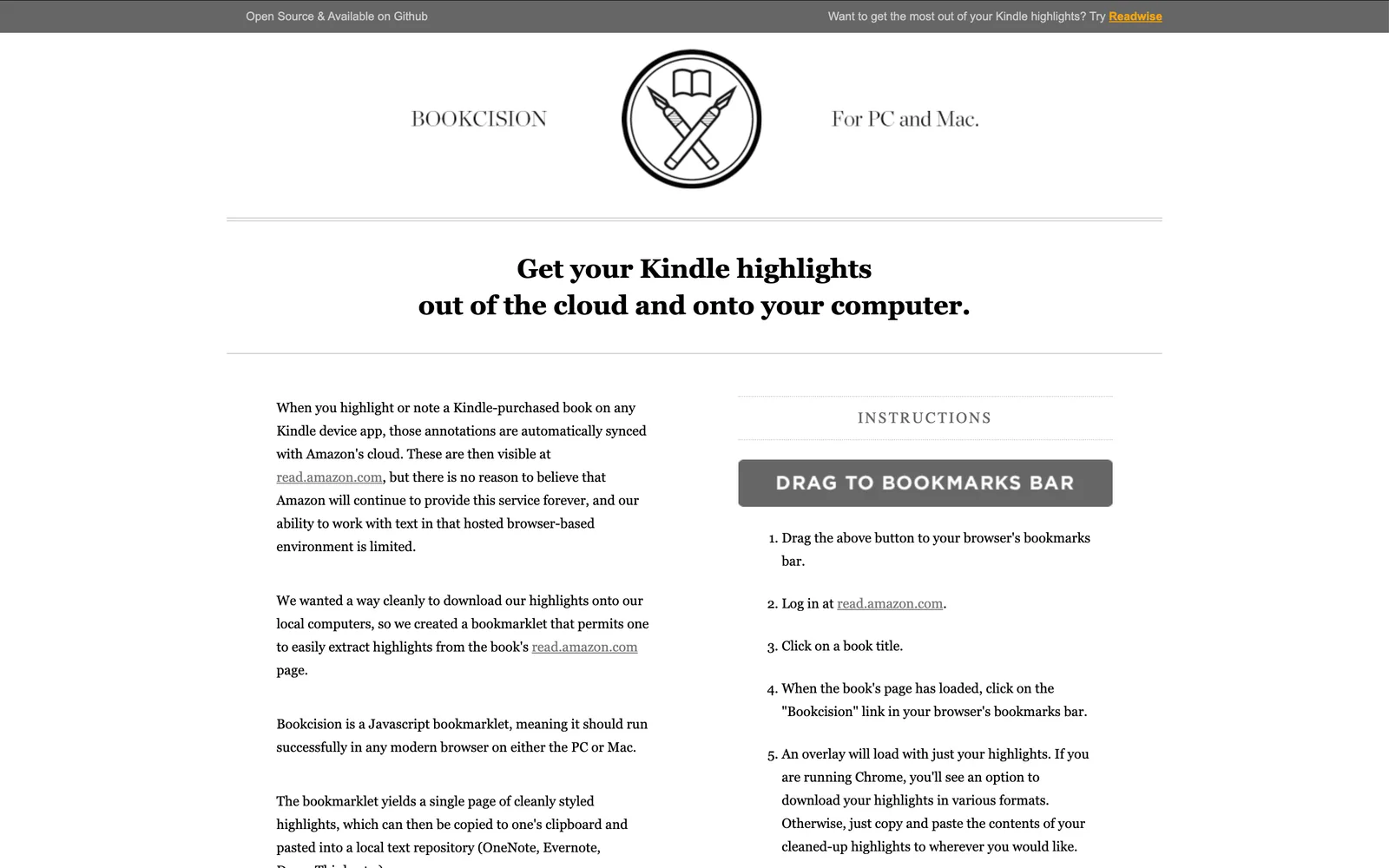
Bookcision is a JavaScript bookmarklet originally created by the Norbauer brothers and now maintained by Readwise as an open-source project (hosted at bookcision.readwise.io). You drag it to your bookmark bar, navigate to a book on read.amazon.com, and click it to extract highlights into a clean page you can copy or download.
It works one book at a time and has no direct integrations with note-taking apps. Some users have also reported that recent changes to Kindle Cloud Reader have limited its ability to capture all highlights. It's a useful lightweight option for quick one-off exports, but not practical for regular or bulk use.
Best for: Occasional use on a single book when you want a quick copy without installing an extension.
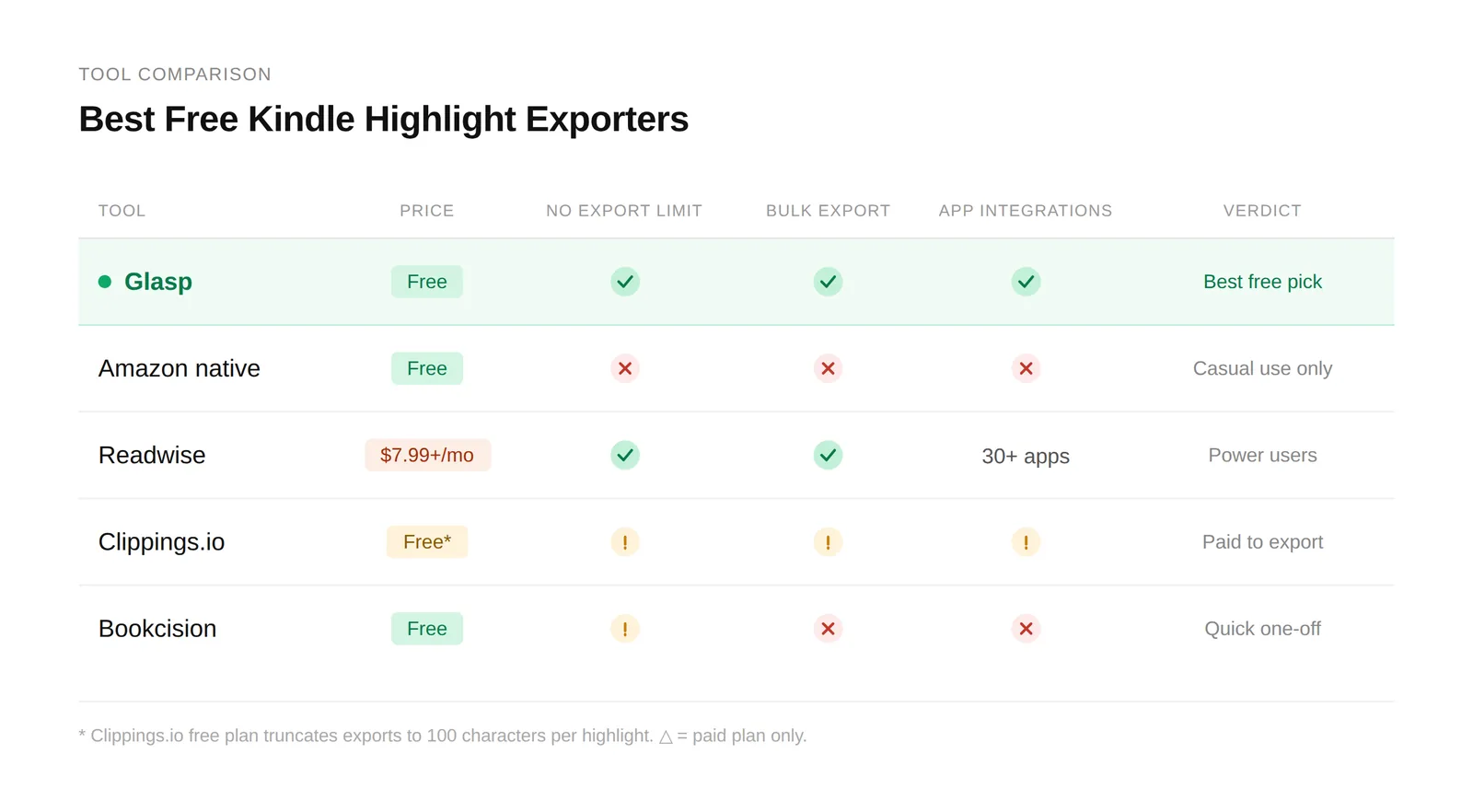
Quick Comparison Table
How to Export Kindle Highlights with Glasp
Getting started with Glasp takes about 3 minutes.
Step 1: Install the Glasp extension
Go to the Chrome Web Store (or the equivalent for Brave, Edge, or Safari) and install the Glasp extension. Sign up for a free Glasp account when prompted.
Step 2: Open Kindle Cloud Reader
Go to read.amazon.com and sign in with your Amazon account. Once logged in, click "Notes & Highlights" in the left sidebar. You'll see all your annotated books listed.
Step 3: Select your books and export
The Glasp panel will appear in the top-right corner of the page. Click "Select Books," choose the books you want to export, then click your preferred format:
TXT, CSV, or Markdown — downloads immediately as a file
Import to Glasp — opens your highlights in your Glasp account, where you can send them to Notion, Obsidian, Evernote, and 8 other apps with one click
That's the full workflow. There's no limit on how many books you can select or how heavily you've highlighted them.
Frequently Asked Questions
Q: Is Glasp really free to use for Kindle exports?
Yes. Glasp's core Kindle export features — including file downloads (TXT, CSV, Markdown) and direct exports to all 11 supported note-taking apps — are free with no usage limits.
Q: Can I export Kindle highlights without Readwise?
Yes. Glasp provides the same core capability — unlimited highlight exports with direct integrations to Notion, Obsidian, Evernote, and other apps — without a monthly subscription. Readwise offers a broader platform (web articles, Apple Books, Instapaper, spaced repetition review), but for Kindle-only exports, Glasp covers everything at no cost. It's also worth noting that once Readwise's 30-day trial ends, you lose access to all your highlights — including viewing and searching them — until you start paying. With Glasp, your highlights are yours to access anytime, for free.
Q: What is the best free alternative to Readwise for Kindle highlights?
Glasp is the strongest free alternative for Kindle highlights specifically. It bypasses Amazon's export limits, supports 11 direct app integrations, and requires no paid plan. Clippings.io is another option, but its free plan truncates highlight text on export.
Q: What is the Kindle highlight export limit, and does Glasp bypass it?
Amazon applies a publisher-set export cap — typically between 10% and 20% of a book's total text — when you use Kindle's built-in export features. Glasp bypasses this limit by reading highlights directly from Kindle Cloud Reader, so you can export all your highlights from any book regardless of how much you've highlighted.
Q: Do I need a physical Kindle device to use Glasp?
No. Glasp works entirely through Kindle Cloud Reader (read.amazon.com) in your browser. You don't need a physical Kindle device — any Kindle book purchased on Amazon will be accessible there.
Q: Does Glasp work with Amazon stores outside the US?
Yes. Glasp supports Amazon Kindle stores in the US, UK, Japan, Canada, Germany, France, Italy, Spain, India, Australia, Brazil, Mexico, and more. When you sign in to Kindle Cloud Reader, simply select your country's store.
Q: Can I bulk-export highlights from multiple Kindle books at once?
Yes. Glasp allows you to select multiple books at once and export all of them in a single action. Amazon's native export and tools like Bookcision require you to export one book at a time.
Q: Which Kindle highlight exporter works best for Notion?
Glasp and Readwise both support direct one-click export to Notion. Glasp is free; Readwise requires a paid subscription. Clippings.io also integrates with Notion but only on its paid plan.
Related Tutorials
How to Download Highlights and Notes from Kindle with Glasp — complete overview of all export methods
How to Copy and Paste Kindle Highlights Beyond Export Limits
👉 Try Kindle highlight export for free: glasp.co/kindle-highlight-export
Before You Leave
If you've been losing highlights to Amazon's export limits or paying for a tool just to get highlights into your notes, Glasp offers the same core functionality at no cost. Install the extension, open Kindle Cloud Reader, and have your highlights in Notion or Obsidian within minutes.