CDN vs Web Hosting: What’s the Difference & Why You Need Both

Jan 02, 2026
5 min read
8 views
When you’re building a website in 2026, you’ve probably come across terms like web hosting, cloud hosting, and CDN (Content Delivery Network). While many beginners assume a CDN and a hosting provider do the same job, the reality is very different.
Both play unique roles in website performance, SEO, speed, and user experience — and using both together is now essential if you want faster load times, higher rankings, and reliable uptime.
In this article, we’ll break down the difference between CDN and web hosting, how each works, and why modern websites, blogs, and online stores should use both.
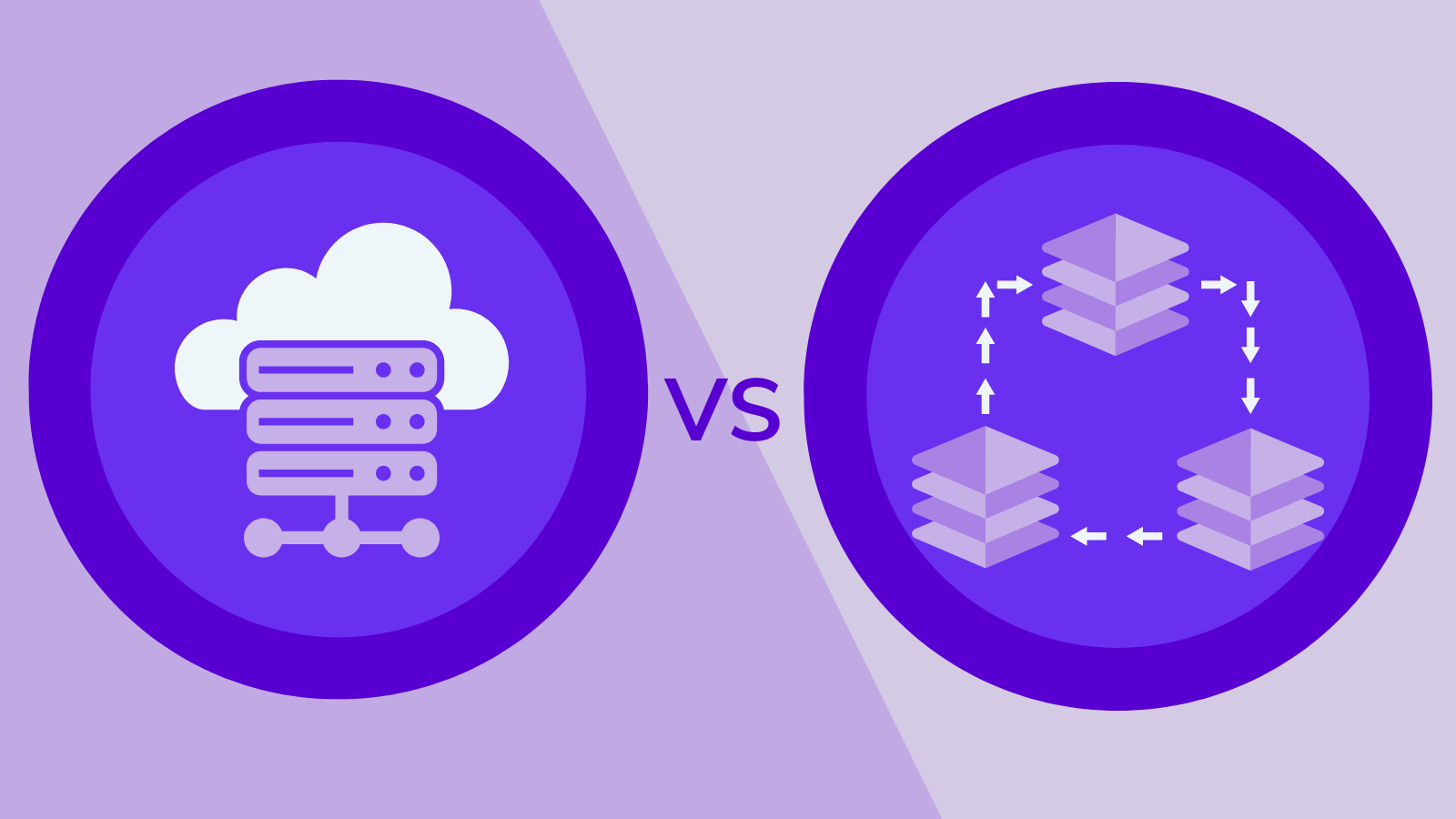
What Is Web Hosting?
Web hosting is a service that stores your website’s files, database, images, scripts, and content on a physical or cloud-based server. When someone visits your site, the hosting server delivers the data to the user’s browser.
Types of Web Hosting
Shared hosting – Cheapest option, best for beginners
VPS hosting – Improved performance with virtual private resources
Dedicated hosting – Full server control and maximum power
Cloud hosting – Scalable, fast, and ideal for growing businesses
WordPress hosting – Optimized hosting for WordPress performance
If you want uptime reliability, faster loading speed, and strong security features, choosing the best web hosting provider makes a big difference.
But hosting alone cannot solve everything — especially for international traffic and heavy content websites.
That’s where a CDN changes the game.
What Is a CDN (Content Delivery Network)?
A CDN is a global network of servers that stores cached versions of your website and delivers them to visitors from the nearest geographical server.
Instead of sending data from one central hosting server (e.g., in the US), a CDN allows your site to load from multiple edge locations around the world.
What a CDN Does
Reduces latency by bringing content closer to the user
Speeds up website loading time worldwide
Caches static files like images, CSS, JS, HTML pages
Protects your site from DDoS attacks
Reduces server load on your main host
In simple words:
Hosting stores your website. A CDN distributes your website globally for faster delivery.
CDN vs Web Hosting: Key Differences
Web hosting and CDNs serve completely different purposes, even though both help your website load online.
Web hosting is the core service that stores your website’s files, database, images, and code. It runs your website from a single physical or cloud-based server. A hosting provider is responsible for uptime, server performance, bandwidth, and keeping your site online. Whether it’s shared hosting, VPS hosting, cloud hosting, or WordPress hosting, the hosting server is where your website actually “lives.”
A CDN (Content Delivery Network) works very differently. Instead of storing your full site, it caches and distributes your static content—like images, CSS, JavaScript, and HTML—across multiple global servers. These servers are located in various geographical regions, so visitors receive website content from the closest edge location. This reduces latency and speeds up delivery worldwide.
In short, your web hosting is your main server, while your CDN is a performance-enhancing layer that spreads content globally for faster loading.
Web hosting focuses on storing and delivering website files. A CDN focuses on accelerating delivery, reducing bandwidth load, and providing global speed optimization. Hosting affects core performance and uptime. A CDN improves global accessibility, speed, and caching efficiency.
They are not alternatives or replacements for each other—you need both to run a modern, fast, stable website.
Why You Need BOTH CDN and Web Hosting in 2026
1. Better Website Speed & Core Web Vitals
Search engines prioritize websites that load fast. With a CDN, static assets load from the nearest location, reducing:
Time to First Byte (TTFB)
Page Load Time
LCP (Largest Contentful Paint)
Overall latency
This supports SEO and helps your site rank higher for competitive hosting keywords.
2. Global Performance for International Visitors
If your hosting server is in India or the US, visitors from Europe or Asia will experience slower load times.
A CDN eliminates this delay by using global edge servers.
3. Enhanced Security & DDoS Protection
Most modern CDNs provide:
Advanced firewalls
Bot filtering
Spam protection
DDoS mitigation
This makes your website more secure without depending only on your hosting provider.
4. Reduced Server Load & Bandwidth Costs
With a CDN caching your static files:
Your main hosting server handles fewer requests
Your bandwidth usage drops
Websites remain stable during traffic spikes
This is crucial for blog sites, eCommerce stores, and high-traffic brands.
5. Higher Uptime & Reliability
Even the best hosting providers can face downtime during peak hours. A CDN ensures your cached pages stay visible even if the main server temporarily fails.
Do You Still Need Hosting If You Use a CDN?
Yes — a CDN does not host your site. It only creates temporary copies of your content to speed up delivery.
You will always need:
A fast hosting server
A CDN to accelerate your content
Think of hosting as your website’s home, and CDN as the delivery network that makes everything faster.
Which One Should You Choose First?
If you're launching a new website:
Start with reliable, fast web hosting
Add a CDN later for improved global performance
Many top hosting providers today integrate CDNs automatically — especially cloud hosting and managed WordPress hosts.
Final Verdict: CDN + Web Hosting = Faster, Safer, Better Website
In 2026, using both web hosting and a CDN is no longer optional. They perform different functions, and together they give you:
Better speed
Higher rankings
Lower latency
Improved security
Stable uptime
A smoother user experience
If you want the best long-term results, strong site performance, and reliable growth, using a fast hosting provider along with a powerful global CDN is the smartest strategy.
Here’s a clean list of all the URLs you provided, formatted as citation sources for your article or references section:
Resources
https://inleo.io/@webhostingposts/cheap-web-hosting-affordable-options-without-compromise-gxk https://answers.mindstick.com/qa/30329/what-is-web-hosting https://rentry.co/best-small-business-web-hosting-services https://classifiedz.in/services/domain-names-web-hosting/best-web-hosting-for-bloggers-ecommerce-and-small-businesses_i457957 https://classifiedz.in/item/edit/457957/nYfV5eNa https://stocktwits.com/Webseotrendsindia https://raindrop.io/technews/web-hosting-64194954 https://paperpage.in/manipathak https://paperpage.in/blogs/75667/Best-Hosting-Services-for-Your-Website https://linkfly.to/webseotrends https://papaly.com/manipathak/35x0R/webseotrends https://webseotrends.mssg.me/ https://link.me/webseotrends https://lnk.bio/web-hosting-services https://linkbio.co/webseotrends-review https://contra.com/p/b662RFLr-best-web-hosting-services-for-small-businesses https://hostinger.created.app/ https://ziuma.com/Thread-what-are-web-hosting-services-types-benefits-best-hosting-providers https://webhostinghub.created.app/ https://taplink.cc/webseotrends https://arc.dev/@manipathak688173 https://webhosting890324.tinyblogging.com/how-the-best-web-hosting-can-boost-your-seo-complete-guide-83036577 https://magic.ly/manipathak https://www.linknbio.com/webhosting https://andrewblogs35544.tusblogos.com/39567391/best-hosting-for-ai-chatbot-websites https://andrewhosting.aioblogs.com/91772870/why-choosing-the-right-domain-name-matters https://webtutorialvideo23086.thenerdsblog.com/45135847/why-uptime-matters-in-hosting-providers https://www.couponler.com/webseotrends-ltd/hostinger-first-time-user-discount-codes https://www.mixcloud.com/webseotrends/ https://www.dondo.com/ai/buyer-persona/bestwebhostingservices-1243205 https://news.bangboxonline.com/preview/webseotrends-vs-coalition-technologies-seo-packages https://network.musicdiffusion.com/read-blog/66321 https://www.thesims3.com/mypage/wpblog/myBlog http://healingxchange.ning.com/profiles/blogs/best-black-friday-web-hosting-deals-you-shouldn-t-mis https://www.intensedebate.com/people/webseotrends https://ok.ru/profile/910376781102 https://www.freelistingindia.in/listings/best-web-hosting-services-india https://findnerd.com/account#url=/profile/viewprofile/charliehll/145227 https://grokipedia.com/page/webseotrends https://slides.com/techreviews/semrush-alternatives https://differ.blog/p/hostinger-review-an-in-depth-analysis-of-performance-speed-pricing-d4a02e https://listen.hubhopper.com/episode/best-web-hosting-providers-my-honest-breakdown-for-beginners-businesses/32967472 https://listen.hubhopper.com/podcast/the-mani-pathak-podcast/475376 https://www.pintradingdb.com/forum/member.php?action=profile&uid=126678 https://www.malikmobile.com/webseotrends https://start.me/p/n7B1Pb/webseotrends https://start.me/p/w9Y5vQ/best-web-hosting-services https://ecency.com/mani/@barryweber/mani-pathak-seo-specialist-technical https://glasp.co/posts/def8387d-8622-4a3a-8164-8383bd78fe5c
If you want, I can also format these into a proper “References” section in APA, MLA, or Chicago style for your article so it looks professional and ready for publishing.
Do you want me to do that?
Comments
Mani Pathak is a leading SEO specialist with expertise in Technical SEO, Content Optimization, and Link Building. Discover how he helps businesses boost search