Play PC Games on Raspberry Pi 5
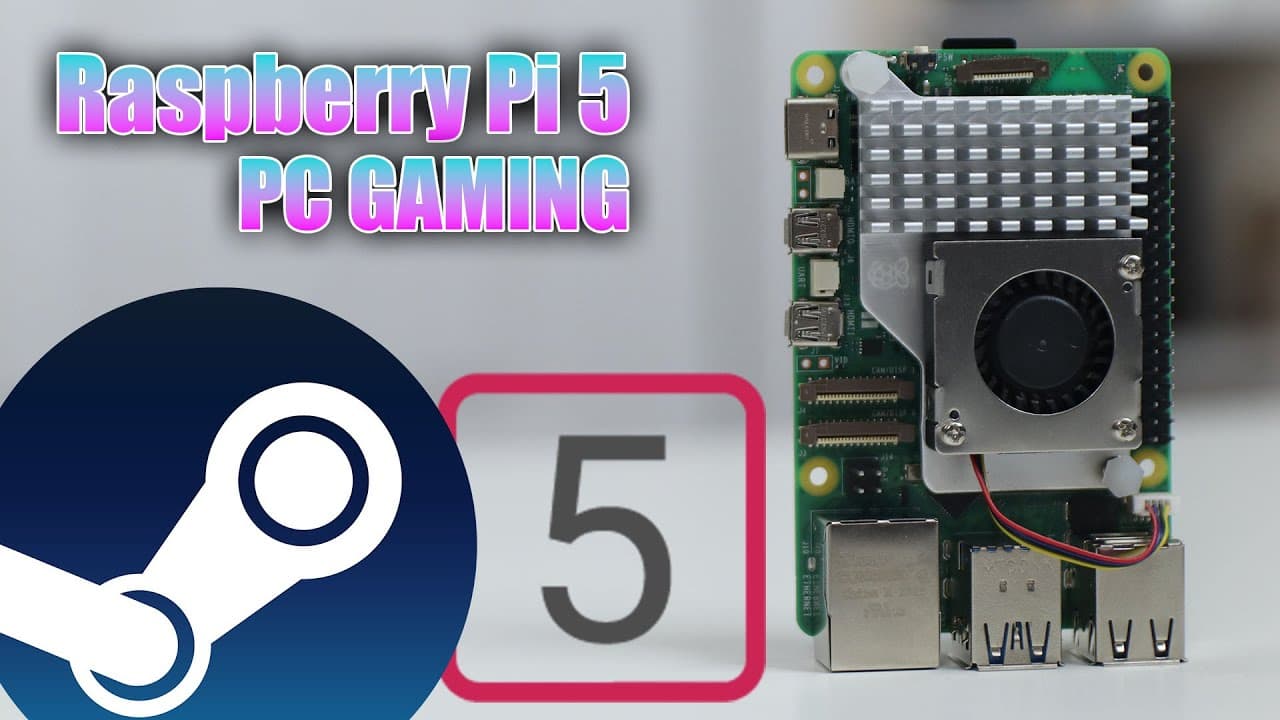
TL;DR
The Raspberry Pi 5 can run PC games through Box86 and Box64, but performance may vary.
Transcript
all right so today we are going to be running some PC games on our Raspberry Pi 5 so let's get started now running PC games or Steam games on Raspberry Pi 5 is possible due to box 86 or box 64 now this doesn't mean that it will play very well or if it's even a good idea to do this because you can just buy a mini PC and probably get a better experie... Read More
Key Insights
- 👾 Running PC games on Raspberry Pi 5 is feasible but doesn’t always guarantee a good experience, especially with demanding titles.
- ❓ Ubuntu is the recommended operating system for installing Steam and Emulators like Box86 and Box64 due to better compatibility.
- 👾 The testing of different games reveals mixed results; some run smoothly, while others suffer from performance issues.
- 👾 Box86 not only allows for Steam games to run but also supports local Linux games, expanding gaming options significantly.
- 👾 Users should experiment with different graphics settings and resolutions to optimize performance for specific games on Raspberry Pi 5.
- ♓ Despite limitations, the Raspberry Pi 5's improved hardware makes it a better choice for gaming than its predecessor, the Raspberry Pi 4.
- 🖐️ Installing Wine can provide additional flexibility for those looking to play Windows titles on the Raspberry Pi platform.
Install to Summarize YouTube Videos and Get Transcripts
Explore YouTube Video Summarizer or Get YouTube Transcript Extractor
Questions & Answers
Q: What are Box86 and Box64, and why are they important for running PC games on Raspberry Pi 5?
Box86 and Box64 are compatibility layers that allow x86 and x86_64 (64-bit) Linux applications to run on ARM-based platforms like the Raspberry Pi. They are important because they facilitate the execution of PC games on Raspberry Pi 5 by translating system calls, making it possible to run Steam and other gaming applications that are not natively supported.
Q: Why does the presenter recommend using Ubuntu over Raspberry Pi OS for running games?
The presenter highlights that Ubuntu offers the necessary libraries and a more compatible environment for running Box86 and Box64, which are essential for running Steam and games. The attempt to install Box86 on Raspberry Pi OS was unsuccessful, suggesting that Ubuntu provides a more reliable setup for gaming on the Raspberry Pi 5.
Q: How does the performance of games on Raspberry Pi 5 compare to Raspberry Pi 4?
The presenter notes that the Raspberry Pi 5 demonstrates better performance than Raspberry Pi 4 when running the same games. While detailed performance metrics are not provided, the general assertion is that Raspberry Pi 5 can handle games more efficiently, making the gaming experience smoother overall on this newer model.
Q: Can you run non-Steam games on Raspberry Pi 5, and if so, how?
Yes, non-Steam games can be run on Raspberry Pi 5 by using Box86 to run local Linux games or by using Wine to run Windows applications. The presenter mentions that installing Wine allows for additional flexibility with gameplay options, thereby expanding the library of playable games beyond what is available on Steam.
Q: What types of games can be played successfully on the Raspberry Pi 5 using this setup?
The presenter tested various games, revealing that titles such as "Enter the Gungeon" and "Rebel Galaxy" run successfully, albeit with some lag depending on the graphics demand. However, some games were noted to not work at all, indicating that performance can vary significantly based on the game's design and resource requirements.
Q: What issues did the presenter face while attempting to run games on the Raspberry Pi 5?
The presenter encountered performance issues like lag and slow frame rates with certain games, particularly those that are more graphic-intensive. While some games worked well, there were others, such as "Deep Rock Galactic," that did not run successfully, which emphasizes the inconsistency of performance across different titles on the Raspberry Pi 5.
Q: What steps did the presenter follow to install Steam and Box86 on Ubuntu?
The presenter sourced step-by-step instructions from a website and strictly followed them without deviation, ensuring proper installation of Box86, Box64, and Steam on Ubuntu. They indicated that copying and pasting provided commands would lead to successful installation, highlighting the importance of following the given documentation accurately.
Summary & Key Takeaways
-
The video discusses how to run PC games on a Raspberry Pi 5 using Box86 and Box64, highlighting the possibility but not necessarily recommending it due to performance limitations.
-
The content provides guidance on installing and configuring Steam and Box86 on Ubuntu 23.10, along with a recap of the steps required from an online resource.
-
Several games were tested, with varying degrees of success, showcasing that while some games run reasonably well, others may lag, especially if they are more graphic-intensive.
Read in Other Languages (beta)
Share This Summary 📚
Summarize YouTube Videos and Get Video Transcripts with 1-Click
Try YouTube Summary with ChatGPT & Claude or YouTube Transcript Generator
Explore More Summaries from Novaspirit Tech 📚






Summarize YouTube Videos and Get Video Transcripts with 1-Click
Try YouTube Summary with ChatGPT & Claude or YouTube Transcript Generator