Swipeable Curved Navigation Bar - Flutter
TL;DR
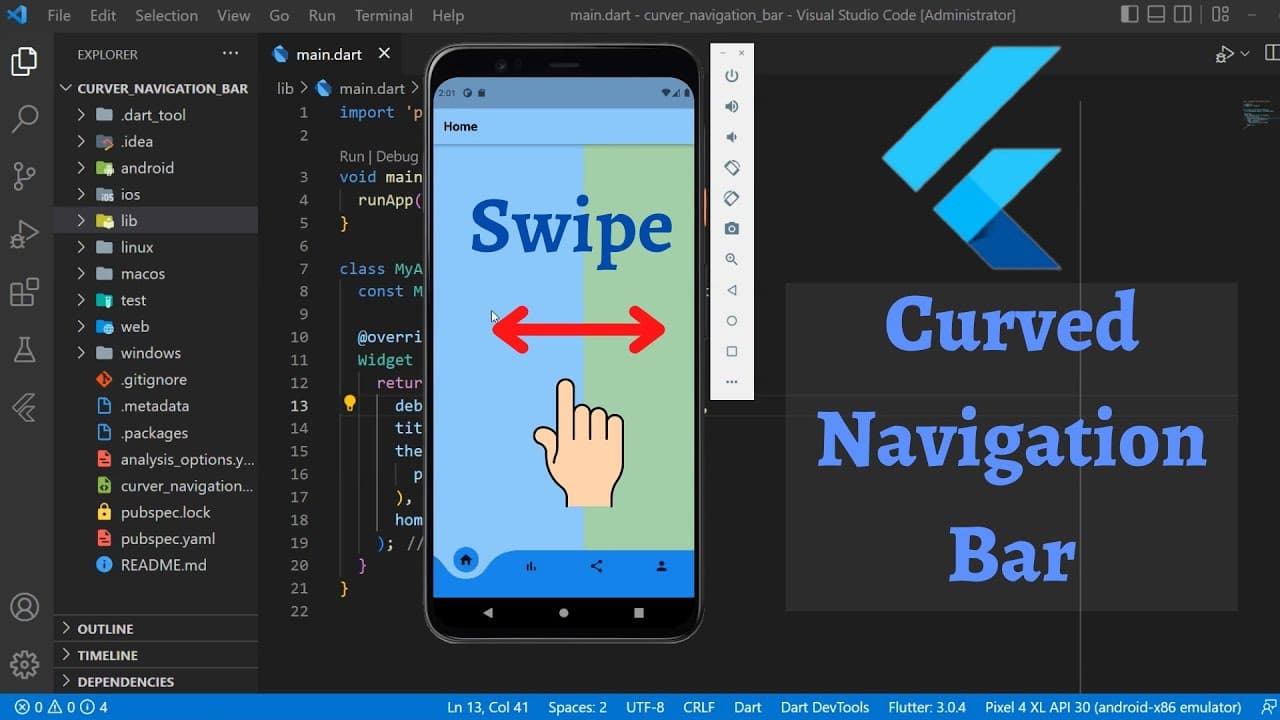
Learn to implement a curved navigation bar with scrollable tabs for easy navigation.
Transcript
hi there in this tutorial you will learn how to implement curved navigation bar and we can change tabs by scrolling the screen horizontally to left or right this channel is all about flatter tutorials if you are new here subscribe and also check out the other amazing tutorials so let's start this is our initial project which has tabs folder these s... Read More
Key Insights
- 😀 Curved navigation bar enhances the visual appeal of the app.
- 🚥 PageView widget enables horizontal scrolling through tabs.
- 🤢 Customizing colors adds a personalized touch to the navigation bar.
- 👤 Changing the scroll direction provides flexibility to users.
- 🎮 PageView controller simplifies management of scrollable tabs.
- 📑 Implementing a stateful widget is essential for tab navigation.
- 🤢 Curved navigation bar dependency needs to be imported for implementation.
Install to Summarize YouTube Videos and Get Transcripts
Explore YouTube Video Summarizer or Get YouTube Transcript Extractor
Questions & Answers
Q: What is the main purpose of implementing a curved navigation bar?
The main purpose is to provide an aesthetically pleasing and user-friendly way for users to navigate through different tabs in the app.
Q: How do you customize the colors of the navigation bar and the tabs?
Colors can be customized by specifying the background color for the navigation bar, the bottom color for the tabs, and the app bar text color.
Q: Can the scroll direction of the tabs be changed from horizontal to vertical?
Yes, the scroll direction can be changed by setting the axis to vertical in the PageView widget, enabling users to swipe up or down to change tabs.
Q: How does the PageView controller help in managing the scrollable tabs?
The PageView controller allows for easy management of the tabs by providing an on-page changed callback to track the active page index and set new pages accordingly.
Summary & Key Takeaways
-
Implementing curved navigation bar with scrollable tabs for seamless navigation.
-
Using PageView widget to enable horizontal scrolling through different tabs.
-
Customizing colors and scroll direction to enhance the user experience.
Read in Other Languages (beta)
Share This Summary 📚
Summarize YouTube Videos and Get Video Transcripts with 1-Click
Try YouTube Summary with ChatGPT & Claude or YouTube Transcript Generator
Explore More Summaries from AJ Flutter Tutorials 📚
![Tasks App Flutter [To Do App] Part 2 - Drawer | Recycle Bin thumbnail](/_next/image?url=https%3A%2F%2Fi.ytimg.com%2Fvi%2F_IaCc7_ubvs%2Fhqdefault.jpg&w=750&q=75)



![Tasks App [To Do App] Using Flutter BLoC Pattern [2022] - Part 1 thumbnail](/_next/image?url=https%3A%2F%2Fi.ytimg.com%2Fvi%2FLSdmWNZhGbA%2Fhqdefault.jpg&w=750&q=75)

Summarize YouTube Videos and Get Video Transcripts with 1-Click
Try YouTube Summary with ChatGPT & Claude or YouTube Transcript Generator