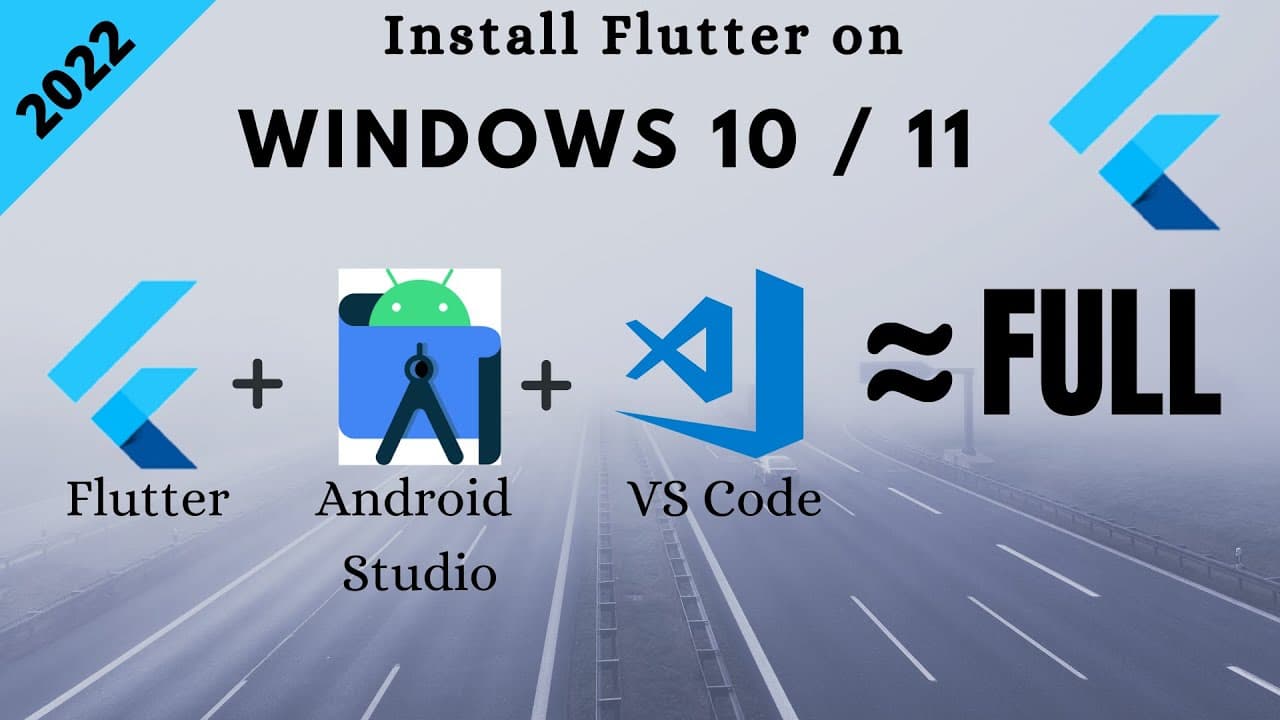
How to install Flutter on Windows 10 | Windows 11 | Flutter for Windows | Android Studio & VS Code
TL;DR
Learn how to install Flutter on Windows 10 and run projects on Android Studio and VS Code with essential extensions.
Transcript
Hi there, in this tutorial we will learn complete installation of Flutter on windows 10 and all things are the same on windows 11. Which includes: First, Running a flutter project on android studio using a virtual device. Second, running a Flutter project on VS Code. Third, useful extensions for Flutter which will make your work much more... Read More
Key Insights
- 😫 Proper installation of Flutter on Windows 10 involves setting up environment variables and testing the installation through CMD.
- 🍃 Installing JDK 8 and Android Studio with SDK, AVD, and required plugins is essential for Flutter project development.
- 🆚 Configuring themes, installing essential extensions like Flutter/Dart, and useful VS Code extensions enhance the development experience.
- 💝 To fix errors when running a new project, select the latest Android SDK in Android Studio and accept the Android License.
- 🏛️ Installing Bloc and Dart data class generator extensions in VS Code streamlines Blocs and Data Classes creation in a Flutter project.
Install to Summarize YouTube Videos and Get Transcripts
Explore YouTube Video Summarizer or Get YouTube Transcript Extractor
Questions & Answers
Q: What are the necessary steps to install Flutter on a Windows 10 system?
To install Flutter on Windows 10, download the Flutter SDK, set up environment variables, test the installation, install Android Studio, JDK 8, SDK Manager, AVD Manager, and necessary plugins for VS Code.
Q: How can you fix the error that occurs when running a brand new Flutter project?
To fix the error, go to File -> Project Structure, and select the latest Android SDK in Android Studio. Additionally, run the command "flutter doctor --android-license" to accept the Android License.
Q: What are some useful extensions for VS Code to enhance Flutter project development?
Useful VS Code extensions include Flutter/Dart extensions for project management, import management, Pubspec assets management, material icon themes, and bracket pair colorizer to improve code readability.
Q: How can you efficiently create Blocs and Data Classes in a Flutter project using VS Code extensions?
Install the Bloc extension for creating Blocs and Cubits faster and the Dart data class generator for creating data classes based on class properties efficiently in a Flutter project within VS Code.
Summary & Key Takeaways
-
Step-by-step guide to installing Flutter on Windows 10, setting up environment variables, and testing the installation using CMD.
-
Instructions for installing Android Studio, JDK 8, SDK Manager, AVD Manager, Flutter, and Dart plugins for project development.
-
Installation guide for VS Code, configuring themes, installing Flutter/Dart extensions, and useful VS Code extensions for Flutter projects.
Read in Other Languages (beta)
Share This Summary 📚
Summarize YouTube Videos and Get Video Transcripts with 1-Click
Try YouTube Summary with ChatGPT & Claude or YouTube Transcript Generator
Explore More Summaries from AJ Flutter Tutorials 📚
![Flutter App - Math Quiz [ From Scratch ] [ 2022 ] thumbnail](/_next/image?url=https%3A%2F%2Fi.ytimg.com%2Fvi%2Fi4g16a-isg4%2Fhqdefault.jpg&w=750&q=75)
![How to Learn Flutter Fast and Get Hired [2022] Best Method of Learning Flutter | Step by Step Guide thumbnail](/_next/image?url=https%3A%2F%2Fi.ytimg.com%2Fvi%2F5DTzTxrW8NA%2Fhqdefault.jpg&w=750&q=75)
![Flutter BLoC State Management with Firebase [2023] thumbnail](/_next/image?url=https%3A%2F%2Fi.ytimg.com%2Fvi%2FebGVJVICiuE%2Fhqdefault.jpg&w=750&q=75)
Summarize YouTube Videos and Get Video Transcripts with 1-Click
Try YouTube Summary with ChatGPT & Claude or YouTube Transcript Generator