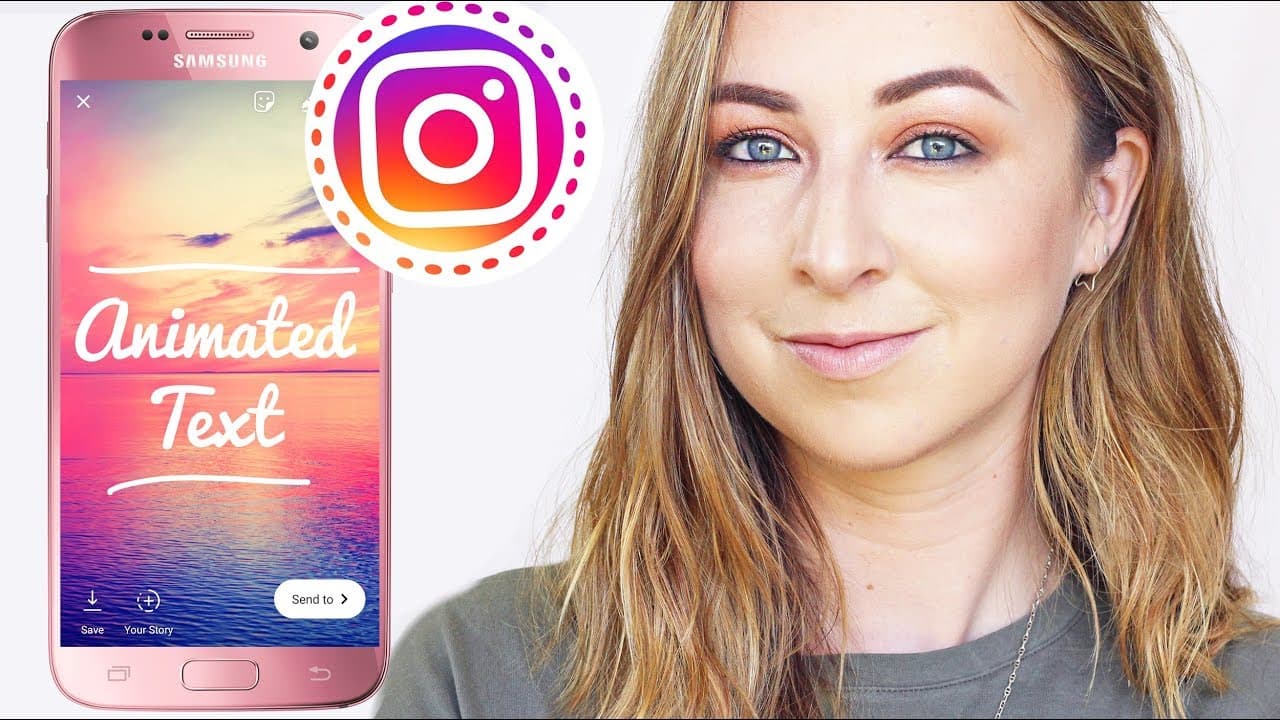
How to Add Animated Text to Instagram Stories
TL;DR
To add animated text to Instagram stories, iOS users should use the 'Hype Type' app, which allows extensive customization of fonts, animations, and colors. Android users can opt for the 'Legend' app, but it has limitations such as a square format. Both apps enable sharing directly to Instagram stories after customizing the text.
Transcript
hey everyone welcome back to my channel I hope you guys are having the most amazing holidays ever in this video is gonna be my last video for 2017 so I wanted to leave you guys with just one last little Instagram story tip trick hack they give me jig and that is how to add animated text to your Instagram stories I had so many questions on this so t... Read More
Key Insights
- 👏 iOS users can use the "Hype Type" app for advanced animated text customization on Instagram stories.
- 😀 Android users can explore the "Legend" app for similar text animation functionalities.
- 😀 Both apps offer various font options, animations, colors, and the ability to add music to the text.
- 🤱 Watermark removal and additional animated font options are available for a small fee.
- ❓ Customizing text, fonts, and colors can enhance the creative aspect of Instagram stories.
- 😀 Resizing may be required for Android users due to the square ratio limitation in the "Legend" app.
- 💝 Sharing options include creating gifs or videos to post on Instagram stories.
Install to Summarize YouTube Videos and Get Transcripts
Explore YouTube Video Summarizer or Get YouTube Transcript Extractor
Questions & Answers
Q: How can iOS users add animated text to Instagram stories?
iOS users can use the "Hype Type" app, customize text, fonts, animations, colors, and then share directly to Instagram stories.
Q: What is the alternative for Android users to add animated text to Instagram stories?
Android users can try the "Legend" app, although it has some limitations like a fixed square ratio and lack of text movement.
Q: Can users customize the text, fonts, and colors when adding animated text?
Yes, both "Hype Type" and "Legend" apps allow users to customize text, fonts, animations, and colors for added creativity.
Q: How can users remove watermarks or unlock additional features in the apps?
To remove watermarks or unlock more animated fonts, users can pay a small fee within the apps for a better editing experience.
Summary & Key Takeaways
-
Last video for 2017, learn to add animated text to Instagram stories.
-
iOS users can use "Hype Type" app, Android users can try "Legend".
-
Customize text, fonts, animations, and colors, then share to Instagram stories.
Read in Other Languages (beta)
Share This Summary 📚
Summarize YouTube Videos and Get Video Transcripts with 1-Click
Try YouTube Summary with ChatGPT & Claude or YouTube Transcript Generator
Explore More Summaries from Hayls World 📚






Summarize YouTube Videos and Get Video Transcripts with 1-Click
Try YouTube Summary with ChatGPT & Claude or YouTube Transcript Generator