iPad Pro 2020 Tips, Tricks & Hidden Features YOU GOTTA TRY!!
TL;DR
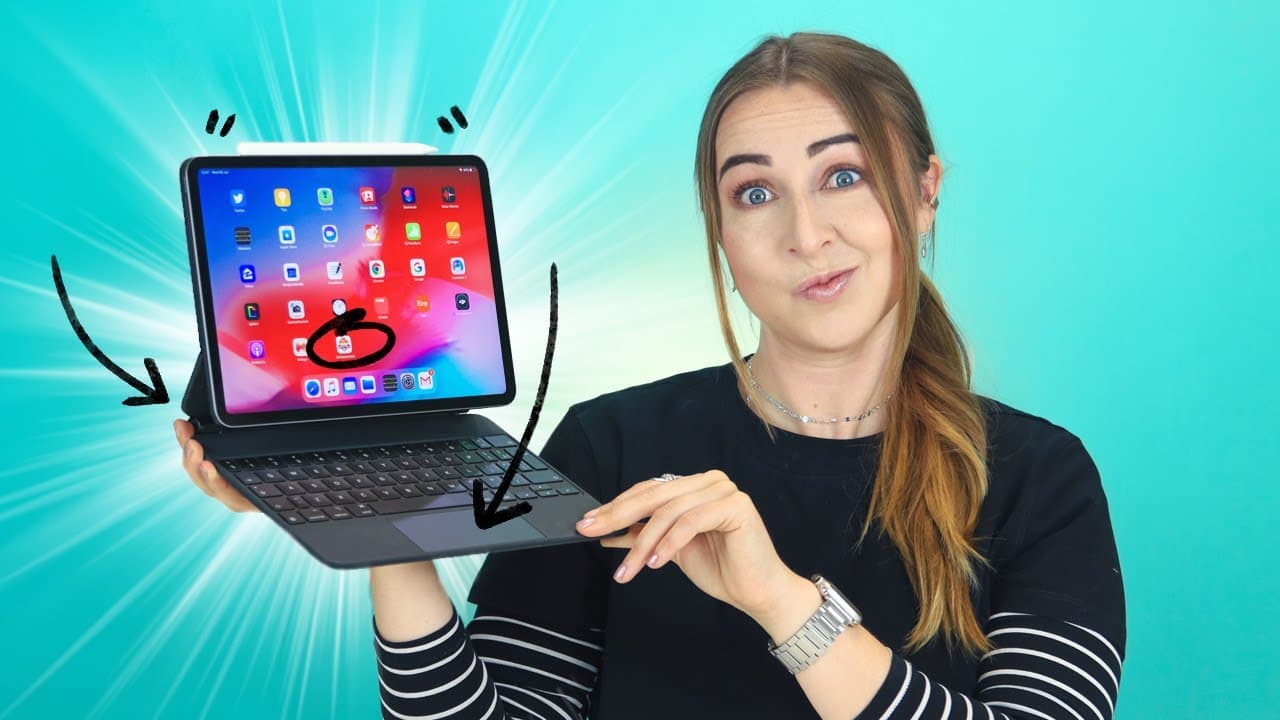
Get the most out of your iPad Pro and Magic Keyboard with these 15 tips, tricks, and hidden features.
Transcript
the iPad pro 2020 and magic keyboard together are amazing from shortcuts to useful gestures trackpad tricks lidar and more I'm going to show you at all so I have 15 tips tricks and hidden features that'll take your iPad from pro to super pro but also stay until the end because we're going to be giving away a new magic keyboard to one of you guys so... Read More
Key Insights
- 😀 The Apple Pencil can be used for more than just drawing, such as taking screenshots and opening the Notes app directly from the locked screen.
- 🏪 The Magic Keyboard offers convenience and functionality, including unlocking the iPad Pro, accessing emojis, charging the device, and adjusting the backlight brightness.
- ❓ The iPad Pro's lidar sensor enables accurate measurements and enhances augmented reality experiences.
- 👻 Gestures on the trackpad allow users to navigate between applications and undo/redo actions.
- 👪 Saving frequently-visited websites to the home screen with shortcuts can improve accessibility.
- 😀 The Find My app can help locate lost or misplaced iPads by playing a sound.
- 🍁 Maps on the iPad can provide navigation within airports, including terminal and gate locations.
Install to Summarize YouTube Videos and Get Transcripts
Explore YouTube Video Summarizer or Get YouTube Transcript Extractor
Questions & Answers
Q: How can I use the Apple Pencil to take screenshots on the iPad Pro?
To take a screenshot using the Apple Pencil, swipe up from the bottom left corner of the iPad. You can choose between capturing the full page or just the screen and save them to your files or gallery.
Q: How can I unlock my iPad Pro with the Magic Keyboard?
By double-tapping the spacebar on the Magic Keyboard, your iPad Pro will automatically unlock through facial recognition. Make sure to enable the lock and unlock feature in the settings if it doesn't work.
Q: Can I access emojis on the Magic Keyboard?
Yes, you can access emojis on the Magic Keyboard by clicking on the emoji button. You can select stickers and emojis, and minimize the emoji window by clicking the globe button.
Q: How can I adjust the brightness of the backlit Magic Keyboard?
To adjust the brightness of the backlit Magic Keyboard, go to Settings, select General, then Keyboard, and tap on Hardware Keyboard. From there, you can adjust the brightness to your desired level.
Summary & Key Takeaways
-
The Apple Pencil can be used to take screenshots by swiping up from the bottom left corner of the iPad, and it can also open the Notes app by tapping on the locked screen.
-
The Magic Keyboard can unlock the iPad with a double tap on the spacebar and has a built-in emoji keyboard.
-
The iPad Pro can be charged via the Magic Keyboard and features a lidar sensor for accurate measurements and augmented reality games.
Read in Other Languages (beta)
Share This Summary 📚
Summarize YouTube Videos and Get Video Transcripts with 1-Click
Try YouTube Summary with ChatGPT & Claude or YouTube Transcript Generator
Explore More Summaries from Hayls World 📚






Summarize YouTube Videos and Get Video Transcripts with 1-Click
Try YouTube Summary with ChatGPT & Claude or YouTube Transcript Generator