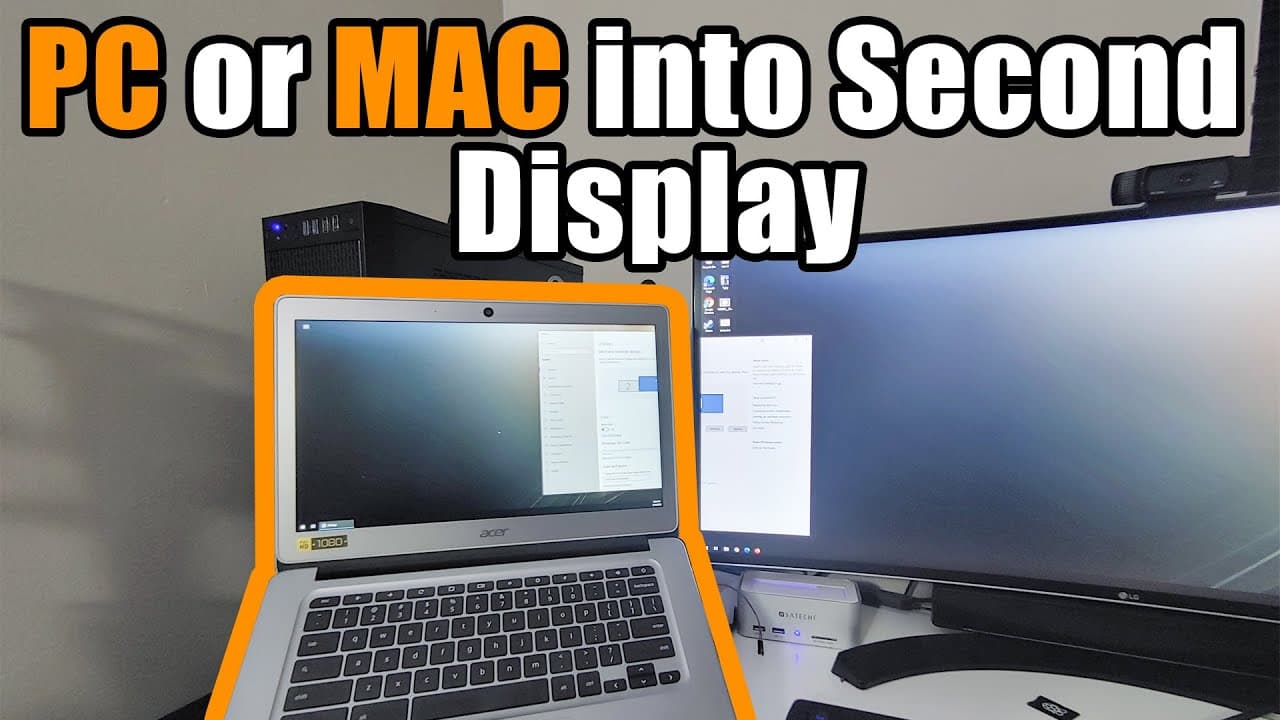
Turn your PC or Mac into a second display
TL;DR
Learn how to use your laptop as a secondary monitor easily.
Transcript
hey guys what's going on is down here from Nova spirit Tech and welcome back to a channel and today I'm gonna be showing you guys how to turn your laptop into a secondary monitor or a tablet or anything like that but mostly your laptop so I did a similar video a couple of months ago about turning your Android device into a secondary monitor we're b... Read More
Key Insights
- 💦 Utilizing a laptop as a secondary monitor can significantly enhance productivity, especially for those working remotely.
- 🦻 Installation of SpaceDesk involves configuring networking settings and firewall permissions, which aid in establishing seamless connections across devices.
- 👤 The tutorial emphasizes practical steps for setup, ensuring even non-technical users can follow along effectively.
- 💻 Multiple devices can be connected; users can extend their desktop to several laptops or tablets, increasing screen real estate.
- ☠️ Adjusting compression rates and display settings is essential for optimizing performance based on internet speed or specific user needs.
- 💄 The setup encourages a more organized workflow, making it easier to manage multiple applications concurrently.
- 👻 SpaceDesk's HTML5 viewer broadens accessibility, allowing less common devices to participate in a multi-monitor setup.
Install to Summarize YouTube Videos and Get Transcripts
Explore YouTube Video Summarizer or Get YouTube Transcript Extractor
Questions & Answers
Q: What is SpaceDesk and how does it help in using a laptop as a secondary monitor?
SpaceDesk is a free software tool that allows users to extend their desktop by using another device such as a laptop, tablet, or even smartphones as a secondary monitor. It works by installing a network video driver which facilitates the connection between your main computer and the second device, enabling a seamless multi-display setup.
Q: Can SpaceDesk be used on devices other than Windows?
Yes, SpaceDesk is versatile in that it can connect devices running Windows, Android, and iOS. Additionally, there's a browser-based HTML5 viewer that allows any connected device, including older models, to function as a secondary monitor. This makes it highly accessible for various user setups.
Q: What are the limitations of using a laptop as a secondary monitor with SpaceDesk?
While SpaceDesk provides a user-friendly method for extending displays, it may not offer optimal performance for video playback due to potential latency issues, especially over Wi-Fi. Therefore, it is recommended primarily for tasks like document editing and spreadsheet management rather than streaming or high-speed gaming.
Q: How can users adjust display settings and resolution when using multiple screens?
Users can adjust display settings by accessing the main screen's display settings menu. SpaceDesk will recognize the connected laptop as a secondary monitor, allowing users to change resolutions to match their preferences and enhance visual clarity. This flexibility allows for tailored user experiences based on personal needs.
Summary & Key Takeaways
-
The video tutorial demonstrates converting a laptop into a secondary monitor, focusing on a software called SpaceDesk. This is particularly useful for those working from home to enhance productivity.
-
SpaceDesk is a free application that installs a network driver on Windows. Once set up, you can connect other devices for a smooth secondary display experience.
-
The tutorial includes tips on adjusting display settings, resolution management, and potential limitations regarding video playback and internet speed.
Read in Other Languages (beta)
Share This Summary 📚
Summarize YouTube Videos and Get Video Transcripts with 1-Click
Try YouTube Summary with ChatGPT & Claude or YouTube Transcript Generator
Explore More Summaries from Novaspirit Tech 📚






Summarize YouTube Videos and Get Video Transcripts with 1-Click
Try YouTube Summary with ChatGPT & Claude or YouTube Transcript Generator