How to Batch Create Three Months of YouTube Content in Two Weeks
TL;DR
To batch create three months of YouTube content in two weeks, start by determining your video needs—typically 24 for a bi-weekly schedule. Use a project management tool like Asana to organize your workflow and schedule. Prioritize manageable daily filming goals and source content ideas based on audience feedback to ensure relevance and engagement.
Transcript
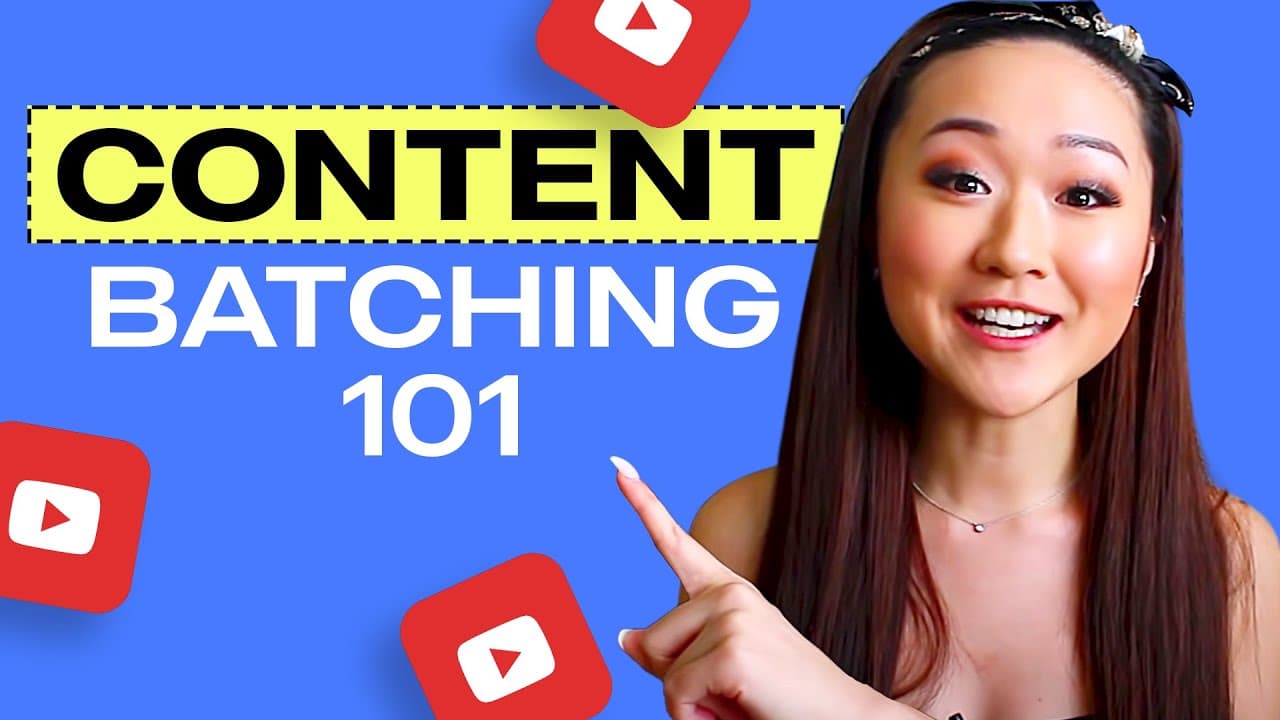
What is up everyone and welcome back to my channel, the number one place for new coaches, content creators and entrepreneurs. Now you're watching this video probably because you're interested in learning exactly how I batch create my youtube videos specifically how I'm going to batch create three months worth of videos for July, August, and Septemb... Read More
Key Insights
- Batching content helps maintain consistency on YouTube, especially when managing a busy schedule with multiple projects.
- Reverse engineering the end goal is crucial; Vanessa plans 24 videos for three months, posting two videos weekly.
- Using project management tools like Asana helps organize content ideas, schedules, and workflow efficiently.
- Vanessa emphasizes the importance of realistic planning based on personal capacity, ensuring manageable daily filming targets.
- Content ideas can be sourced from audience polls and comments, ensuring the content is relevant and engaging for viewers.
- A structured workflow, including scripting, filming, and editing stages, is essential for efficient content production and team coordination.
- Linking projects to a master file in Asana provides a comprehensive overview of tasks and deadlines, aiding team communication.
- Filming videos back-to-back enhances efficiency, as the process becomes smoother with practice and familiarity.
Install to Summarize YouTube Videos and Get Transcripts
Explore YouTube Video Summarizer or Get YouTube Transcript Extractor
Questions & Answers
Q: Why does Vanessa batch create her YouTube content?
Vanessa batch creates her YouTube content to maintain consistency on her channel while managing a busy schedule. She has several projects lined up for the summer, and her video editor will be unavailable in September. By preparing content in advance, she ensures that her channel remains active and valuable to her audience.
Q: How does Vanessa determine the number of videos she needs to create?
Vanessa determines the number of videos by reverse engineering her content needs. She plans for three months, equating to 12 weeks, and posts two videos per week. Therefore, she needs to create a total of 24 videos to cover the period from July to September, ensuring consistent uploads.
Q: What tools does Vanessa use for planning and organizing her content?
Vanessa uses Asana, a project management tool, to organize her content ideas, schedules, and workflow. She creates projects for her YouTube content, linking them to a master file for a comprehensive view of tasks and deadlines. Asana helps her and her team stay organized and on track with content production.
Q: How does Vanessa source content ideas for her videos?
Vanessa sources content ideas from her audience by conducting polls and reading comments on her YouTube channel. This direct feedback helps her create content that is relevant and engaging for her viewers. She also keeps track of these ideas in Asana, attaching screenshots of comments for reference.
Q: What is Vanessa's approach to filming multiple videos in one sitting?
Vanessa recommends filming videos back-to-back to enhance efficiency. She finds that the second video is easier to film as she is already in the groove from the first one. This approach helps her maximize productivity and maintain a consistent filming schedule, especially when batching content.
Q: How does Vanessa ensure her videos tell a cohesive story?
Vanessa plans her videos strategically to tell a cohesive story, which helps increase watch time and viewer engagement. She sequences her content based on related topics, ensuring that each video naturally leads to the next. This approach also allows her to tease upcoming videos, keeping her audience interested.
Q: What role does Vanessa's team play in her content creation process?
Vanessa's team plays a crucial role in her content creation process. Her video editor, Elena, handles editing, while her assistant, Joyce, manages administrative tasks. Vanessa coordinates with her team using Asana, where she assigns tasks, sets deadlines, and updates the workflow stages to keep everyone informed.
Q: What advice does Vanessa give for those without a video editor?
For those without a video editor, Vanessa suggests dedicating a specific day each week to focus solely on video editing. By setting aside a full day, such as every Tuesday or Friday, individuals can edit multiple videos, enhancing productivity. She also recommends checking out her videos on scripting and filming for additional tips.
Summary & Key Takeaways
-
Vanessa Lau shares her process of batch creating YouTube content, aiming to produce three months' worth of videos in two weeks to accommodate a busy schedule. She emphasizes the importance of consistency and planning to maintain her channel's value to viewers.
-
The video outlines a detailed approach, including reverse engineering content needs, using Asana for project management, and sourcing content ideas from audience feedback. Vanessa highlights the need for realistic scheduling based on personal capacity and setting clear deadlines.
-
Vanessa also discusses the importance of a structured workflow, including scripting, filming, and editing stages, to ensure efficient content production. She shares tips for maintaining productivity and staying organized, even when working with a team.
Read in Other Languages (beta)
Share This Summary 📚
Summarize YouTube Videos and Get Video Transcripts with 1-Click
Try YouTube Summary with ChatGPT & Claude or YouTube Transcript Generator
Explore More Summaries from Vanessa Lau 📚



Summarize YouTube Videos and Get Video Transcripts with 1-Click
Try YouTube Summary with ChatGPT & Claude or YouTube Transcript Generator