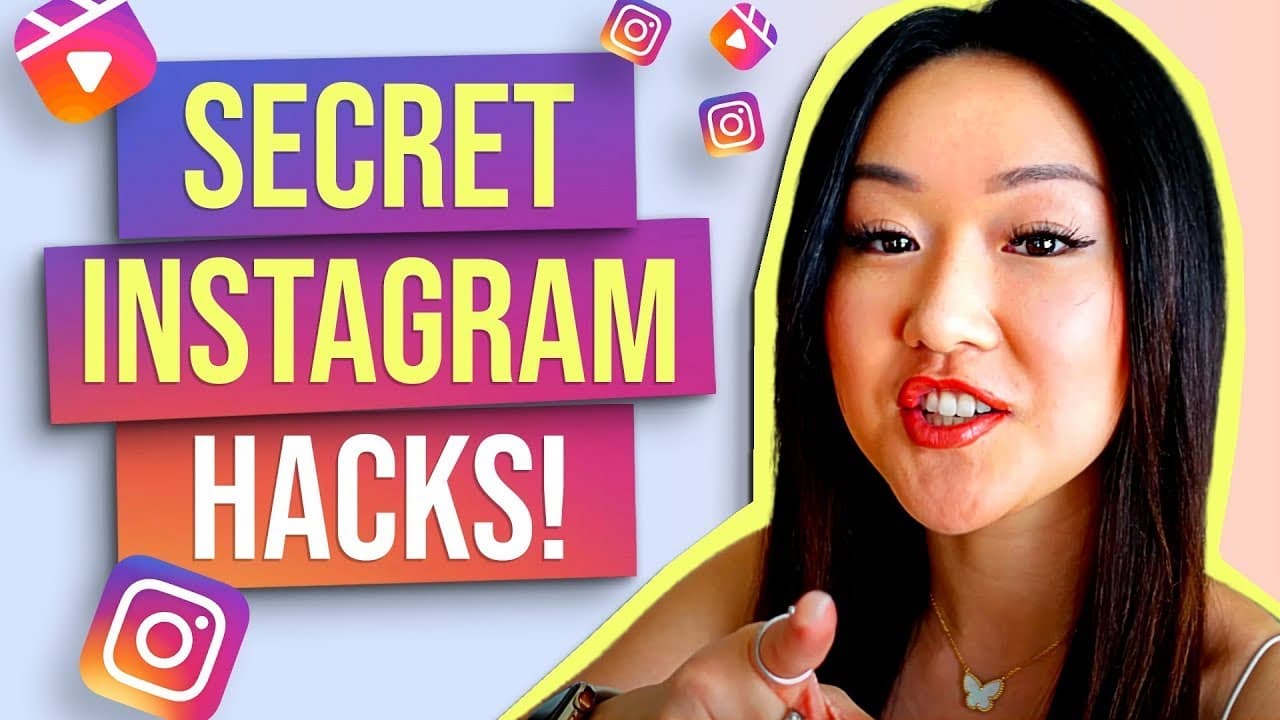
10 INSTAGRAM HACKS YOU DIDN'T KNOW EXISTED (Most UNDERRATED!)
TL;DR
Discover 10 underrated Instagram hacks to boost engagement.
Transcript
would you like to know how much more you can maximize instagram well keep on watching this video because i'm going to share the top 10 features hacks and tools that you likely didn't even know existed let's go all right so the first underutilized feature or new feature i should say is the ability to schedule your instagram reels and no i don't just... Read More
Key Insights
- Scheduling Instagram reels is now possible with Later Media, allowing auto-publishing without manual intervention, though cover photo customization is limited.
- Reels templates offer a time-saving way to create engaging content by using pre-edited templates that match music beats, enhancing creativity and efficiency.
- Adding story mentions post-publication prevents the need to delete and repost stories, ensuring brands and individuals are easily tagged and notified.
- The hidden words feature helps combat spam comments by allowing users to filter out commonly used spam keywords, protecting content integrity and peace of mind.
- Letting Instagram stories expire periodically can increase viewership by preventing audience fatigue, as long stories often lead to disengagement.
- The caption sticker transcribes spoken words in stories, enhancing engagement, and can be manually edited to include uncensored words if needed.
- Creating personalized GIFs via Canva and uploading them to Instagram allows for unique branding opportunities, though they remain unsearchable by others.
- Using CapCut and Vdio for adding captions to reels enhances engagement and retention, with customizable options for fonts, colors, and effects.
Install to Summarize YouTube Videos and Get Transcripts
Explore YouTube Video Summarizer or Get YouTube Transcript Extractor
Questions & Answers
Q: How can Instagram reels be scheduled for auto-publishing?
Instagram reels can be scheduled for auto-publishing using the Later Media platform on any of its paid plans. This feature allows users to upload short-form videos, select reels, and set them to auto-publish, bypassing the need for manual posting. However, users must pre-plan their cover photo within the video frame as customization is not available.
Q: What is the benefit of using reels templates?
Reels templates are beneficial because they provide pre-edited content ideas that sync with music beats, saving users time and effort in content creation. By using these templates, users can quickly drop in their clips, creating engaging reels without extensive editing skills. This feature also offers inspiration and content ideas, enhancing overall creativity.
Q: How can story mentions be added after posting?
To add story mentions after posting, users can click on the three dots on their Instagram story and select 'Add Mentions.' This feature allows for tagging friends, clients, or brands post-publication, ensuring they receive notifications and can easily reshare the story. This eliminates the need to delete and repost stories for tagging purposes.
Q: What is the hidden words feature on Instagram?
The hidden words feature on Instagram is a tool designed to help users manage spam comments by filtering out specific keywords commonly used by bots. By navigating to settings, privacy, and then hidden words, users can add custom words and phrases to prevent these from appearing in their comment sections, maintaining a clean and spam-free environment.
Q: Why should Instagram stories be allowed to expire periodically?
Allowing Instagram stories to expire periodically can increase viewership by preventing audience fatigue. Long sequences of stories often lead to disengagement, as viewers tend to stop watching after 15 to 25 slides. By taking 24-hour breaks and reposting key content, users can attract more attention to new stories and maintain audience interest.
Q: How can custom GIFs be added to Instagram?
Custom GIFs can be added to Instagram by creating them in Canva, downloading the design, and copying it to the camera roll. From there, the GIF can be added as a sticker in Instagram stories. Although these GIFs are not searchable by others, they provide a unique branding opportunity for personal or business use.
Q: How can captions be added to Instagram reels effectively?
Captions can be added to Instagram reels effectively using apps like CapCut and Vdio. CapCut allows users to upload videos, add auto captions, and customize text appearance. Vdio offers similar features, with additional options for font, size, color, and subtitle effects, ensuring captions are engaging and aligned with the user's branding.
Q: What is the advantage of using the caption sticker in Instagram stories?
The caption sticker in Instagram stories automatically transcribes spoken words, enhancing engagement by making content accessible to viewers who prefer reading. Users can edit the transcription to include uncensored words if desired. This feature is particularly useful for increasing interaction and ensuring messages are clearly communicated to a broader audience.
Summary & Key Takeaways
-
The video introduces ten lesser-known Instagram features and hacks designed to maximize user engagement and streamline content creation processes.
-
Key features include scheduling reels, using templates, adding post-publication mentions, and utilizing hidden words to manage spam comments effectively.
-
Strategies such as letting stories expire, creating custom GIFs, and utilizing caption tools like CapCut and Vdio are highlighted to boost creativity and reach.
Read in Other Languages (beta)
Share This Summary 📚
Summarize YouTube Videos and Get Video Transcripts with 1-Click
Try YouTube Summary with ChatGPT & Claude or YouTube Transcript Generator
Explore More Summaries from Vanessa Lau 📚
Summarize YouTube Videos and Get Video Transcripts with 1-Click
Try YouTube Summary with ChatGPT & Claude or YouTube Transcript Generator