How to Avoid Rookie Mistakes on YouTube in 2022
TL;DR
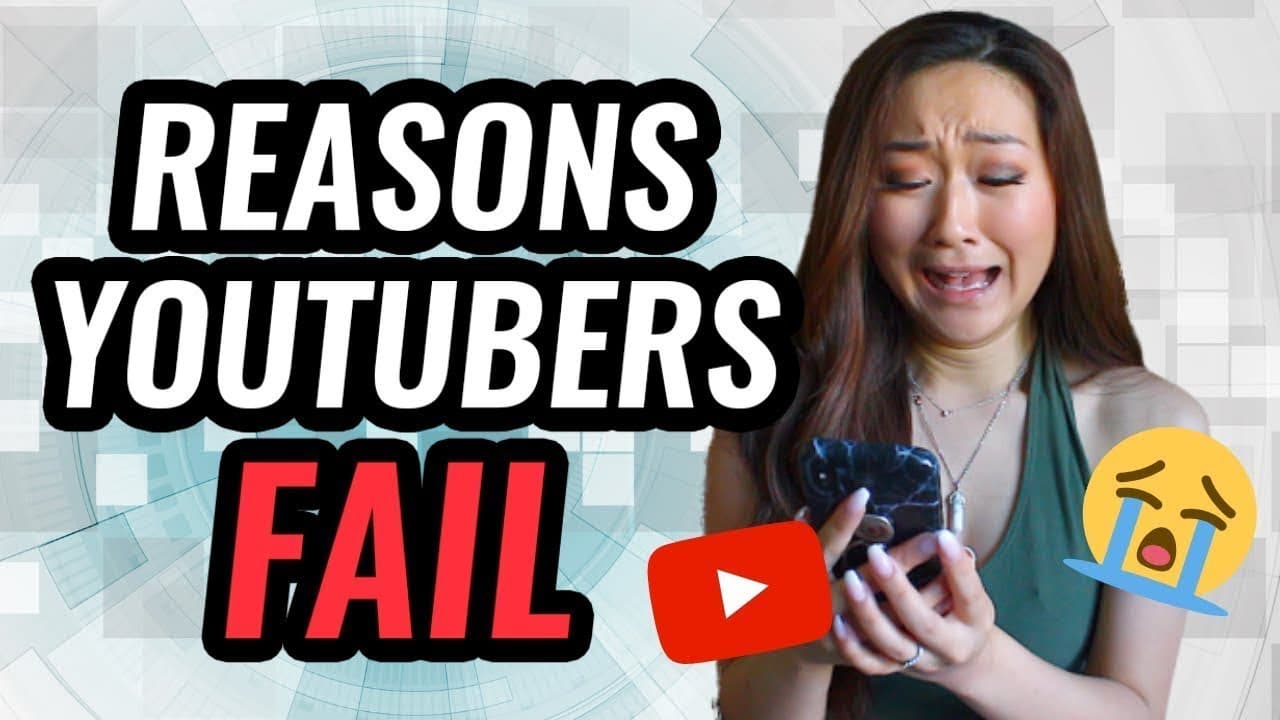
To optimize your YouTube growth, avoid common rookie mistakes like ineffective keyword usage, lengthy intros, and poor thumbnail text placement. Prioritize front-loading main keywords in titles, using specific keywords, and engaging viewers quickly. Utilize tools like VidIQ and TubeBuddy for keyword insights, and ensure your content is shared with the right audience to maintain watch time.
Transcript
What's up everyone. Welcome back to my channel V and number one place for new coaches, content creators and entrepreneurs. In today's video, I really wanted to break down the top rookie mistakes that I see a lot of new youtube making. Now in my previous video here on my channel, I did in fact share with you my top 10 tips on how exactly I went from... Read More
Key Insights
- Front-loading video titles with main keywords improves visibility and click-through rates on mobile and desktop platforms.
- Generic keywords like 'entrepreneur' or 'makeup tutorial' are too competitive; use specific phrases to rank better in search results.
- VidIQ and TubeBuddy are tools that help analyze keyword performance and competitor strategies, aiding in video optimization.
- Long intros can lead to lower audience retention; keep intros concise and focus on delivering content quickly.
- Avoid signaling the end of a video too early to maintain viewer engagement and watch time.
- Using pinned comments to share important links can increase click-through rates compared to only using the description box.
- Thumbnails should have text placed to avoid obstruction by YouTube icons, ensuring clear visibility of key information.
- Sharing videos with the wrong audience, such as promo groups, can harm watch time, affecting video performance in the algorithm.
Install to Summarize YouTube Videos and Get Transcripts
Explore YouTube Video Summarizer or Get YouTube Transcript Extractor
Questions & Answers
Q: How to optimize YouTube video titles for better visibility?
To optimize YouTube video titles for better visibility, front-load them with main keywords. This ensures that the most important part of the title is visible on both mobile and desktop, increasing the likelihood of clicks. Avoid long titles that get cut off and use specific, less competitive keywords to improve search ranking.
Q: Why are specific keywords better than generic ones for YouTube?
Specific keywords are better than generic ones for YouTube because they target a niche audience and reduce competition. Generic terms like 'tutorial' or 'makeup' are highly competitive and unlikely to rank well. Specific phrases cater to users' actual search queries, improving the chances of your video appearing in search results and attracting the right viewers.
Q: How can VidIQ and TubeBuddy enhance YouTube channel growth?
VidIQ and TubeBuddy enhance YouTube channel growth by providing insights into keyword performance, competitor analysis, and video optimization. These tools offer data on keyword scores, engagement rates, and SEO metrics, helping creators refine their strategies. By understanding which keywords perform best, creators can tailor content to improve visibility and engagement.
Q: What is the impact of long intros on YouTube videos?
Long intros negatively impact YouTube videos by reducing audience retention. Viewers may lose interest and click away if the content takes too long to start. Keeping intros concise and engaging helps maintain viewer attention, ensuring they stay for the main content. This practice improves watch time, a key factor in YouTube's algorithm for promoting videos.
Q: How can pinned comments increase link click-through rates?
Pinned comments can increase link click-through rates by prominently displaying important links at the top of the comment section, where viewers are more likely to see them. Unlike description boxes, which may be overlooked, pinned comments catch attention immediately, making it easier for viewers to access links to affiliate products, related content, or lead magnets.
Q: Why is thumbnail text placement important on YouTube?
Thumbnail text placement is important on YouTube because it ensures key information is visible and not obscured by platform icons. Text should be placed on the left or top right, avoiding the bottom right where YouTube icons appear. Clear, visible text on thumbnails attracts viewers and improves click-through rates, making it a critical aspect of video optimization.
Q: How does sharing videos with the wrong audience affect YouTube performance?
Sharing videos with the wrong audience affects YouTube performance by damaging watch time metrics. When videos are shared with uninterested viewers, such as in promo groups, they are less likely to watch the content fully. This results in lower watch time, signaling to YouTube that the video is of low quality, which can negatively impact its ranking in the algorithm.
Q: What are the benefits of good video editing for YouTube channels?
Good video editing benefits YouTube channels by enhancing viewer engagement and retention. Well-edited videos maintain interest through dynamic visuals, clear audio, and concise pacing. This keeps viewers watching longer, improving watch time and signaling to YouTube that the content is high quality. Additionally, polished videos reflect professionalism, attracting more subscribers and positive feedback.
Summary & Key Takeaways
-
To grow your YouTube channel, avoid rookie mistakes like poor keyword placement and lengthy intros. Front-load your video titles with key phrases to improve searchability, and use tools like VidIQ and TubeBuddy for keyword insights. Ensure your thumbnails are optimized by placing text away from YouTube icons, and share your videos with the right audience to maintain watch time.
-
Effective keyword usage is crucial for YouTube growth. Instead of generic terms, use specific keywords that your target audience is likely to search for. Utilize tools like VidIQ and TubeBuddy to analyze keyword performance and competitor strategies. Additionally, keep intros short to maintain viewer engagement and avoid signaling the video's end prematurely.
-
Optimize your YouTube channel by avoiding common mistakes such as ineffective keyword strategies and poor thumbnail text placement. Utilize pinned comments to share important links, and ensure your videos reach the right audience to preserve watch time. Good video editing and concise intros can also enhance viewer retention and engagement.
Read in Other Languages (beta)
Share This Summary 📚
Summarize YouTube Videos and Get Video Transcripts with 1-Click
Try YouTube Summary with ChatGPT & Claude or YouTube Transcript Generator
Explore More Summaries from Vanessa Lau 📚
Summarize YouTube Videos and Get Video Transcripts with 1-Click
Try YouTube Summary with ChatGPT & Claude or YouTube Transcript Generator