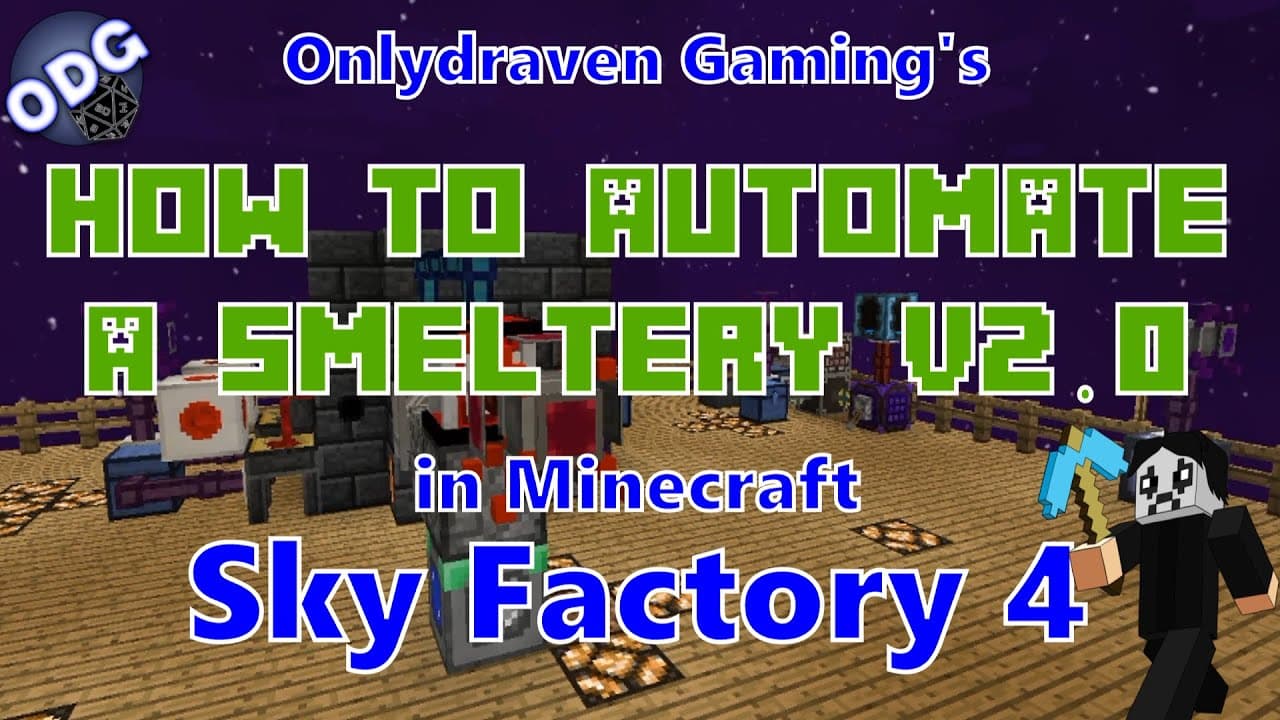
How to Fully Automate a Smeltery in Minecraft Sky Factory 4?
TL;DR
To fully automate a smeltery in Minecraft Sky Factory 4, connect a smeltery to a simple storage network using item extraction cables and redstone clocks. Use an auto crafter to manage input materials like saplings and amber, ensuring the system runs continuously without clogging. Consistent power supply, such as from a geothermal generator, is essential for uninterrupted operation.
Transcript
hello everyone onlydraven here again and today we're doing another tutorial in minecraft sky factory four today we're going to be redoing something we've visited in the past and that is how to fully automate a smeltery system so this will what we're going to do today is show you how to automate all of the steps from taking saplings creating amber m... Read More
Key Insights
- 👻 The automation of the smeltery greatly enhances resource gathering efficiency in Minecraft Sky Factory 4, as it allows for continuous production cycles.
- 💙 Using blue mulch in bonsai pots effectively increases the yield of saplings necessary for resource crafting while minimizing waste materials.
- 🥺 A well-structured item extraction system is essential for moving materials like amber into the smeltery and prevents overproduction that can lead to clogging.
- 👻 Integrating a geothermal generator for power ensures that the automation setup has a consistent energy source for operations, allowing for uninterrupted activity.
- 🪡 By consolidating storage systems with wireless connections, players can simplify their inventory management and make it easier to access needed materials quickly.
- 👾 The suggestion of using item extraction cables for compact machines makes it possible to expand automation setups without space constraints, crucial for massive resource production in-game.
- ❓ The tutorial emphasizes the importance of setup configuration, especially regarding extraction priority, to ensure that the most critical resources are processed first.
Install to Summarize YouTube Videos and Get Transcripts
Explore YouTube Video Summarizer or Get YouTube Transcript Extractor
Questions & Answers
Q: What resources are necessary to start the automation process for the smeltery?
To start automating the smeltery, you will need iron saplings, blue mulch, acorns, resin, a smeltery setup, simple storage components, a geothermal generator, and various item extraction cables. The specific setup will require careful positioning of these inputs and outputs to ensure fluid resource flow without clogs.
Q: How does the tutorial suggest managing the issue of clogs in the smeltery?
The tutorial addresses clogging issues by recommending the use of an auto crafter connected to a simple storage network. This setup ensures that only the necessary amount of materials for crafting iron amber is pulled, preventing excess acorns or resin from overwhelming the system. This way, the focus remains on continuous processing without bottlenecks.
Q: Can compact machines be utilized for multiple types of amber?
Yes, the tutorial explains that compact machines can be dedicated to each type of amber in Minecraft. By setting up separate compact machines, each can handle different recipes, allowing resources to be efficiently automated, and further streamed to a main storage network. This organization benefits large-scale production without confusion or interference from other systems.
Q: What are redstone clocks used for in this automation process?
Redstone clocks are crucial for automating the pouring process from the smeltery into casting tables. They serve as timers that initiate the flow of melted materials, ensuring that as soon as the amber is ready, it will pour into the molds automatically, maintaining a steady production rate without any extra manual intervention.
Summary & Key Takeaways
-
The tutorial focuses on creating a fully automated smeltery system using saplings and simple storage networks to manage materials efficiently while avoiding clogs.
-
It includes building steps for a compact machine to house the system, utilizing item extraction cables, redstone clocks, and power sources for seamless operation.
-
Suggestions for enhancing the automation setup with multiple compact machines for various amber types are shared to streamline resource management and efficiency.
Read in Other Languages (beta)
Share This Summary 📚
Summarize YouTube Videos and Get Video Transcripts with 1-Click
Try YouTube Summary with ChatGPT & Claude or YouTube Transcript Generator
Explore More Summaries from Onlydraven Gaming 📚




Summarize YouTube Videos and Get Video Transcripts with 1-Click
Try YouTube Summary with ChatGPT & Claude or YouTube Transcript Generator