How to Change the Font in Quarto Documents
TL;DR
To change the main font in Quarto documents, add an HTML header option for 'main font' followed by your desired font family, such as Times New Roman or cursive. This change applies to the entire document and similar methods can be used for PDF formats, though advanced users might prefer LaTeX code for more customization.
Transcript
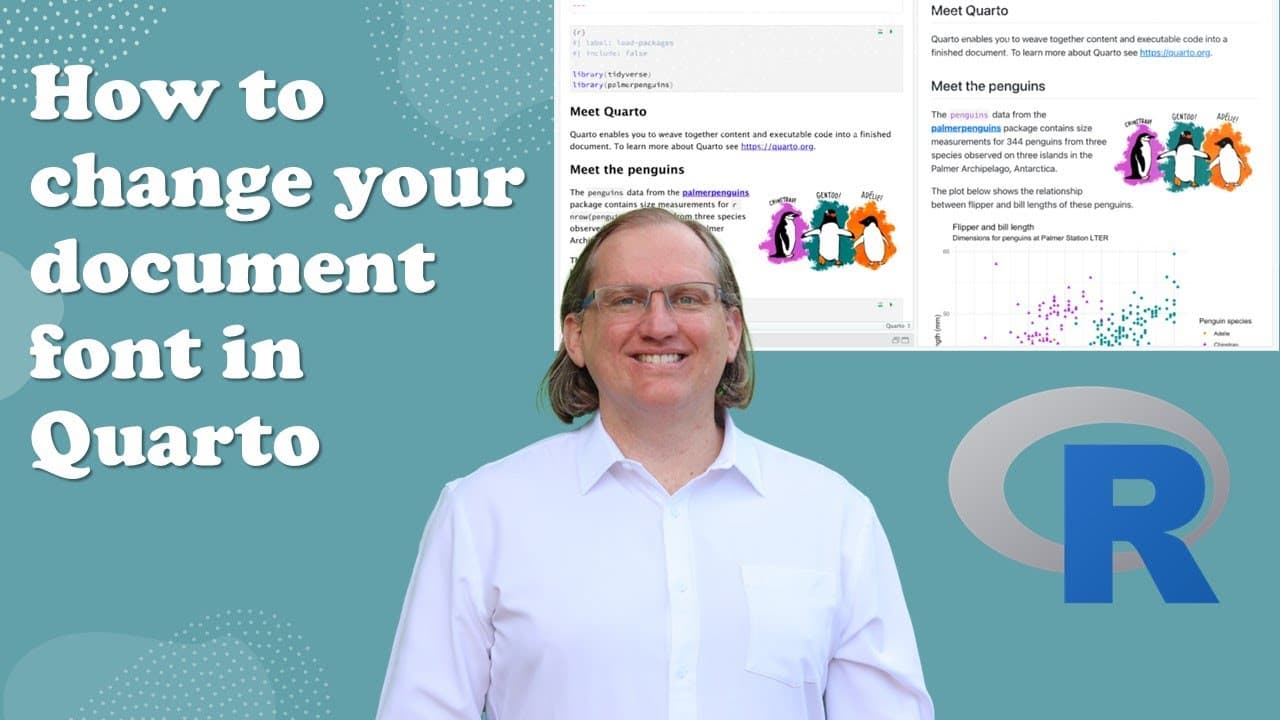
hi friends welcome back to the channel today we're going to have another look at quarto and i had a question on my original quarto video how can we change the font so we are here on the uh penguins so this was the very first of the demonstration files um and what we can do jump up into our header here and we just need to give it if this is assuming... Read More
Key Insights
- 👻 Quarto allows for easy font modifications through simple header adjustments in documents.
- 💦 Users can select from various font families, ensuring that their preferences align with the aesthetic or branding of their work.
- 💁 The integration of CSS information from Mozilla Developer tools enhances the customization possibilities for users.
- 👨💻 Advanced users can leverage LaTeX code for more specialized font configurations in Quarto PDF outputs.
- 👤 Fonts chosen can significantly impact the readability and professionalism of the document, making this tutorial essential for users.
- ❓ Future tutorials are anticipated, which may address further customizations and statistical options within Quarto.
- 💬 The importance of engaging with viewers through comments highlights the interactive aspect of continuous learning in digital content creation.
Install to Summarize YouTube Videos and Get Transcripts
Explore YouTube Video Summarizer or Get YouTube Transcript Extractor
Questions & Answers
Q: What is Quarto and why is it significant for document creation?
Quarto is an open-source scientific and technical publishing system, which allows users to create documents using markdown and code. It's significant because it supports various outputs such as HTML and PDF, making it versatile for researchers and writers who need to present findings effectively.
Q: How can I change the main font in a Quarto document?
To change the main font in a Quarto document, you need to edit the header and include a line for an HTML option labeled "main font." You can then specify the desired font family, such as Times New Roman or cursive, to apply changes across the document.
Q: Are the font changes in Quarto applied universally or selectively?
The font changes applied via the "main font" option in Quarto are universal and affect the entire document. This approach ensures that any specified font takes precedence over default settings, providing a consistent font style throughout the content.
Q: Can I use LaTeX code to change fonts in Quarto's PDF documents?
Yes, when generating PDF documents in Quarto, you can specify the font using the font-family option or utilize LaTeX commands. Though this might be more complex, it allows for customized typography in documents that require specific formatting, especially in academic writing.
Q: What are some common fonts used in Quarto documents for professional settings?
Common fonts used in Quarto documents for professional settings include Times New Roman, Arial, and Helvetica. These fonts are widely recognized for their readability and are often requested in academic and business documents to adhere to formal standards.
Q: Is changing the font in Quarto specific to HTML documents only?
While the tutorial focuses on HTML documents, the method for changing fonts similarly applies to PDF outputs. Users can modify font options without needing separate processes, ensuring consistency across different document formats.
Summary & Key Takeaways
-
The video provides a straightforward tutorial on modifying the main font in Quarto files, focusing on HTML options for font changes.
-
It demonstrates how to specify a font family, offering examples like Times New Roman and cursive, and explains how these can be applied to the entire document.
-
The presenter briefly mentions that similar methods apply for PDF formats and hints at more advanced options using LaTeX code for users familiar with coding.
Read in Other Languages (beta)
Share This Summary 📚
Summarize YouTube Videos and Get Video Transcripts with 1-Click
Try YouTube Summary with ChatGPT & Claude or YouTube Transcript Generator
Explore More Summaries from Dr Lyndon Walker 📚





Summarize YouTube Videos and Get Video Transcripts with 1-Click
Try YouTube Summary with ChatGPT & Claude or YouTube Transcript Generator