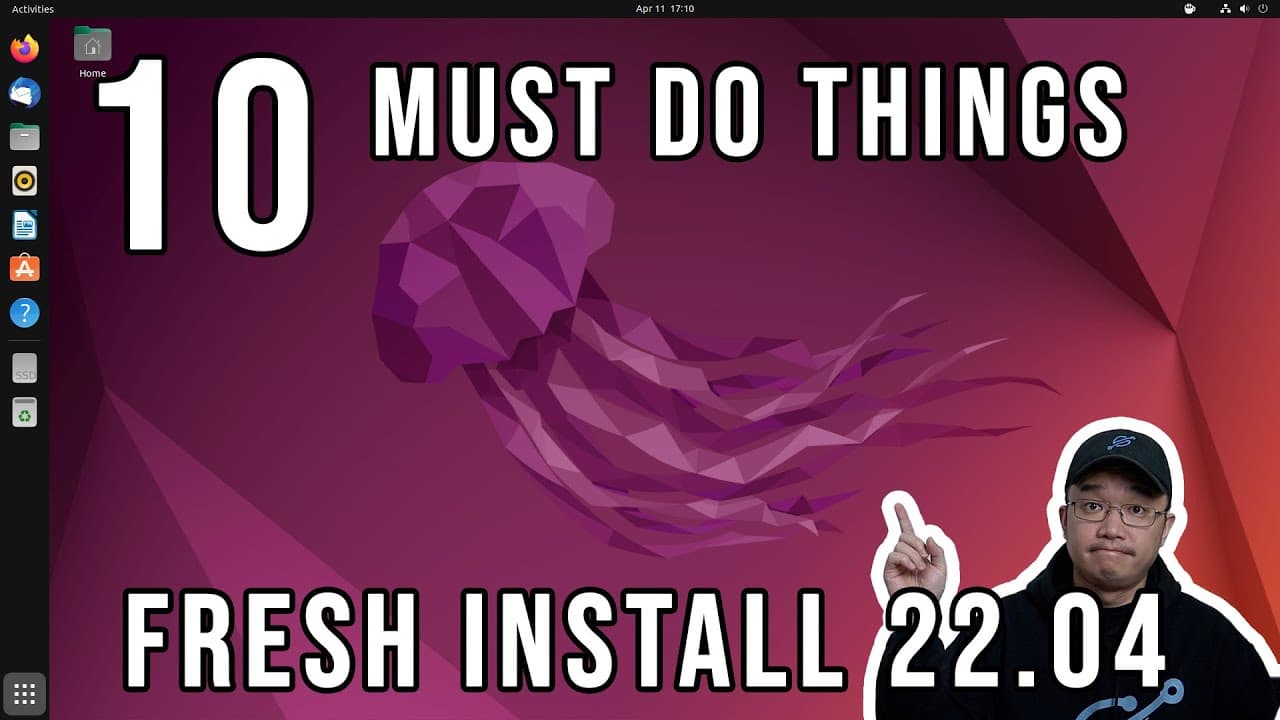
10 Things to do on fresh install of ubuntu 22.04
TL;DR
Key tweaks and installations for optimizing fresh Ubuntu 22.04 setups.
Transcript
hey guys what's going on it's don here from nova spare tech and welcome back to the channel and here are my top 10 must-dos when you do a fresh install of ubuntu 2204 so let's get started now it doesn't include any software it's just more of tweaking and getting some settings done so it makes it a little bit more usable than the default installatio... Read More
Key Insights
- 🐎 Using Nala instead of APT can greatly enhance the download speed and efficiency when managing packages on Ubuntu.
- 🪛 Installing proprietary drivers, like NVIDIA’s, is vital for harnessing the full potential of graphics hardware on Ubuntu systems, ensuring optimal performance for graphics-intensive tasks.
- 🈸 Removing the Snap version of applications encourages better performance and compatibility with various plugins, particularly notable with browsers like Firefox.
- 👤 Customizing the appearance and functionality of the desktop environment using GNOME extensions can significantly improve user satisfaction and productivity in Ubuntu.
- 👤 The video suggests adjusting system settings and appearance, such as terminal transparency and theme colors, for a more cohesive and pleasant user interface.
- 👤 Installing essential applications like WireGuard for VPN usage ensures security and connectivity for users who require remote access while using Ubuntu.
- 👤 Users can create a script for repetitive installation processes to make the setup experience more efficient during fresh installs.
Install to Summarize YouTube Videos and Get Transcripts
Explore YouTube Video Summarizer or Get YouTube Transcript Extractor
Questions & Answers
Q: What is Nala, and why is it recommended for Ubuntu users?
Nala is a package manager that acts as a more efficient alternative to the default APT package manager on Ubuntu. It enhances package management by supporting multi-threaded downloads, which can significantly reduce installation times by downloading packages from multiple sources simultaneously. This can improve the user experience by making updates and installations faster and allowing better management of installed packages.
Q: How can users install NVIDIA drivers after a fresh Ubuntu installation?
Users can install NVIDIA drivers by running the command 'sudo nyla install nvidia-driver-515' after updating their system packages. This installation is crucial for users with NVIDIA graphics cards as it ensures the system uses the appropriate drivers for optimal performance and compatibility with graphical applications. Following installation, a system reboot is generally recommended to apply changes.
Q: What are some key GNOME extensions mentioned in the video, and what do they do?
Key GNOME extensions mentioned include the User Themes extension for customizing the desktop appearance, Caffeine to prevent the screen from sleeping, and Blur My Shell for adding a blur effect to the GNOME shell. These extensions enhance the visual and functional aspects of the desktop environment, allowing for a more personalized user experience and better control over system behaviors.
Q: Why does the speaker prefer to remove Firefox installed via Snap packages?
The speaker prefers to remove Firefox installed via Snap because Snap versions can lead to performance issues, such as longer load times due to their confinement nature and limited accessibility for certain plugins. By switching to a traditional APT-installed version of Firefox, the user benefits from quicker startup times and full compatibility with available plugins and extensions, resulting in a more seamless browsing experience.
Summary & Key Takeaways
-
The video covers essential tweaks and installations after a fresh Ubuntu 22.04 installation to enhance usability and performance, focusing on system settings rather than software.
-
Key recommendations include installing the Nala package manager for multi-threaded package downloads and replacing Firefox with a more responsive version installed via apt.
-
Additional suggestions involve optimizing graphics drivers, customizing the desktop environment with GNOME extensions, and adjusting terminal settings for better aesthetics and functionality.
Read in Other Languages (beta)
Share This Summary 📚
Summarize YouTube Videos and Get Video Transcripts with 1-Click
Try YouTube Summary with ChatGPT & Claude or YouTube Transcript Generator
Explore More Summaries from Novaspirit Tech 📚






Summarize YouTube Videos and Get Video Transcripts with 1-Click
Try YouTube Summary with ChatGPT & Claude or YouTube Transcript Generator