How to Use Internal Linking for Better SEO Results
TL;DR
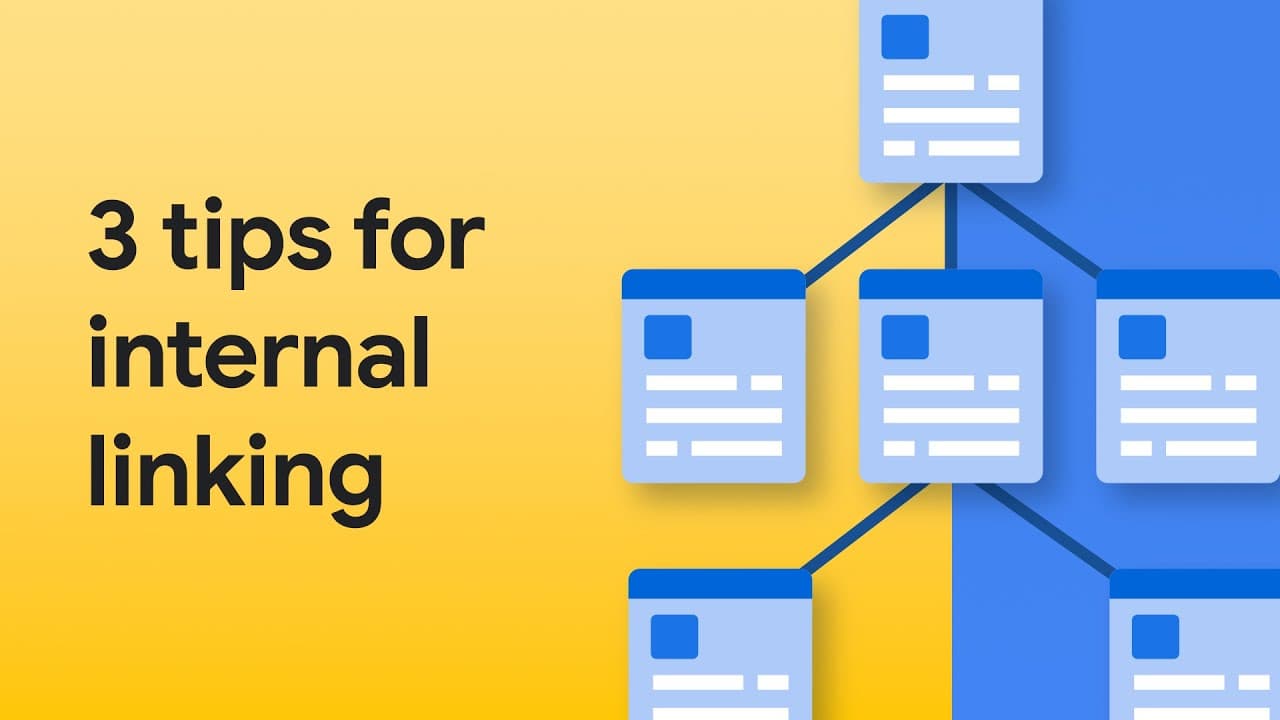
Internal linking enhances website navigation and improves SEO by helping users and Googlebot find related content. Use appropriate HTML elements, specifically the A element, and ensure anchor text is meaningful to guide users effectively. Avoid overlinking; focus on logical connections between related content.
Transcript
MARTIN SPLITT: Here on the left, you see what that looks like. Each link has meaningful words as anchor text. And you can easily spot what the link will take you to. On the right, you see a page that doesn't use meaningful anchor text, and that isn't a good user experience, especially when you try to quickly scan the page and find the right link to... Read More
Key Insights
- Internal links are crucial for both user navigation and SEO, helping users find related content and aiding Googlebot in discovering and understanding your site's structure.
- Meaningful anchor text is essential for user experience, allowing users to quickly identify the purpose of a link and where it will lead them.
- Overusing links can be detrimental. It's important to apply critical judgment and link content where it logically relates, without overdoing it.
- Googlebot uses internal links to discover new pages and understand the relationship between different pages on a website.
- Proper HTML elements, specifically the A element with a URL in its href attribute, should be used to create links, ensuring both users and bots recognize them as such.
- Using elements like spans, divs, or buttons instead of proper links can confuse both users and Googlebot, impacting usability and SEO.
- Links help in structuring content for both users and bots, which means using them wisely can enhance both navigation and search engine indexing.
- Meaningful anchor text not only improves user experience but also assists bots in understanding the content and context of the linked pages.
Install to Summarize YouTube Videos and Get Transcripts
Explore YouTube Video Summarizer or Get YouTube Transcript Extractor
Questions & Answers
Q: Why are internal links important for SEO?
Internal links are crucial for SEO because they help Googlebot discover new pages and understand the relationship between different pages on a website. This aids in proper indexing and ranking of pages. Additionally, internal links structure the website, making it easier for users to navigate and find relevant content.
Q: How does meaningful anchor text enhance user experience?
Meaningful anchor text enhances user experience by clearly indicating the purpose of a link and where it will lead. This allows users to quickly scan a page and find the information they are looking for, improving navigation and reducing frustration. It also helps search engines understand the context of linked content.
Q: What is the role of Googlebot in relation to internal links?
Googlebot uses internal links to discover and index new pages on a website. It follows these links to understand the structure and relationship between pages, which is crucial for effective indexing and ranking. Properly structured internal links ensure that Googlebot can efficiently crawl and understand the website's content.
Q: Why should developers avoid using spans, divs, or buttons as links?
Developers should avoid using spans, divs, or buttons as links because these elements are not inherently recognized as links by browsers and search engines. This can confuse both users and bots, leading to a poor user experience and potential issues with SEO. Proper HTML link elements should be used to ensure clarity and functionality.
Q: What is the recommended HTML element for creating links?
The recommended HTML element for creating links is the A element, which should include a URL in its href attribute. This ensures that the link is recognized as such by both browsers and search engines, facilitating proper navigation and indexing.
Q: How can overusing links be detrimental?
Overusing links can be detrimental as it may overwhelm users, making it difficult for them to find relevant information. It can also dilute the value of links for SEO, as search engines may struggle to determine which links are most important. A balanced approach is recommended to maintain usability and SEO effectiveness.
Q: What is the impact of internal links on content structure?
Internal links impact content structure by connecting related pages and content, creating a network that is easy for both users and search engines to navigate. This helps in organizing the content logically, improving user experience and aiding search engines in understanding and indexing the site's content effectively.
Q: How does proper internal linking affect Googlebot's crawling process?
Proper internal linking affects Googlebot's crawling process by providing clear paths to follow, allowing it to discover and index all relevant pages efficiently. This ensures that the website's content is fully indexed, improving its visibility and ranking potential in search engine results.
Summary & Key Takeaways
-
Internal links are vital for guiding users through a website and for SEO purposes. They help users find related content and assist Googlebot in crawling and understanding the site's structure. Proper HTML usage and meaningful anchor text enhance both user experience and SEO effectiveness.
-
The video emphasizes the importance of using the correct HTML elements for links and providing meaningful anchor text. This practice aids both users in navigation and Googlebot in indexing. Overuse of links can be counterproductive, so it's important to link content logically.
-
Martin Splitt discusses the significance of internal links in SEO, highlighting their role in user navigation and search engine optimization. He advises on using proper HTML and meaningful anchor text, and cautions against overlinking, advocating for a balanced approach to internal linking.
Read in Other Languages (beta)
Share This Summary 📚
Summarize YouTube Videos and Get Video Transcripts with 1-Click
Try YouTube Summary with ChatGPT & Claude or YouTube Transcript Generator
Explore More Summaries from Google Search Central 📚






Summarize YouTube Videos and Get Video Transcripts with 1-Click
Try YouTube Summary with ChatGPT & Claude or YouTube Transcript Generator