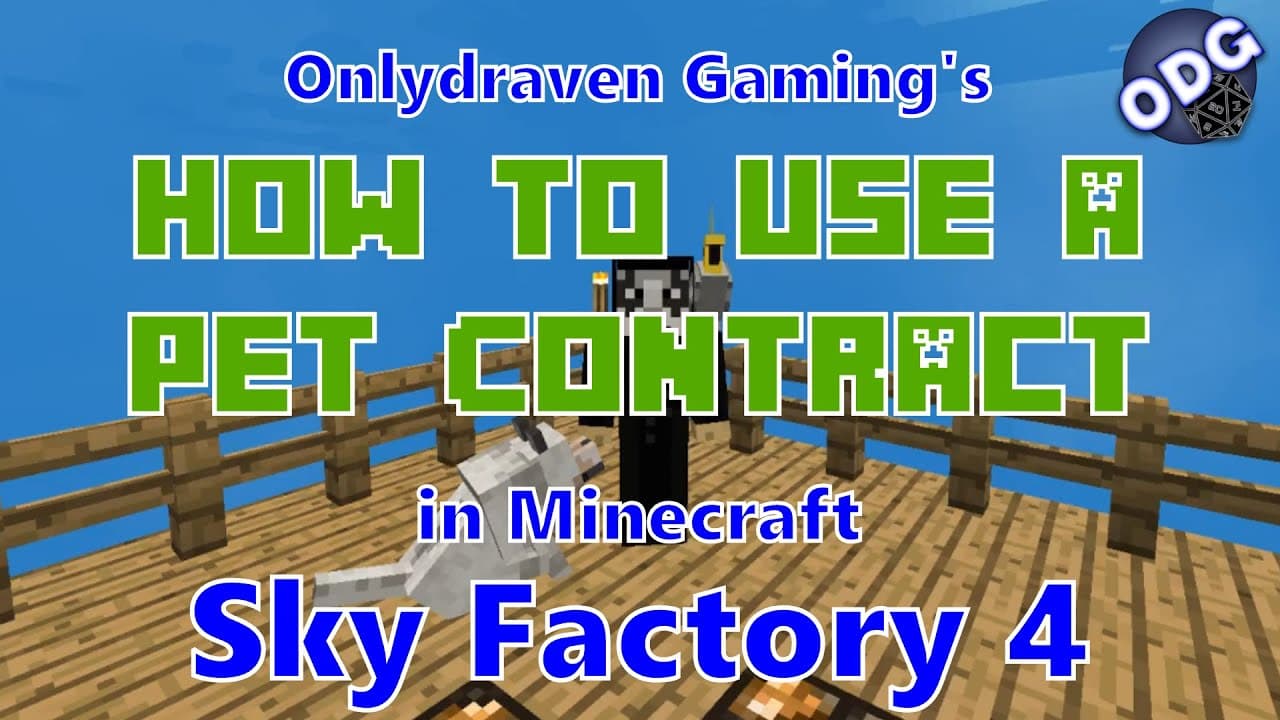
Minecraft - Sky Factory 4 - How to Make and Use a Pet Contract
TL;DR
Learn to create and use pet contracts to transfer pet ownership in Minecraft.
Transcript
hello everyone only Draven here again today we're doing another tutorial in Minecraft sky factory for today we're gonna do a fun little silly one I'm going to show you how to make and use a pet contract a pet contract is used to transfer ownership of an animal that or pet that you have tamed to another player so on a server or multiplayer group thi... Read More
Key Insights
- 🐶 Pet contracts are a fun feature in Minecraft Sky Factory, enhancing interactivity and gameplay between players.
- 🐶 Obtaining materials for crafting pet contracts is relatively simple and encourages exploration and resource collection.
- 🎮 The video emphasizes the importance of multiplayer interactions, showcasing how players can share their gaming experiences.
- 💬 By including their website for suggestions and comments, the creator fosters community engagement and content improvement.
- 👻 The tutorial reflects the creativity in Minecraft, allowing players to personalize their gameplay through features like pet ownership.
- 💍 Players are encouraged to engage with the content by liking and subscribing, promoting community growth.
- 😄 The ease of transferring pet ownership adds a layer of strategy to player interactions, making it a sought-after skill in multiplayer scenarios.
Install to Summarize YouTube Videos and Get Transcripts
Explore YouTube Video Summarizer or Get YouTube Transcript Extractor
Questions & Answers
Q: What materials do I need to create a pet contract?
To make a pet contract, players need one ender infuse stick, one ink sac or black powder, and one piece of paper. The ender infuse stick is crafted by combining an ender pearl with four sticks. By combining these items in a crafting table, you create a pet contract that can be used to transfer ownership of tamed animals.
Q: Can any pet be transferred using the pet contract?
Yes, the pet contract can be used with most tamed pets in Minecraft Sky Factory. For example, both parrots and wolves can be transferred. By right-clicking on the pet with the signed contract, ownership will change to the player holding the contract, making it a versatile tool for trading pets among players.
Q: How do I know if a pet is tamed and eligible for transfer?
When you hover over a tamed pet, you will see a message indicating that it is tamed, along with its health points. For instance, in the tutorial, the parrot named "pegleg poli" shows its status clearly. Only tamed animals can be transferred using a pet contract, ensuring that players are aware of which pets they can give away.
Q: What should I do if I have questions about the tutorial?
If you have any questions or need clarification on the pet contract tutorial or any other Minecraft Sky Factory tutorials, you can leave a comment under the video. The creator is dedicated to responding quickly and is also open to suggestions for future tutorials, which can enhance the community’s experience.
Summary & Key Takeaways
-
This tutorial explains how to create and use a pet contract in Minecraft Sky Factory, allowing players to transfer ownership of tamed animals between players.
-
To create a pet contract, players need ender infuse sticks, black powder or ink, and paper, which are easy to gather.
-
The process involves signing the contract and giving it to another player, who can right-click to tame the specified pet, showcasing a fun multiplayer mechanic.
Read in Other Languages (beta)
Share This Summary 📚
Summarize YouTube Videos and Get Video Transcripts with 1-Click
Try YouTube Summary with ChatGPT & Claude or YouTube Transcript Generator
Explore More Summaries from Onlydraven Gaming 📚



Summarize YouTube Videos and Get Video Transcripts with 1-Click
Try YouTube Summary with ChatGPT & Claude or YouTube Transcript Generator