Server OS For Your Raspberry Pi Umbrel!
TL;DR
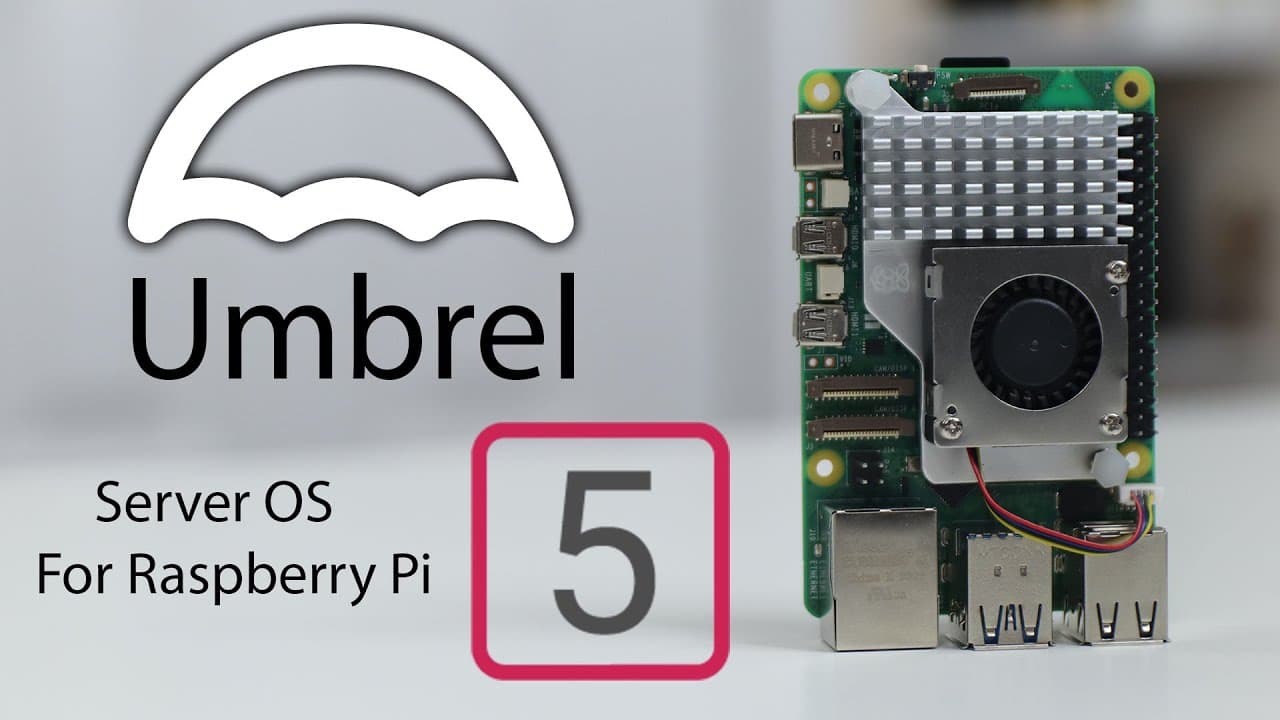
Umbrell OS offers an easy installation for Docker applications on Raspberry Pi 5.
Transcript
hey guys what's going on it's Don here from Nova Spirit Tech and welcome back to the channel and in the spirit of checking out server operating systems uh we're going to be checking out one for Raspberry Pi 5 called umbrell so let's check it out now umbrella OS has actually been on my radiar for quite some time since Raspberry Pi 4 because that's w... Read More
Key Insights
- 😚 Umbrell OS originated with a cryptocurrency focus but has shifted to become more versatile for server applications.
- 👤 The installation process on Raspberry Pi is user-friendly, involving straightforward scripting and minimal interaction.
- 😀 Users require at least 4GB of RAM for basic installations while demanding apps like Llama GPT necessitate a minimum of 8 GB.
- 🖤 The lack of detailed system statistics may limit users who prefer comprehensive performance monitoring in server environments.
- 👻 Umbrell OS supports a community-driven app store, allowing further customization and access to additional applications.
- 🤗 It integrates well with both Docker artworks and open-source protocols, making it attractive for tech enthusiasts.
- ☠️ Using USB 3.0 and SSD for installation significantly improves performance over SD card alternatives.
Install to Summarize YouTube Videos and Get Transcripts
Explore YouTube Video Summarizer or Get YouTube Transcript Extractor
Questions & Answers
Q: What is Umbrell OS primarily used for?
Umbrell OS is designed as a server operating system focused on managing Docker applications. Although it started with a focus on cryptocurrency, it has evolved to support various home automation and media server applications, making it versatile for Raspberry Pi users.
Q: How do you install Umbrell OS on Raspberry Pi 5?
To install Umbrell OS on Raspberry Pi 5, you first need to install a base system using the Raspberry Pi Imager. Select the 64-bit Bookworm version to begin, and then run a provided installation script which streamlines the process, taking around ten minutes to fully install.
Q: What applications can be run using Umbrell OS?
Umbrell OS provides access to a wide variety of Docker applications, including media server options like Plex and Jellyfin, along with home automation tools. Users can also install Llama GPT, which enhances its functionality, showing the flexibility of the operating system.
Q: Are there any limitations to Umbrell OS regarding Docker installations?
Umbrell OS does not provide a straightforward method for adding custom Docker installations through the GUI. Users must manually SSH into the system to add or configure Docker containers, which may be less user-friendly for those unfamiliar with terminal commands.
Summary & Key Takeaways
-
Umbrell OS is a server-focused operating system for Raspberry Pi, previously known for its cryptocurrency features, now emphasizing Docker applications for various tasks.
-
The installation process for Umbrell on Raspberry Pi 5 involves using a script, requiring a base install of 64-bit Bookworm, and necessitating a minimum of 4GB RAM.
-
Key features include an app store for Docker applications, support for Llama GPT, and open-source availability, although it lacks comprehensive system statistics compared to other operating systems like Cassa OS.
Read in Other Languages (beta)
Share This Summary 📚
Summarize YouTube Videos and Get Video Transcripts with 1-Click
Try YouTube Summary with ChatGPT & Claude or YouTube Transcript Generator
Explore More Summaries from Novaspirit Tech 📚






Summarize YouTube Videos and Get Video Transcripts with 1-Click
Try YouTube Summary with ChatGPT & Claude or YouTube Transcript Generator