Manage Your Inbox in Just 17 Minutes Daily
TL;DR
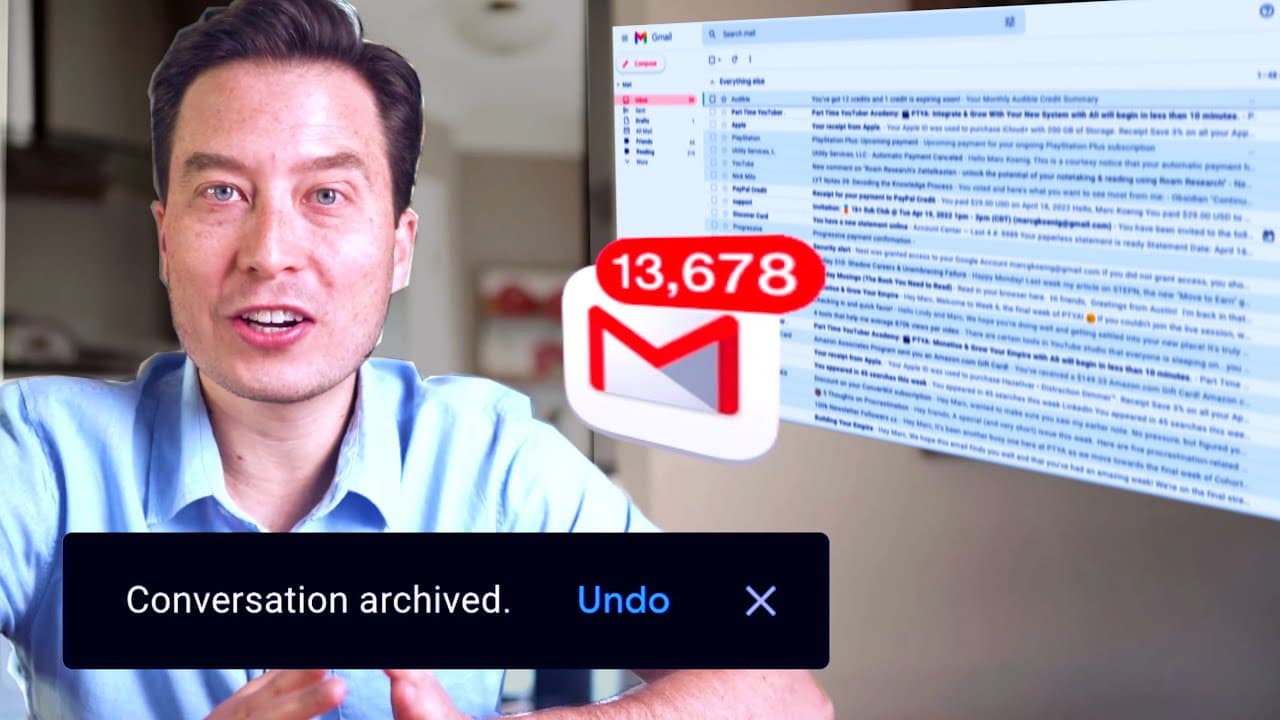
Achieve inbox zero by adopting a five-step email management system. Start by unsubscribing from unnecessary emails, then streamline your workflow with essential tools and quick triage decisions. This approach allows you to handle each email efficiently and can significantly reduce the time spent managing your inbox.
Transcript
i'm gonna share with you the five things i do with each and every single email that enters my inbox so that i only ever have to touch each email once first the essentials it's actually easier to maintain your inbox once it's empty than to get there in the first place so let's do this simple stuff unsubscribe from every newsletter notification list ... Read More
Key Insights
- 📥 Maintaining an empty inbox is easier than reaching inbox zero.
- 💌 Unsubscribing from unnecessary emails reduces inbox clutter.
- 💌 Email should be used for its core function of collecting new inputs.
- 😫 Setting up downstream systems helps organize and categorize emails effectively.
- ⌛ Streamlining workflow and making quick triage decisions save time and reduce distractions.
- 💌 Auto-advance, keyboard shortcuts, and conversation view enhance email efficiency.
- 🚄 Thinking of email as a high-speed production line improves productivity.
Install to Summarize YouTube Videos and Get Transcripts
Explore YouTube Video Summarizer or Get YouTube Transcript Extractor
Questions & Answers
Q: How can I efficiently unsubscribe from newsletters and unnecessary email lists?
You can search for the word "unsubscribe" in your inbox and opt to unsubscribe from any non-essential newsletters or email lists. It may take some time, but it's worth decluttering your inbox.
Q: What should I do if I want to keep a specific email list but don't want it to clutter my inbox?
In that case, you can create a separate inbox or tab, depending on your email platform, and automatically forward emails from that list to the designated tab for future reading.
Q: What downstream systems should I set up to manage my emails effectively?
You should set up a calendar app to sync across all devices, a task manager to capture and link back to tasks in your email, a digital notes app for references, and a read later app for articles or content you want to save for later.
Q: How can I streamline my email workflow to avoid spending too much time on it?
Instead of checking email before starting work, create a habit of processing emails quickly within a specific timeframe, like 10 or 20 minutes. This way, you can focus on your actual work without feeling overwhelmed by your inbox.
Summary & Key Takeaways
-
Unsubscribe from non-essential newsletters, notifications, and broadcast lists to declutter your inbox.
-
Strip your email down to its core function and use it only for collecting new inputs.
-
Set up essential productivity systems, including a calendar app, task manager, reference app, and read later app.
-
Streamline your workflow by processing emails quickly and avoiding distractions.
-
Make triage decisions for each email by archiving, replying, adding to the calendar, creating a task, storing as a reference, or sending to the read later app.
Read in Other Languages (beta)
Share This Summary 📚
Summarize YouTube Videos and Get Video Transcripts with 1-Click
Try YouTube Summary with ChatGPT & Claude or YouTube Transcript Generator
Explore More Summaries from Tiago Forte 📚


Summarize YouTube Videos and Get Video Transcripts with 1-Click
Try YouTube Summary with ChatGPT & Claude or YouTube Transcript Generator