Progress Bars - Computerphile
TL;DR
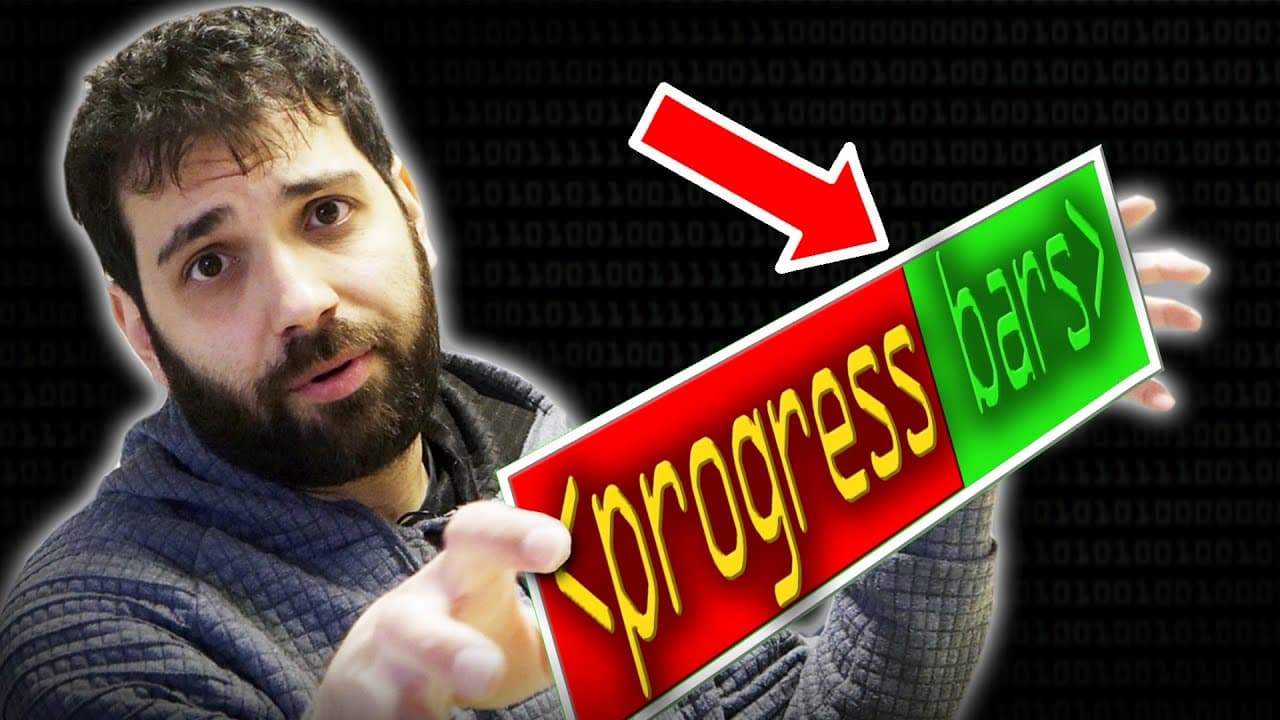
Progress bars are graphical elements that display the progression or completion of a task, providing information such as estimated time of arrival (ETA). They have evolved from early production schedules to now being a common feature in operating systems and software applications.
Transcript
progress bars how many of them we see every day you download something you get progress bar you install a new program there you go even now while you're watching this video there is a cursor here on YouTube player saying that which point of this video you're at and that is another example of a progress bar however have you ever thought about it the... Read More
Key Insights
- 🤢 Progress bars are a common feature in modern computing, serving as visual indicators of task completion and providing users with valuable feedback.
- 📊 The concept of progress bars can be traced back to the early 1900s with the invention of Gantt charts, which were used to manage production schedules.
- 🤢 Progress bars can vary in appearance and functionality, ranging from simple rectangles to animated spinners.
- 🤢 Indeterminate progress bars are used when the length of a task cannot be determined at the beginning, providing users with visual feedback that work is in progress.
- 😑 Most graphical interface libraries provide pre-built progress bar components, while text-based applications may require custom development or alternative solutions.
- 🤢 The inclusion of additional information like ETA and file transfer speeds can enhance the functionality of progress bars.
- 🤢 In some cases, progress bars may not accurately predict the completion time of a task due to factors such as moving averages or hardware-specific calculations.
Install to Summarize YouTube Videos and Get Transcripts
Explore YouTube Video Summarizer or Get YouTube Transcript Extractor
Questions & Answers
Q: What is a progress bar and what information does it provide?
A progress bar is a graphical element that indicates the progression of a task. It can provide information such as the percentage completed, ETA, and other relevant details.
Q: What is the history of progress bars?
The idea of progress bars can be traced back to the invention of Gantt charts in the early 1900s. These charts were used to manage production schedules and maximize efficiency in manufacturing companies.
Q: How do progress bars differ in their appearance and functionality?
Progress bars can take different forms, such as rectangles, spinners, or indeterminate bars. They can work forward or backward, and their appearance and behavior depend on the specific task being represented.
Q: How are progress bars implemented in different software applications?
Most graphical interface libraries include widgets or components that allow developers to easily implement progress bars. However, in text-based applications, like the one described in the content, developers may need to find alternative solutions or develop custom code.
Summary & Key Takeaways
-
Progress bars are graphical elements that show the progression of a task and can provide additional information such as ETA.
-
The concept of progress bars dates back to the early 1900s with the invention of Gantt charts, used to maximize production in manufacturing companies.
-
Progress bars can take various forms, including rectangles, spinners, and indeterminate bars. They are widely used in operating systems and software applications.
Read in Other Languages (beta)
Share This Summary 📚
Summarize YouTube Videos and Get Video Transcripts with 1-Click
Try YouTube Summary with ChatGPT & Claude or YouTube Transcript Generator
Explore More Summaries from Computerphile 📚

Summarize YouTube Videos and Get Video Transcripts with 1-Click
Try YouTube Summary with ChatGPT & Claude or YouTube Transcript Generator