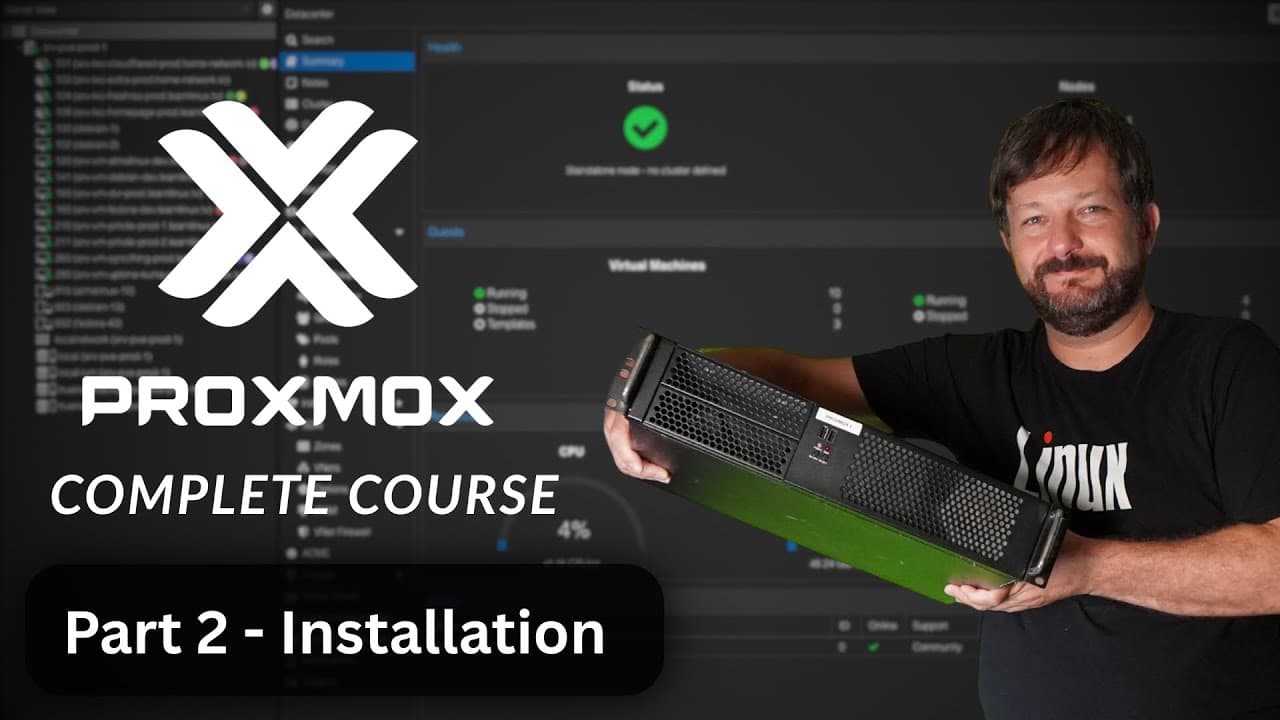
Proxmox VE Full Course: Class 2 - Installation Process
TL;DR
Learn how to install Proxmox on a real production server and explore the initial setup process.
Transcript
today's video is proudly sponsored by lenode the note has been doing cloud computing since 2003 which is actually before amazon web services was even a thing on the notes platform you can get your server up and running in minutes and they include all the popular distributions such as debian fedora ubuntu and get this even arch linux and let's be ho... Read More
Key Insights
- 👻 Proxmox VE allows users to create virtual environments on real hardware for efficient resource utilization.
- 🔉 USB Imager is a useful tool for creating bootable media from ISO images, regardless of the operating system.
- 😫 Setting up the Proxmox server involves selecting the right hardware, configuring networking, and choosing appropriate settings like time zone and file system.
- 👤 Proxmox provides a web-based user interface for easy management and control of virtual machines and containers.
Install to Summarize YouTube Videos and Get Transcripts
Explore YouTube Video Summarizer or Get YouTube Transcript Extractor
Questions & Answers
Q: What is Proxmox?
Proxmox is a virtualization and container platform that allows users to run multiple virtual machines and containers on a single physical server.
Q: Why is it recommended to write the Proxmox ISO image to a USB flash drive instead of a CD or DVD?
USB flash drives are faster than optical media, resulting in a quicker installation process. Additionally, flash drives are more commonly found today, making them a convenient choice.
Q: What is the importance of setting the correct time zone in Proxmox?
Proxmox heavily relies on accurate time synchronization for various operations, so setting the correct time zone ensures proper functioning of the platform.
Q: Can Proxmox be installed on hardware with less than 32GB of RAM?
While it is possible to install Proxmox on hardware with less than 32GB of RAM, using ZFS as the file system may not be recommended due to its memory requirements. Ext4 is a more suitable choice in such cases.
Summary & Key Takeaways
-
The video walks through the process of setting up a Proxmox server on real hardware.
-
The host downloads the Proxmox ISO image and uses USB Imager to create bootable media.
-
The host inserts the media into the server, boots from it, and follows the installation process step by step.
Read in Other Languages (beta)
Share This Summary 📚
Summarize YouTube Videos and Get Video Transcripts with 1-Click
Try YouTube Summary with ChatGPT & Claude or YouTube Transcript Generator
Explore More Summaries from Learn Linux TV 📚
Summarize YouTube Videos and Get Video Transcripts with 1-Click
Try YouTube Summary with ChatGPT & Claude or YouTube Transcript Generator