Proxmox VE Full Course: Class 1 - Getting Started
TL;DR
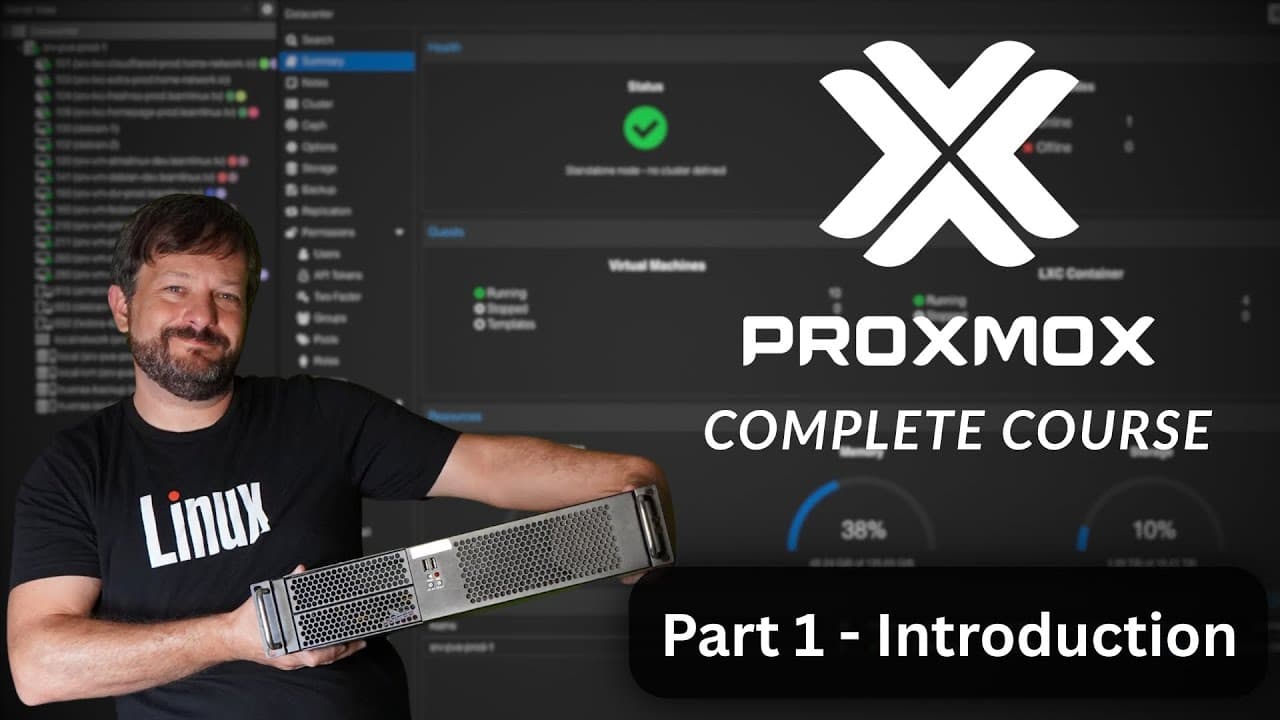
Learn everything about Proxmox, a virtualization platform that allows you to run virtual machines and containers, in this comprehensive course.
Transcript
thank you so much for checking out learnlinuxtv your source for linux related fun and learning i just love making this content for you guys but making such content isn't cheap if you enjoy my content please consider supporting me by becoming a patron as a patron you'll enjoy ad-free versions of every video that i upload and also at specific tiers y... Read More
Key Insights
- 📠 Proxmox is a powerful and versatile virtualization platform that supports both virtual machines and containers.
- 🚄 The course covers various aspects of Proxmox, from installation to advanced topics like clustering and high availability.
- 💻 Proxmox can be run on different hardware, including affordable and accessible options like laptops or older desktops.
- 👤 The integrated web UI of Proxmox allows for easy management of virtual machines, storage, updates, and user permissions.
- 👟 Support for virtualization and a minimum of 1 GB of RAM are required to run Proxmox.
Install to Summarize YouTube Videos and Get Transcripts
Explore YouTube Video Summarizer or Get YouTube Transcript Extractor
Questions & Answers
Q: What is Proxmox and why is it important for virtualization?
Proxmox is a virtualization platform that enables users to run virtual machines and containers. It offers flexibility and allows users to choose the best resource option for their applications.
Q: What is the difference between virtual machines and containers?
Virtual machines provide complete isolation and run on a separate OS, while containers share the host OS but provide efficient resource utilization. The choice depends on the specific requirements of the application.
Q: Can Proxmox be installed on any hardware?
Proxmox can be installed on various hardware, including servers, desktops, laptops, or even Intel NUCs. The key requirement is virtualization support in the CPU and at least 1 GB of RAM.
Q: Is support required to use Proxmox?
No, Proxmox is free to download and use. However, purchasing support helps the project and provides access to additional enterprise features and support from the Proxmox team.
Key Insights:
- Proxmox is a powerful and versatile virtualization platform that supports both virtual machines and containers.
- The course covers various aspects of Proxmox, from installation to advanced topics like clustering and high availability.
- Proxmox can be run on different hardware, including affordable and accessible options like laptops or older desktops.
- The integrated web UI of Proxmox allows for easy management of virtual machines, storage, updates, and user permissions.
- Support for virtualization and a minimum of 1 GB of RAM are required to run Proxmox.
- Free resources like the Proxmox community forums and official documentation can provide additional help and information.
Summary & Key Takeaways
-
This content is an introduction to a Proxmox course that covers installation, web console overview, virtual machines, containers, managing users, backups and snapshots, firewall, command line interface, networking, shared storage, clustering, and high availability.
-
The course is suitable for beginners and those who want to explore advanced topics like clustering.
-
Proxmox is a free virtualization platform that offers an integrated web UI, allowing users to manage storage, install updates, and more.
Read in Other Languages (beta)
Share This Summary 📚
Summarize YouTube Videos and Get Video Transcripts with 1-Click
Try YouTube Summary with ChatGPT & Claude or YouTube Transcript Generator
Explore More Summaries from Learn Linux TV 📚

Summarize YouTube Videos and Get Video Transcripts with 1-Click
Try YouTube Summary with ChatGPT & Claude or YouTube Transcript Generator