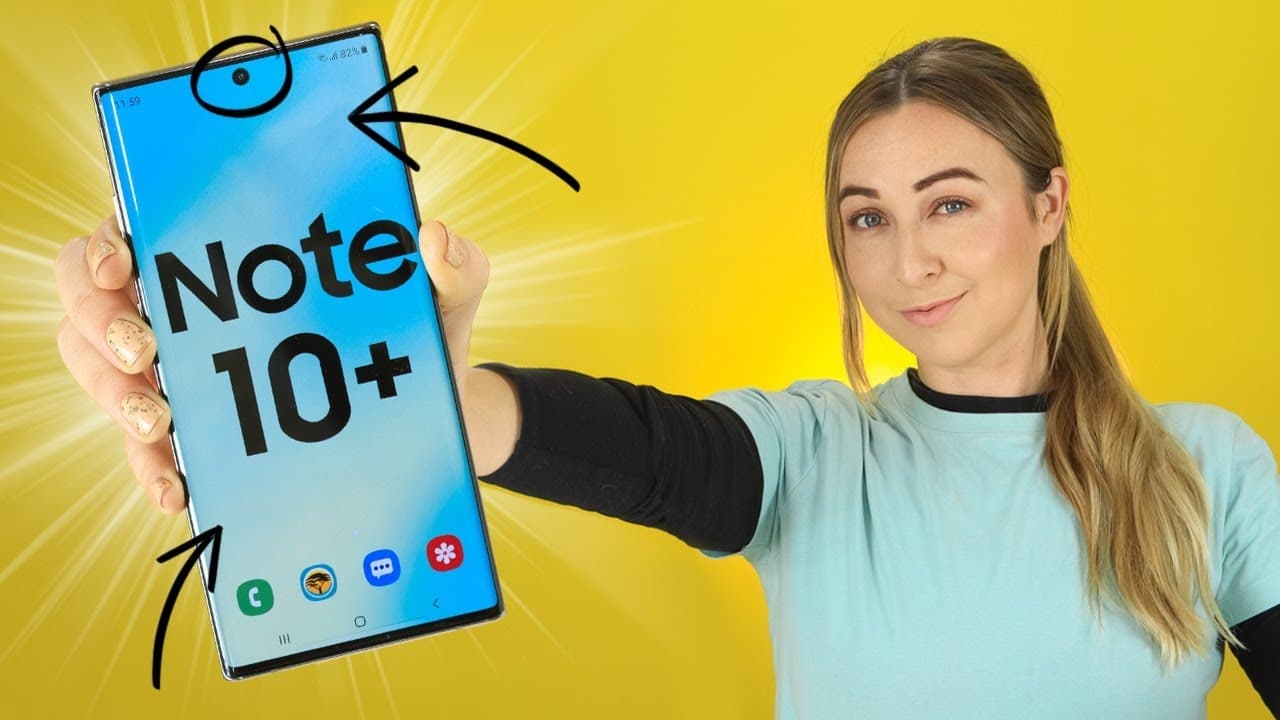
Samsung Galaxy Note 10 & Note 10+ EXCLUSIVE - Tips, Tricks & Hidden Features!
TL;DR
- Discover exclusive features of the Note 10 Plus, like 3D scanning, DeX mode, handwriting to text, calendar sketching, and more.
Transcript
guys the note 10 plus is so epic and I found 10 tips tricks and hitting features exclusive to the note tape and go 10 plus now you can do things like 3d scanning measuring objects sketching on your calendar and I think it's gonna blow your mind also it stands on the end of the video because I have some free no 10 and no 10 plus wallpapers for you g... Read More
Key Insights
- ❓ Utilize 3D scanning for creating 3D models of objects.
- 🫰 Take advantage of DeX mode to turn your Note 10 Plus into a computer.
- 👏 Use the quick measure app for precise measurements and object detection.
- 🛀 Explore handwriting to text and calendar sketching features for convenient note-taking.
- 🈸 Utilize the hover-to-translate option in various applications.
- 🆘 Discover unique S Pen features like motion gestures and button functionalities.
- 😀 Customize favorite brush settings in note-taking apps for efficiency.
Install to Summarize YouTube Videos and Get Transcripts
Explore YouTube Video Summarizer or Get YouTube Transcript Extractor
Questions & Answers
Q: How can you use 3D scanning on the Note 10 Plus?
To use 3D scanning on the Note 10 Plus, download a 3D scanning app from the Galaxy Store, scan an object by making a 360-degree turn around it, and then share the 3D object as a gif or picture.
Q: What is DeX mode on the Note 10 Plus?
DeX mode on the Note 10 Plus allows you to connect your device to a computer using a USB-C to USB cable, turning your phone into a computer for easy file transfer and operation.
Q: How does the quick measure app work on the Note 10 Plus?
The quick measure app, using the depth sensor, detects the depth, width, and height of objects, auto-detects shapes, and allows you to measure manually, making it convenient for various applications.
Q: What unique features can be found in the S Pen for the Note 10 Plus?
The S Pen for the Note 10 Plus offers motion gestures, air actions customization, calendar sketching, handwriting to text conversion, hover-to-translate, and more for enhanced functionality.
Summary & Key Takeaways
-
Learn how to use 3D scanning on the Note 10 Plus to turn objects into 3D models.
-
Explore DeX mode that transforms your Note 10 Plus into a computer with a simple USB connection.
-
Utilize the quick measure app, handwriting to text feature, calendar sketching, and translate on hover options for efficient usage.
Read in Other Languages (beta)
Share This Summary 📚
Summarize YouTube Videos and Get Video Transcripts with 1-Click
Try YouTube Summary with ChatGPT & Claude or YouTube Transcript Generator
Explore More Summaries from Hayls World 📚






Summarize YouTube Videos and Get Video Transcripts with 1-Click
Try YouTube Summary with ChatGPT & Claude or YouTube Transcript Generator