Windows on ARM for Raspberry Pi Updated Install w/ Internet!!!!
TL;DR
A guide to installing and using Windows 10 on Raspberry Pi with improved drivers.
Transcript
hey guys going on it's dawn here from Nova spirit Tech and I got some super exciting news for you guys today which is internet is now working on Windows on arm on raspberry and I'm gonna be showing you guys how to install basically this will be an updated install guide to installing Windows 10 on our raspberry PI's so let's get started I remember t... Read More
Key Insights
- ♓ The development and installation of Windows 10 on Raspberry Pi have advanced considerably, offering valuable functions previously unavailable.
- 👶 New USB drivers have improved the usability of Raspberry Pi with Windows 10, transforming it from a basic concept into a functional system with stable internet connections.
- 🥾 The installation process requires attention to details such as driver selection and UEFI configuration to ensure optimal boot and operating performance.
- 🌸 Internet browsing and video playback capabilities remain limited, highlighting the struggles of running a full Windows OS on lower-powered hardware like the Raspberry Pi.
- 👤 Users are encouraged to take advantage of community resources for troubleshooting and to share experiences, fostering collaborative problem solving.
- 🫠 A suggestion for future enhancements includes running Windows 10 on an SSD to improve read and write speeds, which could enhance overall system performance.
- 💝 The creator highlights the importance of keeping drivers updated to maintain compatibility and exploit the latest functionalities available for Raspberry Pi.
Install to Summarize YouTube Videos and Get Transcripts
Explore YouTube Video Summarizer or Get YouTube Transcript Extractor
Questions & Answers
Q: What significant advancements have been made for Windows 10 on Raspberry Pi since its initial installation?
Over the past year, significant advancements included the introduction of new USB drivers that allowed for functions like Ethernet and tethering, which were previously unavailable. These new drivers transformed Windows 10 on Raspberry Pi from a mere proof-of-concept to a usable operating system, enabling stable internet and USB functionality.
Q: What are the steps to download and set up the necessary drivers for this installation?
To download the necessary drivers, viewers are instructed to visit provided links for the latest versions. They should ensure they have the February 12, 2019, drivers for USB and the January UEFI firmware. Once downloaded, users can follow the installation guide, selecting the appropriate options in the installation tool and configuring the boot settings as specific instructions state.
Q: How do users ensure that their Raspberry Pi boots correctly after installation?
It’s crucial to change the boot order within the UEFI settings to prioritize the selected SD card for a successful boot. Initially setting the Raspberry Pi to use the arson SD methods helps with the setup, but after installation, users should switch back to Broadcom SD drivers to gain improved speed and performance.
Q: What issues did the creator encounter while testing internet browsing capabilities on the Raspberry Pi?
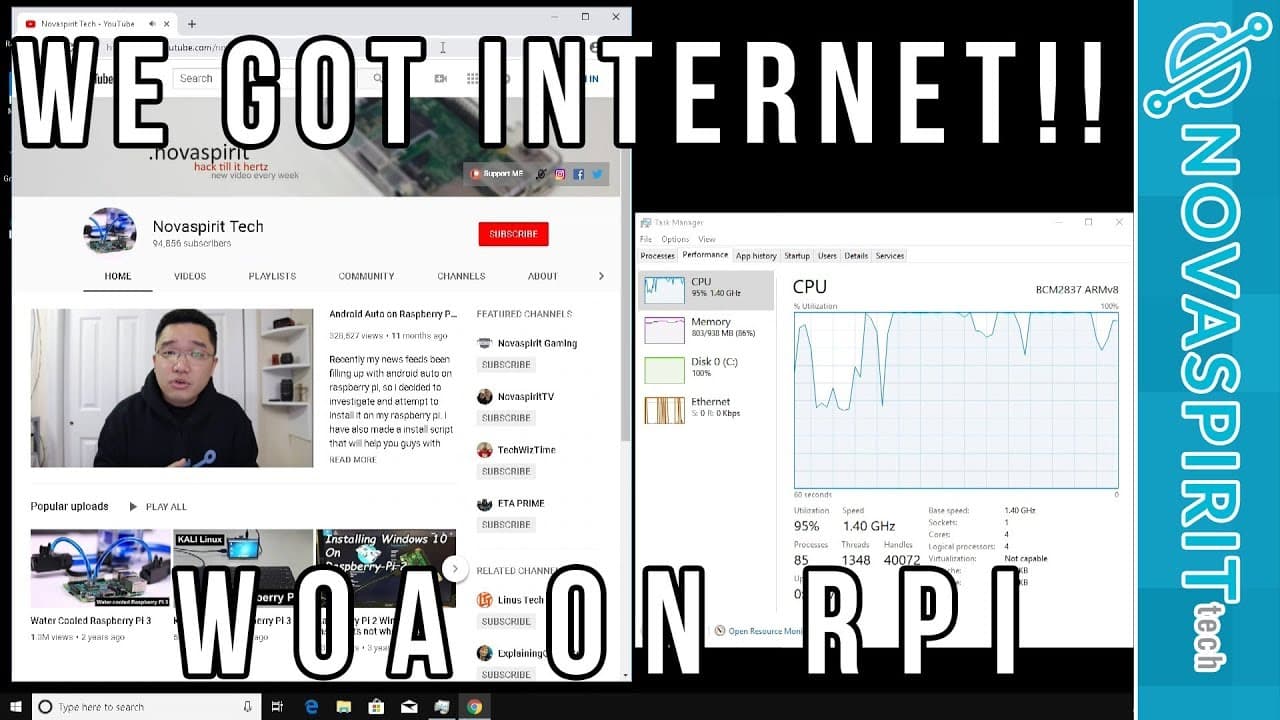
The creator experienced slow internet performance when testing browsing capabilities, mentioning a lack of speed while using Microsoft Edge and later Chrome. Despite the ability to access YouTube, playback was choppy, attributed to the absence of hardware emulation, highlighting the system's limitations with video playback.
Q: What recommendations does the creator give for enhancing performance post-installation?
To enhance performance, the creator recommends tweaking system settings to reduce the graphical workload by disabling shadows and other transparency features. Additionally, there’s a mention of the potential benefit of installing Windows 10 on an SSD via USB, which could significantly improve speed and responsiveness.
Q: Is there a possibility to run Windows 10 on Raspberry Pi 2, according to the creator?
The creator expresses uncertainty and believes that Windows 10 is not supported on Raspberry Pi 2. However, they encourage viewers to experiment, suggesting that while it may not be officially supported, users are welcome to give it a try, as there's an atmosphere of experimentation surrounding the technology.
Q: What should users do if they encounter questions during their installation process?
Users experiencing questions are encouraged to refer to the linked thread in the video description, where many common inquiries have already been addressed. For new questions or simpler issues, viewers can leave comments below the video, and the creator promises to respond and assist whenever possible.
Summary & Key Takeaways
-
The content outlines the successful installation of Windows 10 on Raspberry Pi, focusing on advancements such as new USB and Ethernet drivers that make the setup functional and stable.
-
It describes the updated installation process using the W.O.R. project, including downloading necessary drivers and configuring settings in UEFI to enhance performance.
-
Performance testing shows limited internet browsing capabilities, although progress has been made, with suggestions for further enhancements like using an SSD for improved speed.
Read in Other Languages (beta)
Share This Summary 📚
Summarize YouTube Videos and Get Video Transcripts with 1-Click
Try YouTube Summary with ChatGPT & Claude or YouTube Transcript Generator
Explore More Summaries from Novaspirit Tech 📚






Summarize YouTube Videos and Get Video Transcripts with 1-Click
Try YouTube Summary with ChatGPT & Claude or YouTube Transcript Generator