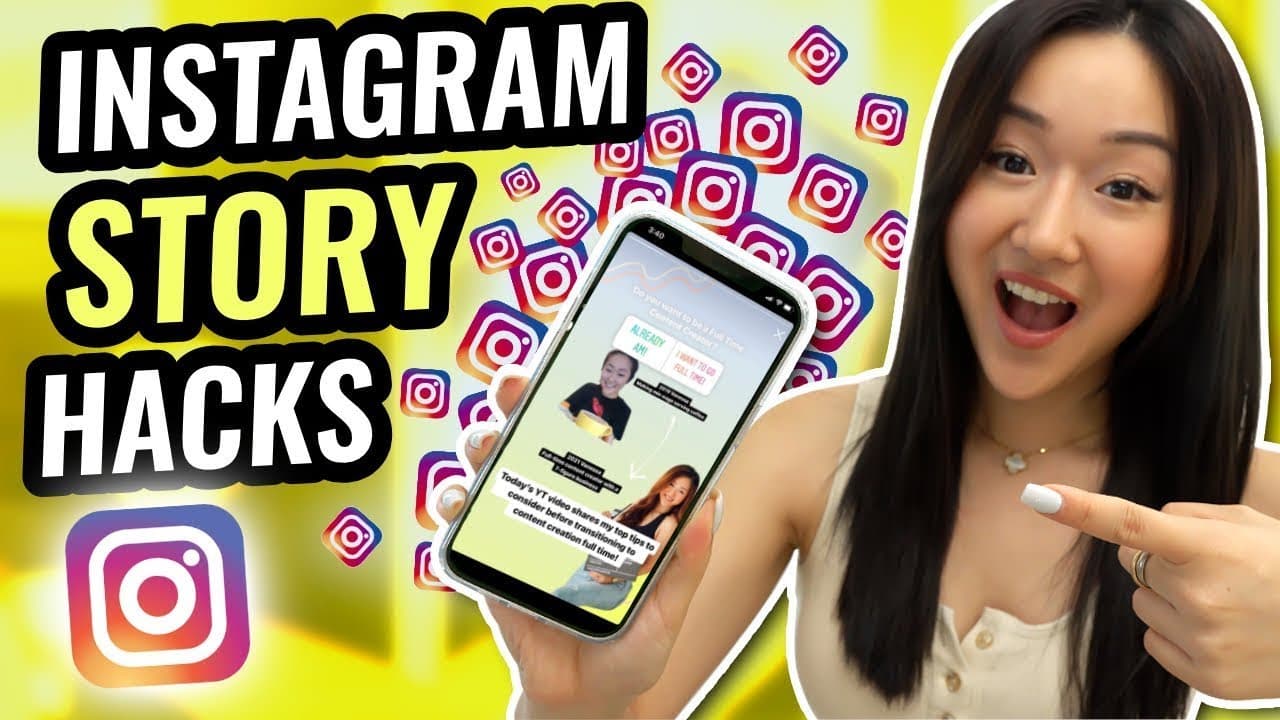
Instagram Story Hacks & Tips - You Didn't Know Existed in 2022!
TL;DR
Learn Instagram story hacks to enhance your social media strategy.
Transcript
So you want it. I learn about Instagram stories specifically. You want to learn about what apps you might be missing out on what hacks, what features you might not be using to optimize your business strategy when it comes to social media. Well, hello, I'm [inaudible] and one thing I'm really good at is helping people to get visible using social med... Read More
Key Insights
- Creating personalized GIFs can enhance your Instagram stories, making them more engaging and driving traffic to lead magnets.
- Using brand templates ensures consistency in aesthetics across Instagram stories, allowing for precise color matching with the color dropper tool.
- Live photos can be easily converted into Boomerangs by holding down the photo in Instagram stories, adding dynamic elements to your content.
- Transparent PNGs can be used as stickers in stories, offering more customization options beyond Instagram's native features.
- Creating transparent PNGs of yourself using tools like Canva can personalize your stories and make them more visually appealing.
- Utilizing the paintbrush feature for overlays can create semi-transparent backgrounds, enhancing the visual depth of your stories.
- Setting Instagram stories to automatically open in selfie mode can streamline content creation for frequent selfie video creators.
- Accessing story analytics provides valuable data on viewer interactions, helping refine content strategy for better engagement.
Install to Summarize YouTube Videos and Get Transcripts
Explore YouTube Video Summarizer or Get YouTube Transcript Extractor
Questions & Answers
Q: How can I create a personalized GIF for Instagram stories?
To create a personalized GIF, use Jiffy to upload an MP4 or movie file, adjust its duration, and decorate it if needed. Once uploaded, save the GIF and transfer it to your phone to use as a sticker in your Instagram stories, enhancing engagement and driving traffic.
Q: What is the benefit of using a brand template in Instagram stories?
Using a brand template ensures consistency in the aesthetics of your Instagram stories. By saving the template in your gallery and using the color dropper, you can match the exact colors for fonts, brush strokes, or backgrounds, maintaining brand identity across your social media content.
Q: How can live photos be used creatively in Instagram stories?
Live photos can be creatively used by uploading them to Instagram stories and holding down the photo to automatically convert it into a Boomerang. This simple hack adds dynamic movement to photos, making stories more engaging and visually appealing to your audience.
Q: What is the process of creating transparent PNGs for Instagram stories?
To create transparent PNGs, use Canva to upload your photo and apply the background remover tool. Once the background is removed, save the image as a PNG. These can be used as stickers in Instagram stories, offering more personalization and creative options for your content.
Q: How does the paintbrush feature enhance Instagram story overlays?
The paintbrush feature can be used to create overlays by holding it down to expand into a background. For a more transparent effect, use the outlined text feature to create a full overlay, offering a more visually appealing and layered look to your Instagram stories.
Q: What are the advantages of setting Instagram stories to open in selfie mode?
Setting Instagram stories to open in selfie mode streamlines the content creation process for those frequently using selfie videos. This small tweak saves time and effort, allowing creators to focus more on their content rather than adjusting camera settings each time they open the app.
Q: How can Instagram story analytics improve content strategy?
Instagram story analytics provide insights into viewer interactions, such as reach, actions taken, and navigation patterns. By analyzing this data, creators can identify what content works best, adjust their strategy accordingly, and make informed decisions to enhance engagement and follower growth.
Q: What tools are recommended for creating engaging Instagram content?
Recommended tools include Jiffy for creating GIFs, Canva for designing transparent PNGs, and using Instagram's native features like Boomerangs and story analytics. These tools help create visually appealing, personalized stories and provide data-driven insights to refine your social media strategy.
Summary & Key Takeaways
-
This video provides a comprehensive guide to Instagram story hacks that can optimize your social media strategy. It covers creating custom GIFs, using brand templates, and utilizing transparent PNGs for enhanced storytelling.
-
Learn how to convert live photos into Boomerangs and access detailed story analytics to make data-driven decisions. The video also explains how to set your Instagram stories to open in selfie mode for convenience.
-
Discover how to use the paintbrush feature for creating overlays and the benefits of personalized stickers. These tips aim to improve the aesthetics and effectiveness of your Instagram stories.
Read in Other Languages (beta)
Share This Summary 📚
Summarize YouTube Videos and Get Video Transcripts with 1-Click
Try YouTube Summary with ChatGPT & Claude or YouTube Transcript Generator
Explore More Summaries from Vanessa Lau 📚

Summarize YouTube Videos and Get Video Transcripts with 1-Click
Try YouTube Summary with ChatGPT & Claude or YouTube Transcript Generator