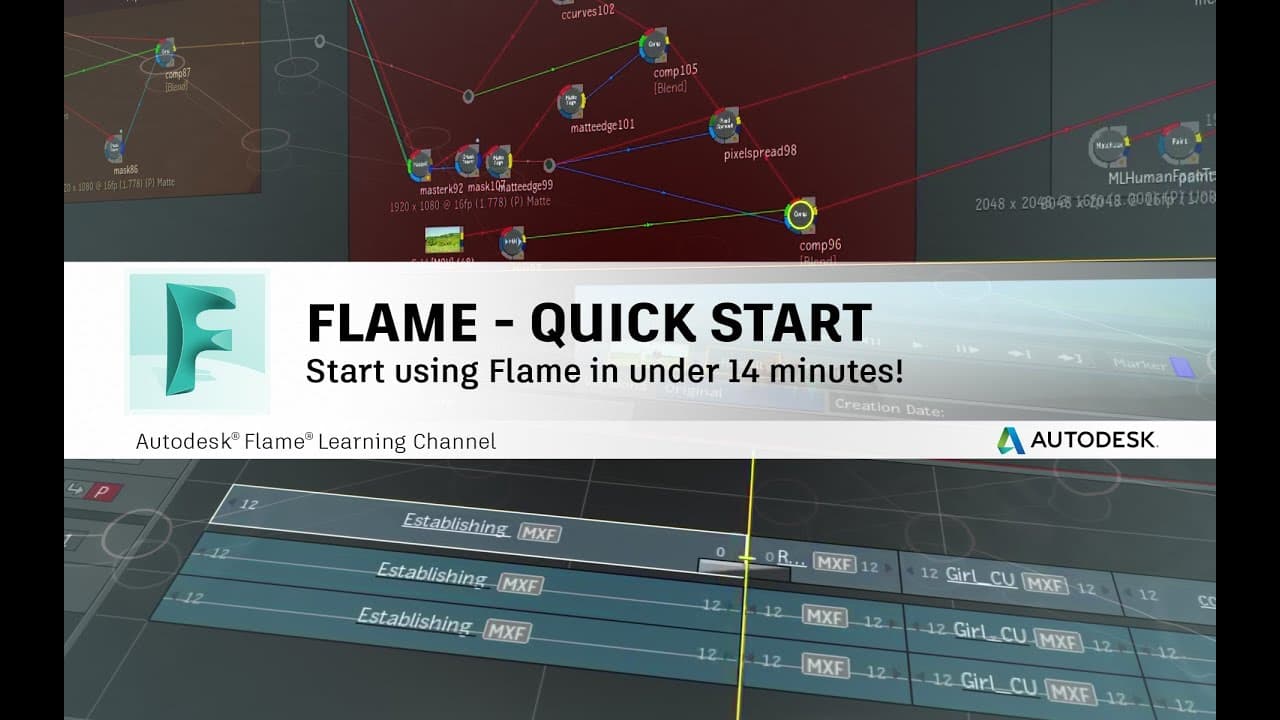
Flame - Quick Start - Start using Flame in under 14 minutes!
TL;DR
Grant provides basic operational training for Flame in a 14-minute video, covering project setup, media import, editing, effects, and exporting.
Transcript
hi i'm grant and in this introductory video i hope to provide you with some basic operational training that should enable you to start using flame in approximately 14 minutes with this goal in mind i'll be covering five basic stages of working in flame project setup media import basic editing basic effects and exporting when you launch flame for th... Read More
Key Insights
- 💝 Flame provides a welcome screen with access to latest features and resources for new users.
- 👤 User profiles and project setup are essential for customization and organization.
- 💦 Media import and management can be done in the MediaHub environment, with previewing and drag-and-drop functionality.
- 🫵 Viewing and editing imported media is possible in the Timeline environment, with various editing tools and modes available.
- ❓ Basic timeline effects can be applied for VFX and grading, with options for rendering and customization.
- 💐 Multi-layer compositing and batch effects flow graphs offer advanced creative possibilities.
- ♻️ Exporting deliverables can be done in the MediaHub environment, with options for customizing export settings.
Install to Summarize YouTube Videos and Get Transcripts
Explore YouTube Video Summarizer or Get YouTube Transcript Extractor
Questions & Answers
Q: What is the first step before starting any work in Flame?
The first step is to set up a user profile and create a project that contains all the relevant settings for your production.
Q: How does Flame handle media import and management?
Flame allows users to import source media using the File Browser in the MediaHub environment. Multiple files or entire folders can be selected and previewed before being dragged into the Media Panel.
Q: How can users view imported media in the timeline?
Users can switch to the Timeline environment to view imported media. It can be displayed in a scrollable reel or as source timelines for each selected clip. Full-screen viewing is also possible.
Q: What are some editing tools available in Flame?
Flame offers tools like drag-and-drop editing, trimming, segment cutting, and various editing modes. Keyboard shortcuts and right-click menus provide additional editing options.
Key Insights:
- Flame provides a welcome screen with access to latest features and resources for new users.
- User profiles and project setup are essential for customization and organization.
- Media import and management can be done in the MediaHub environment, with previewing and drag-and-drop functionality.
- Viewing and editing imported media is possible in the Timeline environment, with various editing tools and modes available.
- Basic timeline effects can be applied for VFX and grading, with options for rendering and customization.
- Multi-layer compositing and batch effects flow graphs offer advanced creative possibilities.
- Exporting deliverables can be done in the MediaHub environment, with options for customizing export settings.
- The Flame Learning Channel and comprehensive online documentation provide additional training and resources for users.
Summary & Key Takeaways
-
Flame is a powerful editing, VFX, and grading software that offers various features and capabilities.
-
Users need to set up a user profile and create a project before beginning work in Flame.
-
Media can be imported, previewed, and organized in the Media Panel, and then edited into timelines using drag-and-drop functionality.
Read in Other Languages (beta)
Share This Summary 📚
Summarize YouTube Videos and Get Video Transcripts with 1-Click
Try YouTube Summary with ChatGPT & Claude or YouTube Transcript Generator
Explore More Summaries from The Flame Learning Channel 📚
Summarize YouTube Videos and Get Video Transcripts with 1-Click
Try YouTube Summary with ChatGPT & Claude or YouTube Transcript Generator