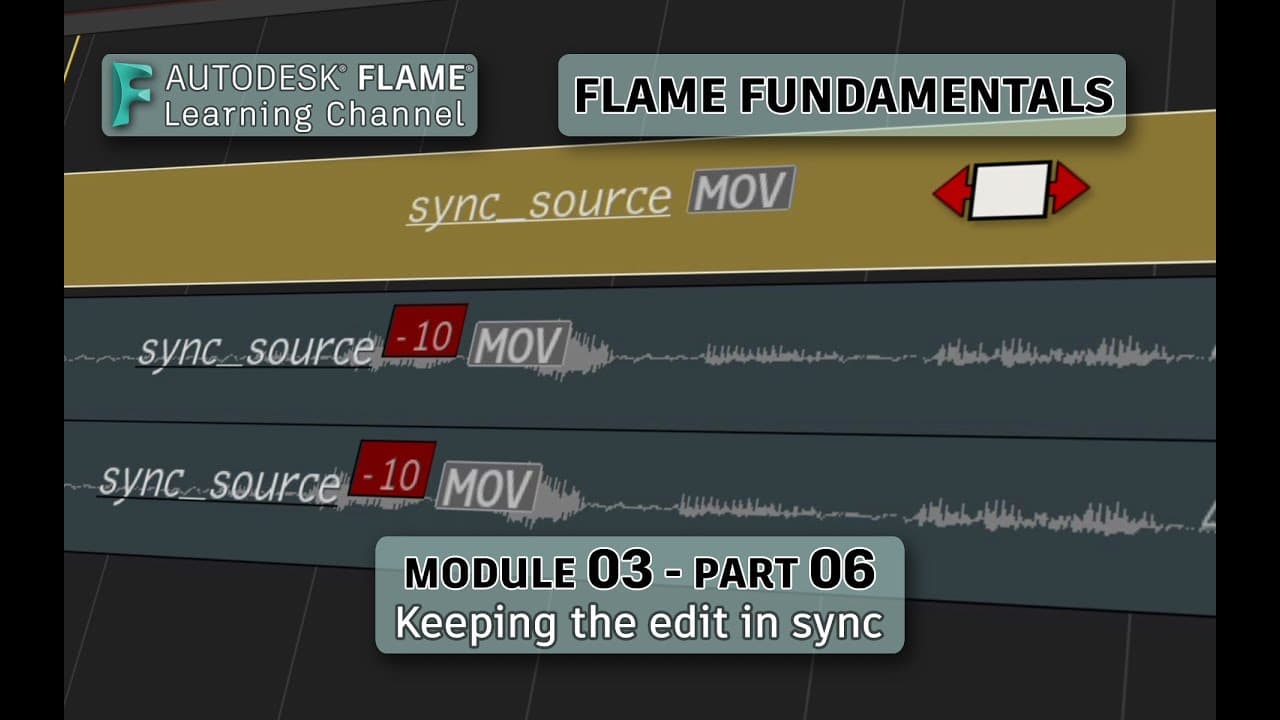
Flame Fundamentals - Module 3 - Part 06 - Keeping the edit in sync
TL;DR
Learn how to keep tracks in sync while editing and work with synchronized media using sync groups in Flame.
Transcript
welcome to your flame fundamentals training the next aspect you'll cover when it comes to editing is keeping sync now this can be broken down into two parts keeping sync in the sequence while editing and working with synced sources so you'll cover how to keep the tracks in sync while editing and then you'll examine the various aspects of working wi... Read More
Key Insights
- 🎥 Keeping Sync in the Sequence: When editing in Flame, editing to only one track can throw the entire sequence out of sync. Sync locks can help maintain sync by inserting gap segments across all tracks when performing insert edits.
- 🔒 Working with Synced Media: Flame allows you to work with synchronized video and audio sources, which can be imported as a sync group. Sync can be turned on or off, allowing for adjustments to individual segments or the entire sync group.
- 🔄 Breaking and Creating Sync Groups: Sync groups can be broken by deleting the group, allowing segments to be moved independently. Conversely, segments can be selected and a sync group can be created, maintaining sync between video and audio.
- ⚠️ Sync Indicators: When working with sync groups, Flame provides indicators to show when segments are out of sync. This allows for easy correction by moving or slipping segments to bring them back into sync.
- 🎥 Sound out of Sync: In cases where sound is captured separately and handed off as a sync group, the sync may appear fine but be out of sync when watched and listened to. Disabling sync and slipping either the audio or video can correct this issue.
- 🔄 Setting a New Sync: After slipping segments to correct sync issues, the new sync can be defined by selecting the segments and resetting the sync group offset. This ensures that the video and audio segments are considered in sync.
- 🔈 Implementing Sync Corrections: Flame offers a resync function that makes it easy to slip audio segments to correct sync issues. This can be done by selecting the audio segments with indicators and choosing to fix the sync group offset.
- 🔀 Multiple Ways to Sync Media: Synced media can either exist as separate files or be captured into a single media file. Flame allows for importing and creating sync groups from both types of sources.
Install to Summarize YouTube Videos and Get Transcripts
Explore YouTube Video Summarizer or Get YouTube Transcript Extractor
Questions & Answers
Q: What is the purpose of sync locks in Flame editing?
Sync locks in Flame editing help maintain overall sync in a sequence by inserting gap segments across all tracks to keep them in sync when performing insert edits.
Q: How can you import and work with synchronized video and audio sources in Flame?
In Flame, you can import synchronized video and audio sources either as a sync group if they were captured together or import them as separate files and create a sync group from them. This allows you to keep the segments in sync while editing.
Q: How can you break or create sync groups in Flame?
To break a sync group in Flame, you can select the segments that are part of the sync group and use the right-click menu to delete the sync group. To create a sync group, select the video and audio segments separately and choose "Create Sync Group" from the right-click menu.
Q: How can you fix syncing issues in Flame when the audio is out of sync from the video in a sync group?
If the audio is out of sync from the video in a sync group, you can disable sync in the sequence and adjust the audio or video segments until they are properly in sync. Then, using the context menu, you can set the sync group offset to define the new sync between the segments.
Summary & Key Takeaways
-
When editing in Flame, there are times when only editing to one track can throw the entire sequence out of sync, but using sync locks can help maintain sync across all tracks.
-
Working with synchronized video and audio sources can be done by importing them as a sync group or as separate files that can be grouped together.
-
Sync groups have indicators when something goes out of sync, and you can easily fix syncing issues by adjusting segments or using the resync function.
Read in Other Languages (beta)
Share This Summary 📚
Summarize YouTube Videos and Get Video Transcripts with 1-Click
Try YouTube Summary with ChatGPT & Claude or YouTube Transcript Generator
Explore More Summaries from The Flame Learning Channel 📚
Summarize YouTube Videos and Get Video Transcripts with 1-Click
Try YouTube Summary with ChatGPT & Claude or YouTube Transcript Generator