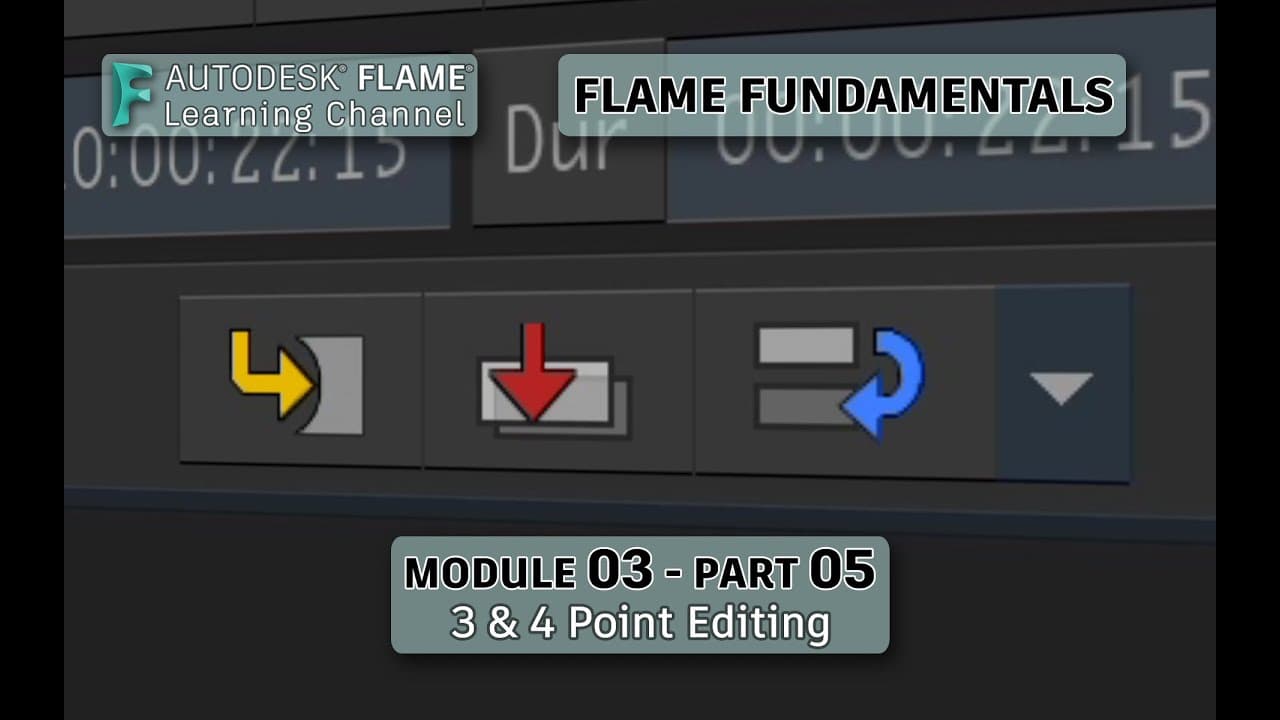
Flame Fundamentals - Module 3 - Part 05 - 3 & 4 Point Editing
TL;DR
Learn how to perform three and four point editing in Flame, including overwrite and insert edits.
Transcript
welcome to your flame fundamentals training in this video you'll look at performing three and four point editing in the sequence these are very common editing operations and depending on whether you edit with overwrite or insert will give you different results as you assemble your edit to perform a three-point edit in flame select your source and l... Read More
Key Insights
- 😥 Three point editing in Flame allows for versatile combinations of in and out marks between the source and sequence.
- 👶 Overwrite editing in Flame replaces existing content in the sequence with the new segment.
- 🫷 Insert editing in Flame pushes the existing content down the track to make room for the new segment.
- 😥 Four point editing in Flame involves a fit to fill operation and applies a time warp timeline effect to adjust the speed of the new segment.
- 👻 The time warp timeline effect can be accessed in the effects menus and allows for speed adjustment of a segment.
- 🎮 The flame learning channel offers more videos to further explore timeline effects and the effects pipeline.
- ⌛ Utilizing endpoint marks in the sequence will forward time the edit, while using an out point will back time it.
Install to Summarize YouTube Videos and Get Transcripts
Explore YouTube Video Summarizer or Get YouTube Transcript Extractor
Questions & Answers
Q: What is the difference between three point editing and four point editing?
Three point editing allows for flexibility in choosing in and out marks between the source and sequence, while four point editing involves a fit to fill operation and applies a time warp timeline effect to adjust the speed of the new segment.
Q: How can I perform an overwrite edit in Flame?
To perform an overwrite edit, mark the in and out points on the source and sequence, then click the overwrite edit button. The new segment will start from the sequence endpoint and overwrite anything that follows.
Q: What happens if I only use an out point in the sequence for an edit?
If you only use an out point in the sequence, the edit will be back timed, meaning it will be inserted at a point before the out point in the sequence.
Q: How can I adjust the speed of a segment in Flame?
When performing a four point edit and applying the time warp timeline effect, you can adjust the speed of the new segment by selecting the segment and accessing the speed change in the effects menus.
Key Insights:
- Three point editing in Flame allows for versatile combinations of in and out marks between the source and sequence.
- Overwrite editing in Flame replaces existing content in the sequence with the new segment.
- Insert editing in Flame pushes the existing content down the track to make room for the new segment.
- Four point editing in Flame involves a fit to fill operation and applies a time warp timeline effect to adjust the speed of the new segment.
- The time warp timeline effect can be accessed in the effects menus and allows for speed adjustment of a segment.
- The flame learning channel offers more videos to further explore timeline effects and the effects pipeline.
- Utilizing endpoint marks in the sequence will forward time the edit, while using an out point will back time it.
- The positioner in Flame can be used to set in points and determine where edits occur in the sequence.
Summary & Key Takeaways
-
This video teaches how to perform three and four point editing in Flame.
-
Three point editing is flexible and allows for various combinations of in and out marks between the source and sequence.
-
Four point editing involves a fit to fill operation and applies a time warp timeline effect to adjust the speed of the new segment.
Read in Other Languages (beta)
Share This Summary 📚
Summarize YouTube Videos and Get Video Transcripts with 1-Click
Try YouTube Summary with ChatGPT & Claude or YouTube Transcript Generator
Explore More Summaries from The Flame Learning Channel 📚
Summarize YouTube Videos and Get Video Transcripts with 1-Click
Try YouTube Summary with ChatGPT & Claude or YouTube Transcript Generator