The BEST Way To Add Media To Your Obsidian Vault // EP 4
TL;DR
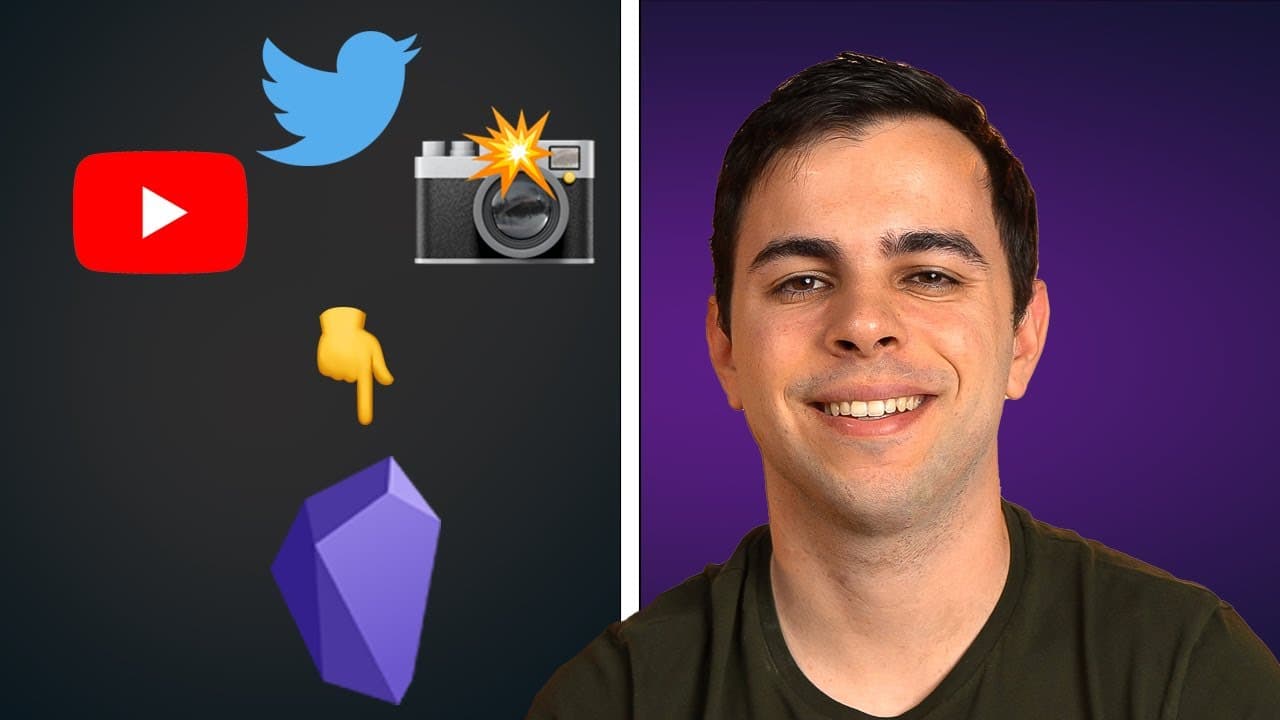
Obsidian offers a seamless way to manage and organize media files, including images, videos, YouTube videos, and tweets, within your vault.
Transcript
taking notes on youtube videos straight from your browser uploading all the images that you want while taking zero space adding long twitter threads in a single screenshot all of this and more coming up timestamps are shown here as well as in the description below okay so we're going to start with an overview of how obsidian handles media and if yo... Read More
Key Insights
- 📁 Obsidian manages media files by creating separate notes for each file within the vault, making organization and retrieval easy.
- 👻 The World Brain's Max browser extension allows users to take notes on YouTube videos, adding timestamps for quick reference.
- 🧵 Obsidian provides options to embed single tweets or long threads into the vault, enhancing the ability to save and reference valuable insights.
- 🥶 The Imgur plugin enables users to upload images and videos to their Imgur account, freeing up space in their vault.
- 🛀 Obsidian's integration with various media management tools enhances the productivity and efficiency of note-taking and knowledge management workflows.
- 📁 By organizing media files in designated folders within the vault, users can keep their workspace clutter-free and well-structured.
- ❓ The Obsidian community offers helpful plugins and resources that extend the functionality of the software, such as the Imager plugin mentioned in the content.
Install to Summarize YouTube Videos and Get Transcripts
Explore YouTube Video Summarizer or Get YouTube Transcript Extractor
Questions & Answers
Q: How does Obsidian handle media files?
Obsidian creates separate notes for media files within your vault, allowing you to easily manage and organize them.
Q: Can I take notes on YouTube videos in Obsidian?
Yes, by using the World Brain's Max browser extension, you can take notes on YouTube videos while watching them and add clickable timestamps for reference.
Q: How can I embed tweets in Obsidian?
You can embed tweets in Obsidian by copying and pasting the tweet's code or using the Twit Frame source code for a more appealing display.
Q: Is there a way to upload media files without taking up space in my vault?
Yes, you can use the Imgur plugin in Obsidian to upload images and small videos to your Imgur account, saving space in your vault.
Key Insights:
- Obsidian manages media files by creating separate notes for each file within the vault, making organization and retrieval easy.
- The World Brain's Max browser extension allows users to take notes on YouTube videos, adding timestamps for quick reference.
- Obsidian provides options to embed single tweets or long threads into the vault, enhancing the ability to save and reference valuable insights.
- The Imgur plugin enables users to upload images and videos to their Imgur account, freeing up space in their vault.
- Obsidian's integration with various media management tools enhances the productivity and efficiency of note-taking and knowledge management workflows.
- By organizing media files in designated folders within the vault, users can keep their workspace clutter-free and well-structured.
- The Obsidian community offers helpful plugins and resources that extend the functionality of the software, such as the Imager plugin mentioned in the content.
- Obsidian's versatility in handling different types of media files makes it a robust choice for knowledge workers and content creators.
Summary & Key Takeaways
-
Obsidian handles media files, such as images and videos, by creating separate notes for each file within your vault.
-
By organizing media files in designated folders and utilizing plugins like World Brain's Max, users can easily take notes on YouTube videos and add timestamps for reference.
-
Obsidian allows users to embed tweets into their vault, either as single tweets or long threads, and also provides an option to upload media files to Imgur to save space.
Read in Other Languages (beta)
Share This Summary 📚
Summarize YouTube Videos and Get Video Transcripts with 1-Click
Try YouTube Summary with ChatGPT & Claude or YouTube Transcript Generator
Explore More Summaries from FromSergio 📚



Summarize YouTube Videos and Get Video Transcripts with 1-Click
Try YouTube Summary with ChatGPT & Claude or YouTube Transcript Generator