How Can Templater Enhance Your Obsidian Workflow?
TL;DR
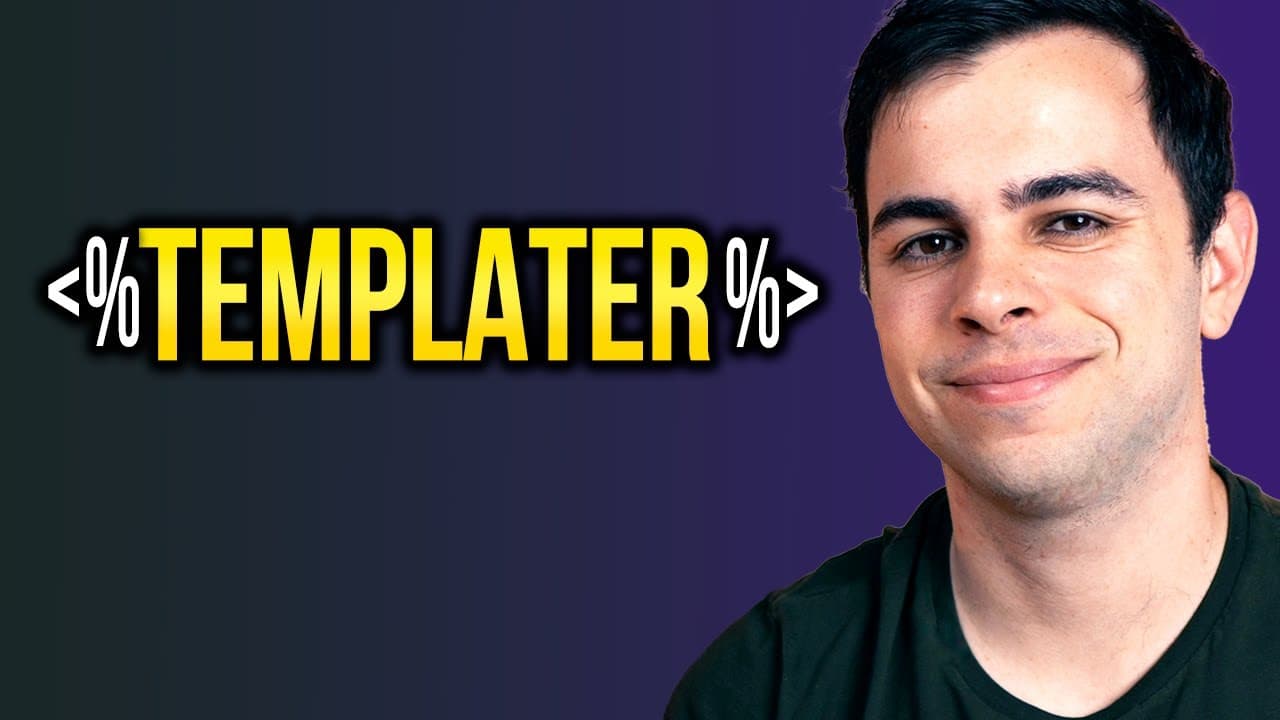
Templater significantly improves your note-taking in Obsidian by automating template application based on various parameters like dates and folder locations. This powerful tool helps streamline your organization and enhances productivity with customizable workflows.
Transcript
in today's video we're talking about templater in obsidian templater is essentially a much more robust and complex version of the template score plugin it can get overwhelming so while there are no requirements for this video if you're just starting out with obsidian it might be best to go over my obsidian playlist before watching this video so wha... Read More
Key Insights
- 🤑 Templater in Obsidian is a feature-rich plugin that adds advanced automation capabilities to note-taking and organization.
- 👻 It allows for the application of templates based on variables like date and folder location, empowering users to create customized workflows.
- 💁 Customization options, such as date formats and link generation, make Templater a flexible tool for enhancing productivity in Obsidian.
- ❓ Exploring the Templater GitHub repository can provide inspiration and insights into how others are using the plugin.
- 🛀 Understanding the functionalities and syntax of Templater is crucial to fully leverage its potential for streamlining note-taking and organization.
- 👤 Advanced features, like user scripts and the moment object, offer further possibilities for customization and automation.
- 👤 The documentation for Templater is comprehensive and well-written, providing a valuable resource for users to delve deeper into its functionalities.
Install to Summarize YouTube Videos and Get Transcripts
Explore YouTube Video Summarizer or Get YouTube Transcript Extractor
Questions & Answers
Q: What is the main difference between Templater and the Template Score plugin?
The main difference is that Templater offers more advanced automation capabilities, allowing users to apply templates based on variables like the day of the week or the folder in which the note was created.
Q: How do you activate a template in Templater?
To activate a template in Templater, you need to use the command palette and select "Replace templates in the active file" or assign a hotkey to the command. This ensures that the template is applied automatically based on the parameters you've set.
Q: Can you customize the format of dates generated by Templater?
Yes, Templater allows for customization of date formats. By using the appropriate syntax, you can display dates in a more user-friendly format, such as using "do4ms" for the day of the week and "fourwise" for the month.
Q: How can Templater be used to generate links to specific dates or files?
Templater can be used to generate links to specific dates or files by turning the generated content into a link. By enclosing the generated content in square brackets and assigning it to a specific template, you can create links to previous or future dates, as well as link to specific files.
Key Insights:
- Templater in Obsidian is a feature-rich plugin that adds advanced automation capabilities to note-taking and organization.
- It allows for the application of templates based on variables like date and folder location, empowering users to create customized workflows.
- Customization options, such as date formats and link generation, make Templater a flexible tool for enhancing productivity in Obsidian.
- Exploring the Templater GitHub repository can provide inspiration and insights into how others are using the plugin.
- Understanding the functionalities and syntax of Templater is crucial to fully leverage its potential for streamlining note-taking and organization.
- Advanced features, like user scripts and the moment object, offer further possibilities for customization and automation.
- The documentation for Templater is comprehensive and well-written, providing a valuable resource for users to delve deeper into its functionalities.
- Sharing and learning from others' experiences with Templater can broaden one's understanding and usage of the plugin.
Summary & Key Takeaways
-
Templater in Obsidian is a more complex version of the Template Score plugin, providing advanced automation capabilities for applying templates to notes.
-
The main difference between Templater and the Template Score plugin is the level of automation and flexibility it offers.
-
Templater's functionality is divided into internal functions and user functions, with this video focusing on the internal functions.
Read in Other Languages (beta)
Share This Summary 📚
Summarize YouTube Videos and Get Video Transcripts with 1-Click
Try YouTube Summary with ChatGPT & Claude or YouTube Transcript Generator
Explore More Summaries from FromSergio 📚





Summarize YouTube Videos and Get Video Transcripts with 1-Click
Try YouTube Summary with ChatGPT & Claude or YouTube Transcript Generator