Master Your Note-Taking with Obsidian in 10 Minutes
TL;DR
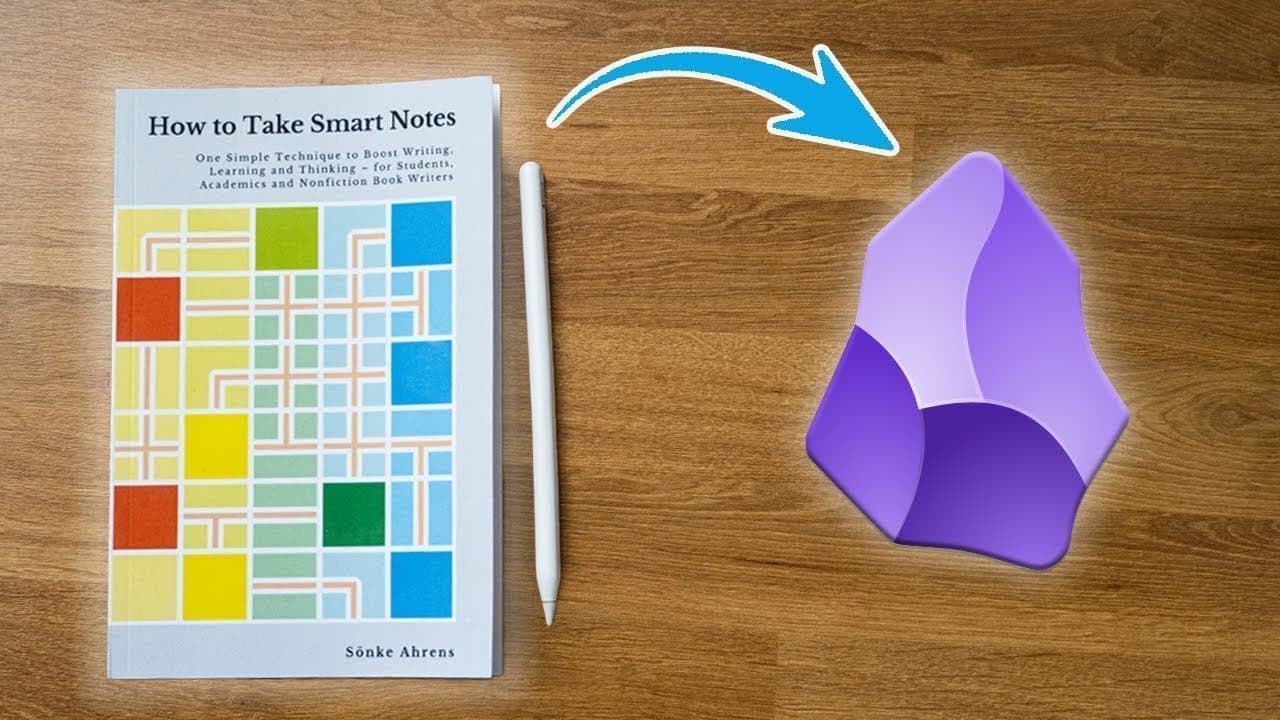
Transform your note-taking into a powerful idea generation system using Obsidian by creating smart notes. Learn to differentiate between fleeting, reference, literature, and permanent notes to enhance your understanding and retention of information.
Transcript
if you want to make notes that last a lifetime notes to help you think and even create content then this video is for you because most people just take notes they passively copy or highlight whatever they find interesting and call it a day but when you make smart notes you're creating something it's no longer someone else's thoughts it's your own a... Read More
Key Insights
- 🧠 Smart notes are more than just copying or highlighting, they are a way to create your own thoughts and ideas. They become exponentially more useful as you make more of them.
- 📝 The Zettelkasten method, created in the 1950s, is the basis for the workflow described in the content, but has been adapted for modern tools like Obsidian.
- 🔗 Obsidian is a recommended tool for creating smart notes because it allows for easy linking between different notes.
- 📚 Reference notes capture someone else's thoughts, such as direct quotes from books, papers, or articles. Readwise is a tool that can help in capturing and organizing reference notes. ⏳ Many people stop at reference notes and fail to take the next step, which is to create literature notes. Literature notes are your own interpretation of someone else's thoughts and help in building knowledge.
- ✍️ The process of summarizing and writing down what you learned from a book or article helps you think deeply about the material and create literature notes.
- 💡 Having separate reference and literature notes allows for selective highlighting and easier access to the most relevant information in the literature notes.
- 💡 Permanent notes are concepts and ideas independent of their original context. They help in building knowledge and generating ideas for future content creation.
Install to Summarize YouTube Videos and Get Transcripts
Explore YouTube Video Summarizer or Get YouTube Transcript Extractor
Questions & Answers
Q: What is the difference between reference notes, literature notes, and permanent notes?
Reference notes capture someone else's thoughts, literature notes are personal interpretations of reference notes, and permanent notes are independent concepts and ideas.
Q: Why is it important to create literature notes and permanent notes instead of just using reference notes?
Creating literature notes and permanent notes allows for a deeper understanding and synthesis of information, leading to the generation of unique insights and connections.
Q: How can Obsidian be used to store and organize smart notes?
Obsidian is a tool that enables the linking of different notes, making it easy to navigate and connect ideas within a note-taking system.
Q: How can the act of summarizing and writing literature notes enhance the understanding of what is read?
Summarizing and writing literature notes requires a deeper level of engagement with the material, leading to increased comprehension and retention of information.
Q: What are the benefits of separating reference notes and literature notes into two different files?
Keeping separate files allows for greater selectivity in literature notes, enabling freedom in highlighting while maintaining a concise and focused literature note.
Q: How do permanent notes contribute to the growth of a note-taking system?
Permanent notes serve as building blocks of knowledge, forming clusters and connections that can evolve into published work or generate new ideas over time.
Q: How can the process of creating smart notes improve thinking, speaking, and writing abilities?
Smart notes promote critical thinking, clarity of thought, and the ability to articulate ideas, resulting in improved communication skills and overall cognitive development.
Summary & Key Takeaways
-
The video explores the concept of smart notes, which are notes that go beyond copying or highlighting and instead generate original thoughts and ideas.
-
The note-taking workflow is divided into three types of notes: fleeting notes, reference notes, and literature notes.
-
The video focuses on the importance and process of creating literature notes, which are personal interpretations of someone else's thoughts, and permanent notes, which are independent concepts and ideas.
Read in Other Languages (beta)
Share This Summary 📚
Summarize YouTube Videos and Get Video Transcripts with 1-Click
Try YouTube Summary with ChatGPT & Claude or YouTube Transcript Generator
Explore More Summaries from FromSergio 📚





Summarize YouTube Videos and Get Video Transcripts with 1-Click
Try YouTube Summary with ChatGPT & Claude or YouTube Transcript Generator