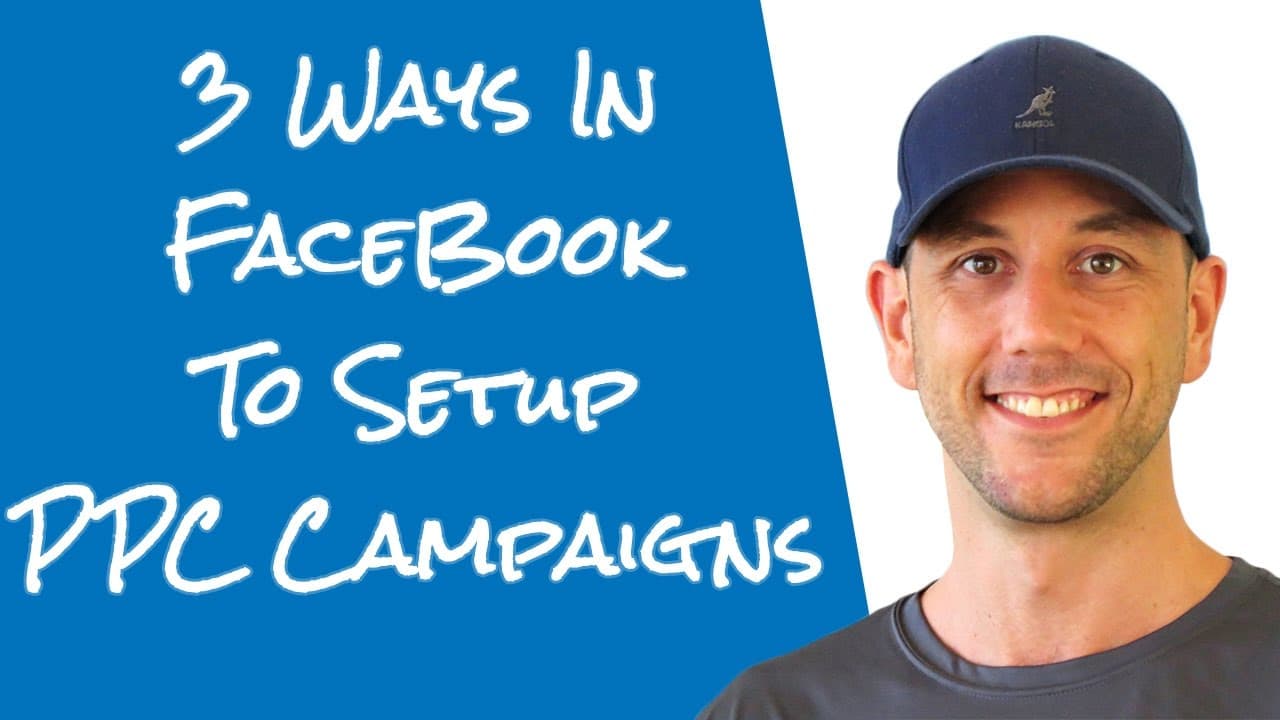
3 Ways To Setup Facebok Pay Per Click Ads With Facebook' Native Marketing Tools
TL;DR
Avoid boost posts; use Power Editor for Facebook PPC success.
Transcript
hey miles Beckler here in this video we're going to look at the three different ways that you can run Facebook pay-per-click ads the Facebook pay-per-click ad system is definitely one of my favorite paid marketing systems because it allows me to target my users to retarget my subscribers and people who visit my website and people who have purchased... Read More
Key Insights
- Facebook Pay-Per-Click (PPC) ads offer three different methods for setting up campaigns, each varying in effectiveness and control.
- The 'Boost Post' option is the least effective method for marketers, offering limited control and primarily benefiting Facebook's revenue.
- The Ads Manager provides more control than Boost Post but still lacks the comprehensive features needed for professional-level campaign management.
- Power Editor is the recommended tool for serious marketers, offering advanced features like split testing and detailed audience segmentation.
- Before starting any Facebook ad campaign, ensure your Facebook Pixel is set up to track and analyze user interactions effectively.
- Creating custom and look-alike audiences is crucial for targeting the right people and maximizing the return on investment from Facebook ads.
- Power Editor allows marketers to perform detailed split tests, comparing different demographics and interests to optimize ad performance.
- Using Google Chrome is recommended for running Power Editor due to compatibility issues with other browsers like Firefox or Safari.
Install to Summarize YouTube Videos and Get Transcripts
Explore YouTube Video Summarizer or Get YouTube Transcript Extractor
Questions & Answers
Q: What is the least recommended method for setting up Facebook PPC ads?
The least recommended method for setting up Facebook PPC ads is using the 'Boost Post' feature. This option offers minimal control over targeting and is primarily designed to generate revenue for Facebook by encouraging page owners to pay for increased reach. It is not suitable for marketers looking to maximize their ad effectiveness.
Q: Why is the Power Editor recommended for Facebook PPC campaigns?
The Power Editor is recommended for Facebook PPC campaigns because it provides advanced features necessary for professional-level advertising. It allows for detailed audience segmentation, extensive split testing, and comprehensive campaign management. These features enable marketers to optimize their ads and target the most relevant audiences, ultimately improving the return on investment.
Q: What should be set up before running a Facebook ad campaign?
Before running a Facebook ad campaign, it is essential to set up the Facebook Pixel. The Pixel tracks user interactions and provides valuable data for analyzing campaign performance. Additionally, creating custom and look-alike audiences is crucial for effective targeting, ensuring that ads reach the most relevant individuals and maximize the potential for conversions.
Q: How does the Ads Manager compare to the Power Editor?
The Ads Manager offers more control than the Boost Post feature but still lacks the comprehensive capabilities of the Power Editor. While it allows for basic campaign management, it does not provide the advanced targeting and split testing options available in the Power Editor. For serious marketers, the Power Editor is the preferred choice due to its extensive features and flexibility.
Q: What is the benefit of using look-alike audiences in Facebook ads?
Look-alike audiences in Facebook ads allow marketers to reach new people who are similar to their existing customers or subscribers. By leveraging Facebook's data, marketers can target individuals with similar interests and behaviors, increasing the likelihood of engagement and conversions. This method is highly effective for expanding reach and improving campaign performance.
Q: Why is Google Chrome recommended for using Power Editor?
Google Chrome is recommended for using Power Editor because it is optimized for compatibility with Facebook's advanced advertising tools. Other browsers like Firefox or Safari may experience issues or limitations when running Power Editor, potentially affecting campaign management and performance. Using Chrome ensures a smoother and more reliable user experience.
Q: What is the purpose of split testing in Facebook ads?
Split testing in Facebook ads is used to compare different versions of ads, targeting criteria, or audience segments to determine which performs best. By testing variables such as demographics, interests, or ad creatives, marketers can identify the most effective strategies for reaching their target audience. This process helps optimize ad performance and maximize return on investment.
Q: What is the primary goal of Facebook's advertising platform?
The primary goal of Facebook's advertising platform is to generate revenue for the company by providing tools for businesses to reach their target audiences. While it offers advanced features for marketers, its ultimate objective is to deliver a return on investment for its shareholders. This is why some features, like Boost Post, are designed to encourage spending while offering limited control.
Summary & Key Takeaways
-
The video discusses three methods for setting up Facebook PPC ads, emphasizing the importance of choosing the right tool for effective targeting and ROI.
-
Avoid using the Boost Post feature as it offers minimal control and primarily serves Facebook's financial interests rather than marketers'.
-
Power Editor is highlighted as the best tool for professional marketers, providing extensive features for audience targeting and campaign management.
Read in Other Languages (beta)
Share This Summary 📚
Summarize YouTube Videos and Get Video Transcripts with 1-Click
Try YouTube Summary with ChatGPT & Claude or YouTube Transcript Generator
Explore More Summaries from Miles Beckler 📚





Summarize YouTube Videos and Get Video Transcripts with 1-Click
Try YouTube Summary with ChatGPT & Claude or YouTube Transcript Generator