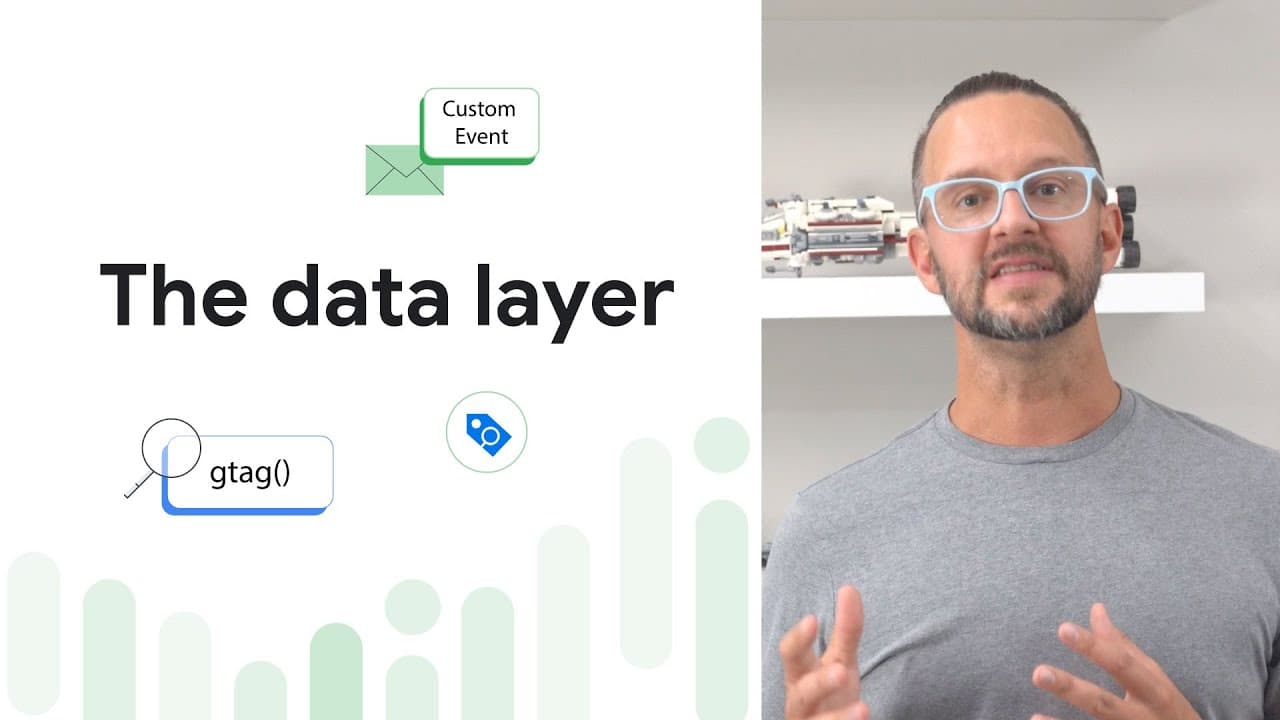
How to Use the Data Layer for Better Tracking in GTM
TL;DR
To use the data layer effectively for tracking in Google Tag Manager, declare the data layer before loading the Tag Manager script and utilize event handlers to capture user interactions. Maintain consistent variable naming across pages to ensure data persistence and organization, and avoid directly overwriting the window.dataLayer variable for optimal operation.
Transcript
Understanding the dataLayer is crucial for effective tag management and data tracking. The dataLayer is a JavaScript object that's used as a central place for data about user interactions on your website. Google Tag Manager and gtag.js use the dataLayer to get information from your website and then pass that information to your tags. You can thin... Read More
Key Insights
- The dataLayer is a JavaScript object that acts as a central repository for user interaction data on websites, facilitating effective tag management and data tracking.
- Google Tag Manager and gtag.js utilize the dataLayer to retrieve information from websites and pass it to tags, acting as a bridge between the site and measurement tools.
- Proper setup of the dataLayer involves declaring it before loading the Tag Manager script, ensuring a structured approach to data organization and tag referencing.
- When a container loads, Google Tag Manager processes dataLayer push messages sequentially, with event messages triggering corresponding tags before proceeding to the next.
- Event handlers can push data to the dataLayer based on specific user interactions, such as button clicks or form submissions, enabling detailed interaction tracking.
- Variables can be pushed to the dataLayer in bulk, and existing variables with the same name will be overwritten by new values, maintaining data consistency.
- To maintain variable persistence across pages, variables should be pushed to the dataLayer on each page load, with consistent naming conventions across different pages.
- Troubleshooting tips include avoiding overwriting the window.dataLayer variable, ensuring the dataLayer is instantiated before loading the container snippet, and maintaining consistent variable naming.
Install to Summarize YouTube Videos and Get Transcripts
Explore YouTube Video Summarizer or Get YouTube Transcript Extractor
Questions & Answers
Q: What is the purpose of the dataLayer?
The dataLayer serves as a central repository for data about user interactions on a website, facilitating effective tag management and data tracking. It acts as a bridge between the website and measurement tools like Google Tag Manager and gtag.js, organizing data predictably to ensure tags fire correctly and efficiently.
Q: How should the dataLayer be set up for Google Tag Manager?
To set up the dataLayer for Google Tag Manager, it must be declared before loading the Tag Manager script. This ensures a structured approach to data organization, allowing tags to reference information easily without needing to parse variables scattered throughout the page.
Q: How does Google Tag Manager process dataLayer push messages?
When a container loads, Google Tag Manager processes all queued dataLayer push messages in the order they were received. Each message is handled one at a time, and if a message is an event, any tags with matching triggers will fire before moving to the next message.
Q: How can event handlers be used with the dataLayer?
Event handlers can be used to push data to the dataLayer when a user interacts with the website in a specific way, such as clicking a button or submitting a form. This approach allows for detailed tracking of specific user interactions, making it easier to understand user behavior.
Q: What happens when multiple variables are pushed to the dataLayer?
When multiple variables are pushed to the dataLayer, any existing variable with the same name will be overwritten by the new value. This ensures data consistency and allows for the easy updating of variable values as new data becomes available.
Q: How can variables be persisted across pages in the dataLayer?
To persist variables across pages, they should be pushed to the dataLayer on each page load. It is important to use consistent naming conventions for variables across different pages to avoid issues with data consistency and tracking accuracy.
Q: What are some important troubleshooting tips for the dataLayer?
Key troubleshooting tips include not overwriting the window.dataLayer variable, ensuring the dataLayer is instantiated prior to loading the container snippet, and maintaining consistent variable naming across pages. Additionally, all variable names should be enclosed in quotes, and the dataLayer object name is case-sensitive.
Q: Can the dataLayer be renamed, and how?
Yes, the dataLayer can be renamed by updating the parameter in the GTM or gtag.js snippet. It is crucial to ensure that all references to the dataLayer in the code reflect this new name to maintain consistency and prevent errors in data tracking and tag management.
Summary & Key Takeaways
-
The dataLayer is a crucial component for effective tag management and data tracking, acting as a bridge between websites and measurement tools like Google Tag Manager and gtag.js. It organizes data in a predictable manner, ensuring tags fire correctly and efficiently.
-
Setting up the dataLayer involves declaring it before loading the Tag Manager script and using event handlers to push data based on user interactions. This structured approach allows for easy referencing of information without parsing scattered variables.
-
Troubleshooting tips emphasize the importance of not overwriting the window.dataLayer variable, instantiating the dataLayer before loading the container snippet, and maintaining consistent variable naming across pages to ensure smooth operation and data consistency.
Read in Other Languages (beta)
Share This Summary 📚
Summarize YouTube Videos and Get Video Transcripts with 1-Click
Try YouTube Summary with ChatGPT & Claude or YouTube Transcript Generator
Explore More Summaries from Google Analytics 📚

Summarize YouTube Videos and Get Video Transcripts with 1-Click
Try YouTube Summary with ChatGPT & Claude or YouTube Transcript Generator