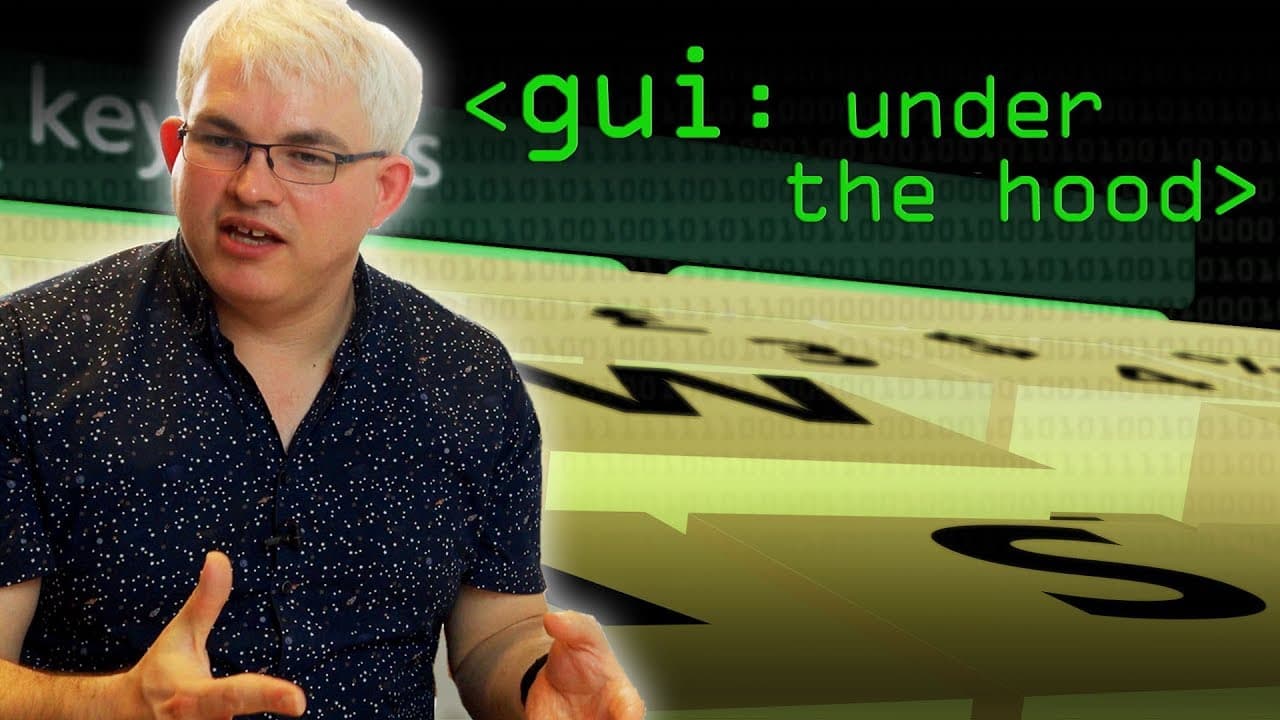
GUI: Under the Hood - Computerphile
TL;DR
GUI software programs utilize event loops to handle user interactions, with messages and events being passed to specific windows for processing.
Transcript
In the previous video we looked at our guess the Philosophy of writing software for giri's and I thought in this video we'd actually talk about how the programs are internally structured It doesn't matter what system you're using whether it's a Mac whether it's Windows whether you're writing for a risk us an Atari and Amiga x11 it they all seem to ... Read More
Key Insights
- 📚 GUI software programs across different operating systems share a similar structure and utilize libraries or frameworks for development.
- 👤 GUI programs require event loops to handle user interactions, with events and messages being passed from the operating system to the program.
- 🤩 GUI software must handle different types of events, such as key events, mouse events, and window events, to respond to user inputs.
- 👤 Redrawing and updating windows in GUI software can be optimized to improve performance and ensure smooth user experience.
- 🐎 The speed and complexity of modern GUI software programs require efficient handling and processing of events to maintain interactivity.
- 🙂 Different operating systems may have slight variations in how they handle events and messages, but the underlying principles remain similar.
- 👤 GUI software development involves designing and structuring windows and controls to create a cohesive user interface.
Install to Summarize YouTube Videos and Get Transcripts
Explore YouTube Video Summarizer or Get YouTube Transcript Extractor
Questions & Answers
Q: What is the purpose of an event loop in GUI software?
The event loop is responsible for continuously monitoring and processing events, allowing the program to respond to user interactions in real-time. It ensures that the program remains interactive and responsive.
Q: How are key events and mouse events handled differently in GUI software?
Key events, such as key presses, and mouse events, such as clicks, are treated as separate events. Key events provide information about the key that was pressed, while mouse events provide details about the mouse button and its location. The program can then perform specific actions based on the event type.
Q: How does the operating system handle window movements and window overlap in GUI software?
The operating system generates events when a window is moved or when a portion of a window is revealed due to overlap. These events trigger the program to redraw the affected areas and update the program state accordingly.
Q: How is message handling optimized in GUI software?
In Windows systems, each window is associated with a specific function that handles messages. This allows the operating system to direct messages to the appropriate window, reducing the need for a large switch statement. The message handling loop becomes the main loop of the window.
Summary & Key Takeaways
-
GUI software programs have a similar structure across different operating systems and frameworks, with libraries and frameworks being used to write the software.
-
GUI programs require an event loop at the center to handle user interactions, with the operating system assembling user inputs into events that are passed to the program.
-
Key events such as key presses and mouse clicks are processed by the program through switch statements or if statements based on the event type.
Read in Other Languages (beta)
Share This Summary 📚
Summarize YouTube Videos and Get Video Transcripts with 1-Click
Try YouTube Summary with ChatGPT & Claude or YouTube Transcript Generator
Explore More Summaries from Computerphile 📚

Summarize YouTube Videos and Get Video Transcripts with 1-Click
Try YouTube Summary with ChatGPT & Claude or YouTube Transcript Generator