Quick Pi-KVM Update! Audio Pass-through Review
TL;DR
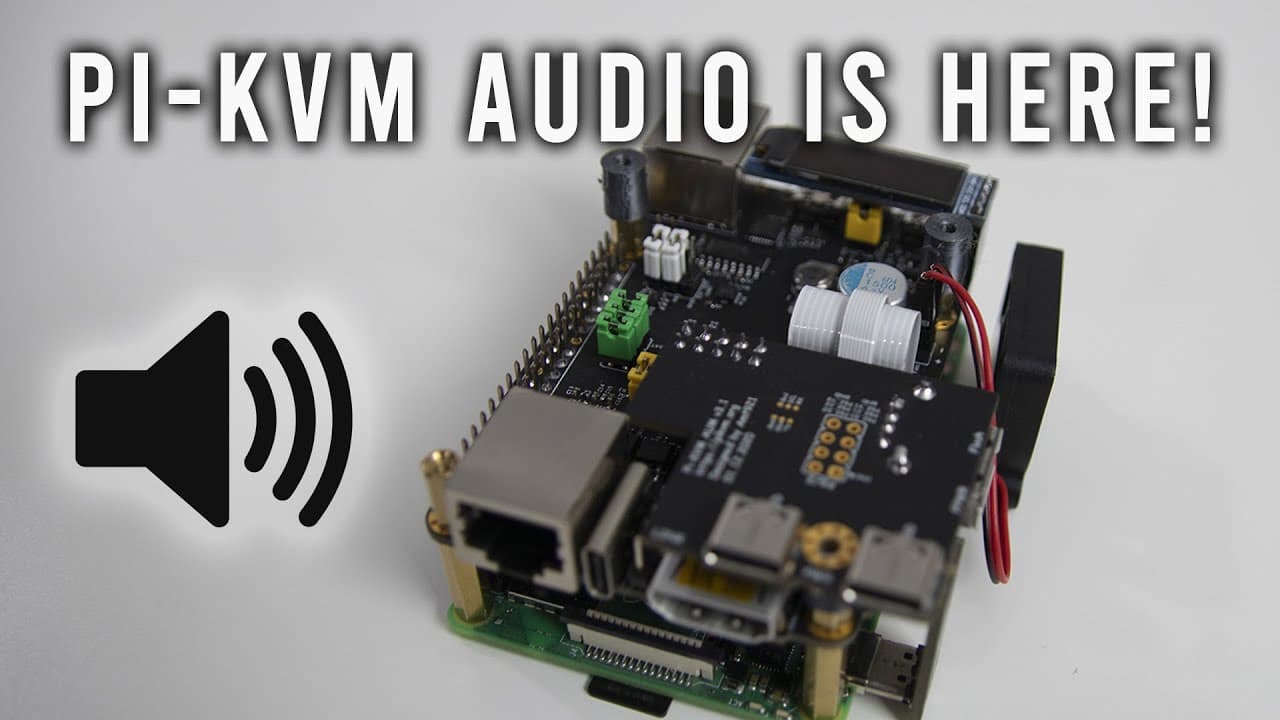
The latest Pi KVM update introduces audio pass-through support for HDMI.
Transcript
hey guys what's going on it's don here from nova spare tech and welcome back to the channel and today i got a really cool update for you guys for the raspberry pi kvm which is audio pastor so let's check it out now for those of you who've been watching this channel for a very long time you know that i am in love with the pi kvm i use it all the tim... Read More
Key Insights
- 👤 Audio pass-through via HDMI is a newly added feature to the Raspberry Pi KVM that has been highly anticipated by users.
- 💦 Proper configuration is crucial for this feature to work, including updating the system and ensuring compatibility with the KVM version.
- 👻 The update provides significant value for remote troubleshooting, allowing users to monitor audio streams directly from supported devices.
- 👤 Users should experiment with different setup configurations if they are using different equipment to see if audio pass-through can be implemented.
- 🧍 The video also emphasizes a community of users who have shown long-standing interest in enhancing Pi KVM capabilities.
- 👤 The implementation of audio pass-through demonstrates ongoing improvements and responsiveness to user feedback by developers.
- 👤 Furthermore, the feature supports both Windows and Linux platforms, making it versatile for different user preferences.
Install to Summarize YouTube Videos and Get Transcripts
Explore YouTube Video Summarizer or Get YouTube Transcript Extractor
Questions & Answers
Q: What does the new audio pass-through feature accomplish for Pi KVM users?
The audio pass-through feature enables users to transmit audio from their HDMI connections directly to their web browsers, which significantly enhances the functionality for remote troubleshooting and streaming. Users can now monitor audio signals, troubleshoot audio issues, and stream multimedia content seamlessly.
Q: Which version of Pi KVM is required for the audio pass-through feature?
The audio pass-through feature is specifically designed for Pi KVM version 3. Other versions or raw Raspberry Pi 4 setups may not support this functionality due to different hardware configurations and jumper settings, emphasizing the need for the KVM hat to ensure proper connectivity.
Q: How can users enable the audio pass-through feature on their systems?
Users must follow several steps to enable audio pass-through, including ensuring their KVM setup is running the correct version, checking settings in the Janus Ustreamer configuration, and performing a system reboot. They also must ensure their system is in the H.264 WebRTC mode for optimal performance.
Q: What benefits does the audio pass-through provide for troubleshooting?
The audio pass-through allows technicians to effectively troubleshoot audio issues while remotely connected to a computer. They can hear audio output from the machine they are fixing, making it easier to identify problems without needing physical access to the device, which enhances efficiency and effectiveness.
Summary & Key Takeaways
-
The update allows Raspberry Pi KVM users to enable audio pass-through via HDMI to their browsers, fulfilling a long-standing request from the community.
-
Compatible only with Pi KVM version 3, the feature requires specific configurations, such as updating system settings and ensuring HDMI as the audio output.
-
The video demonstrates using the audio pass-through by playing content from a Windows 11 machine, showcasing the ability to monitor audio while remotely fixing computers.
Read in Other Languages (beta)
Share This Summary 📚
Summarize YouTube Videos and Get Video Transcripts with 1-Click
Try YouTube Summary with ChatGPT & Claude or YouTube Transcript Generator
Explore More Summaries from Novaspirit Tech 📚






Summarize YouTube Videos and Get Video Transcripts with 1-Click
Try YouTube Summary with ChatGPT & Claude or YouTube Transcript Generator