How to Build a CRM in Notion for Easy Contact Management
TL;DR
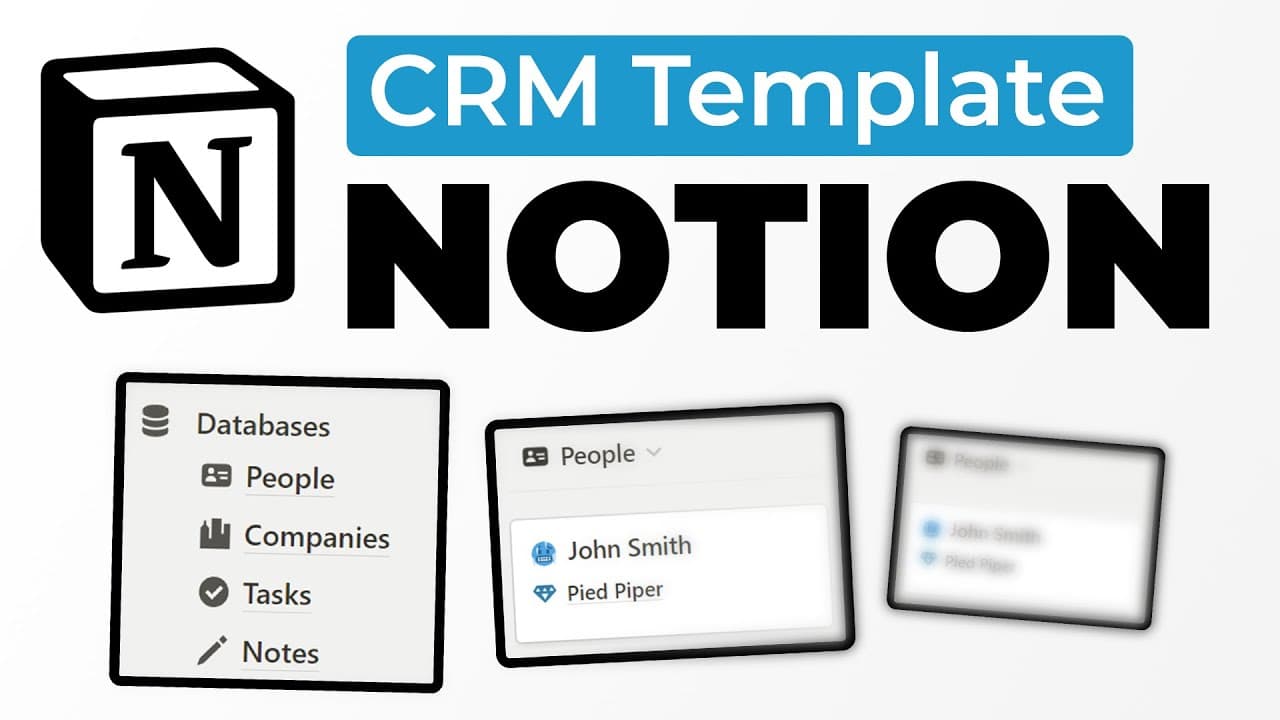
To build a CRM in Notion, create databases for people, companies, tasks, and notes, linking them together for streamlined management. Utilize a quick capture feature for easy data entry, incorporate task management capabilities like scheduling and archiving, and access various visual views to enhance usability.
Transcript
today I'm going to be giving you a template and walking you through how I built this CRM in notion this CRM has a quick capture module that allows you to quickly add a new person to your CRM just by hitting this new button and adding the name of the person and then you can quickly add their company as well along with their email and their phone num... Read More
Key Insights
- 👻 Building a CRM in Notion allows for customized and centralized contact management.
- 👶 The quick capture module enables efficient data entry for new people and related tasks.
- ❓ The CRM includes task management features such as scheduling, filtering, and archiving completed tasks.
- 🎵 Notes can be added for meetings, and Notion AI can assist with generating meeting scripts.
- 👻 Contacts and companies are organized into separate databases, allowing for easy access and reference.
- 💨 Various views, including classic list, scheduler, calendar, and archive, provide different ways to manage and visualize tasks.
- 🫵 Adding properties and customizing views can enhance the usability and aesthetics of the CRM.
Install to Summarize YouTube Videos and Get Transcripts
Explore YouTube Video Summarizer or Get YouTube Transcript Extractor
Questions & Answers
Q: What is the purpose of the quick capture module in the CRM?
The quick capture module allows users to quickly add new people to their CRM, along with their contact information and related tasks, by simply hitting the "new" button and inputting the necessary details.
Q: How can users schedule tasks in the CRM?
Users can schedule tasks by adding an action date to each task. The CRM has a scheduler feature that shows any tasks that need scheduling, and once an action date is added, the task will move to the scheduled section and users can view their tasks on a calendar.
Q: How can users take notes for meetings in the CRM?
Users can add new notes related to specific people in the CRM. They can input the meeting date, take bullet notes, and even use Notion AI to generate a script for the meeting.
Q: Is there a way to track completed tasks in the CRM?
Yes, completed tasks will not show up in the main task views, but they can be accessed in the archive section, which displays all previously completed tasks.
Key Insights:
- Building a CRM in Notion allows for customized and centralized contact management.
- The quick capture module enables efficient data entry for new people and related tasks.
- The CRM includes task management features such as scheduling, filtering, and archiving completed tasks.
- Notes can be added for meetings, and Notion AI can assist with generating meeting scripts.
- Contacts and companies are organized into separate databases, allowing for easy access and reference.
- Various views, including classic list, scheduler, calendar, and archive, provide different ways to manage and visualize tasks.
- Adding properties and customizing views can enhance the usability and aesthetics of the CRM.
- The provided template allows users to easily implement the CRM system into their own Notion workspace.
Summary & Key Takeaways
-
The content provides a step-by-step tutorial on how to build a CRM in Notion, including features like quick capture, task management, notes, and contacts.
-
The CRM allows users to quickly add new people to their database, along with their contact information and related tasks.
-
Users can also schedule tasks, create notes for meetings, and use Notion AI to generate scripts.
Read in Other Languages (beta)
Share This Summary 📚
Summarize YouTube Videos and Get Video Transcripts with 1-Click
Try YouTube Summary with ChatGPT & Claude or YouTube Transcript Generator
Explore More Summaries from Productive Dude 📚
![Notion Tutorial - Full Course for Beginners [2025] thumbnail](/_next/image?url=https%3A%2F%2Fi.ytimg.com%2Fvi%2FkOf3QSBV29Y%2Fhqdefault.jpg&w=750&q=75)
Summarize YouTube Videos and Get Video Transcripts with 1-Click
Try YouTube Summary with ChatGPT & Claude or YouTube Transcript Generator