How to Calculate Sales Tax and Total Purchase Cost
TL;DR
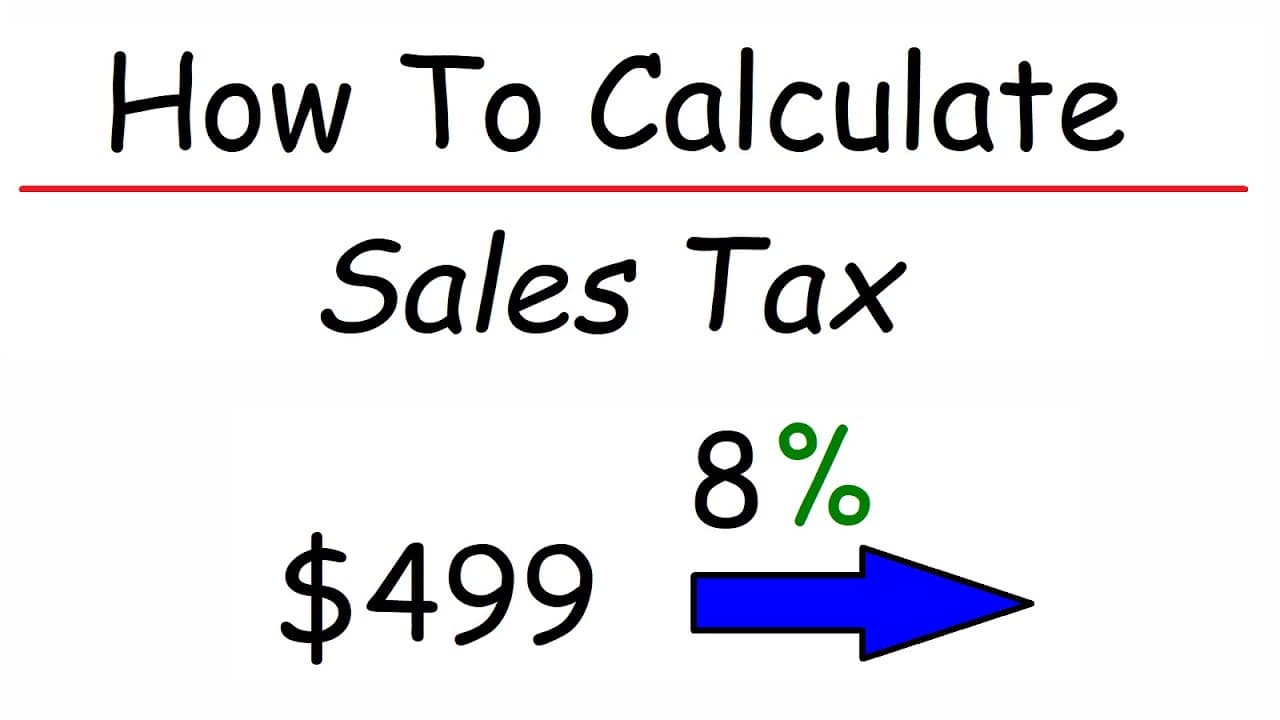
To calculate sales tax, convert the tax rate from a percentage to a decimal and multiply it by the item's price. Add the sales tax to the original price to find the total cost of the purchase. For example, a $499 laptop with an 8% tax has a sales tax of $39.92, making the total $538.92.
Transcript
in this video we're going to talk about how to calculate sales tax and also the final price of a purchase so let's start with this problem Sam purchases a laptop for 499 dollars the tax rate is eight percent how much will Sam pay in sales taxes the first thing we need to do is convert percentage into a decimal so what is eight percent as a decimal ... Read More
Key Insights
- 👈 Converting a tax rate from a percentage to a decimal is done by dividing the percentage by 100 or moving the decimal point two places to the left.
- 🚕 To calculate the amount of sales tax, multiply the price of the item by the tax rate in its decimal form.
- 🚕 The final price of a purchase is obtained by adding the price of the item to the amount of sales tax.
Install to Summarize YouTube Videos and Get Transcripts
Explore YouTube Video Summarizer or Get YouTube Transcript Extractor
Summary & Key Takeaways
-
The video provides a detailed explanation of how to calculate sales tax and the final price of a purchase.
-
It starts by explaining the process of converting a tax rate from a percentage to a decimal.
-
The video then demonstrates how to calculate the amount of sales tax and add it to the original price to find the final price.
Read in Other Languages (beta)
Share This Summary 📚
Summarize YouTube Videos and Get Video Transcripts with 1-Click
Try YouTube Summary with ChatGPT & Claude or YouTube Transcript Generator
Explore More Summaries from The Organic Chemistry Tutor 📚

Summarize YouTube Videos and Get Video Transcripts with 1-Click
Try YouTube Summary with ChatGPT & Claude or YouTube Transcript Generator