How to Remove Backgrounds from Videos in Canva
TL;DR
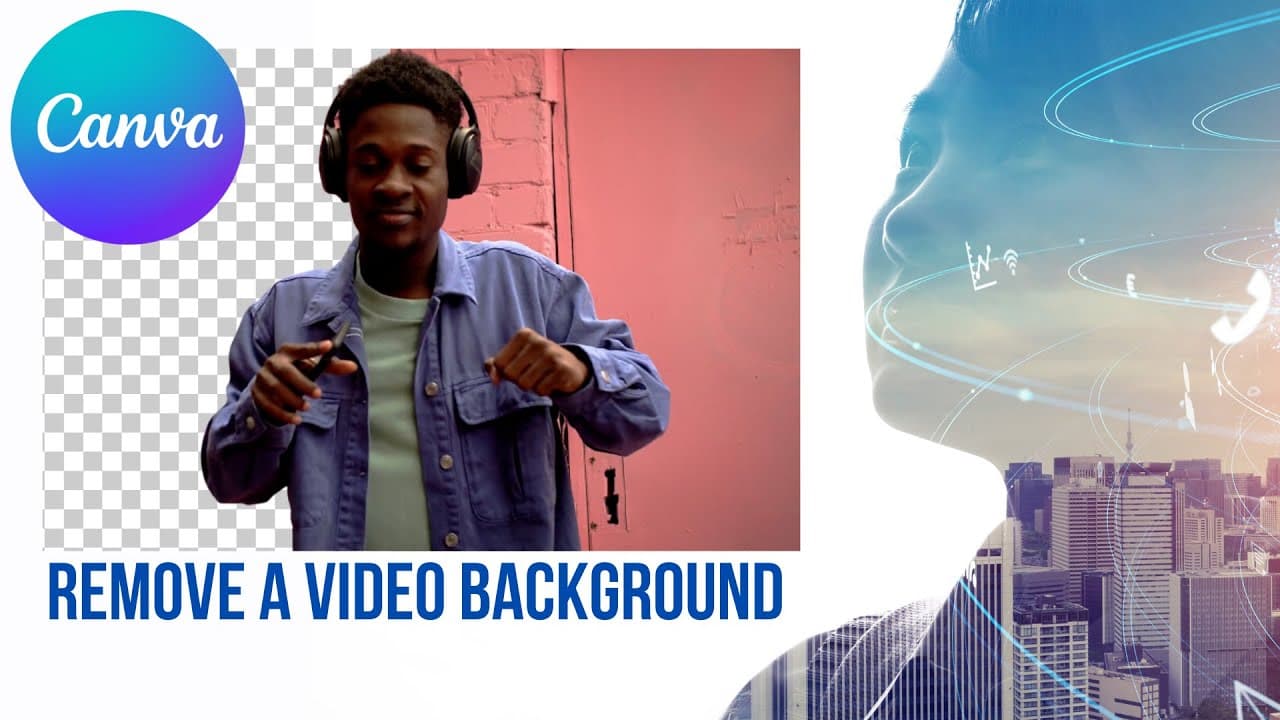
You can remove backgrounds from videos in Canva using the AI-powered background remover feature, which allows you to isolate your subject without the need for a green screen. Simply select the video, choose 'edit video,' and then select 'background remover' to achieve a clean composition. This feature is ideal for short clips, although it may struggle with complex movements.
Transcript
so we saw a little bit about how to remove a background from a photo now let's see how to remove a background from a video using some of the features of canva so not everyone knows this but you can actually create a video in canva this is a design that has been upgraded quite a bit over the last few months and and I'm guessing that we'll see more u... Read More
Key Insights
- 🎮 Canva now offers video editing features, including the ability to remove the background from a video.
- 🕵️ The background remover feature in Canva's video editor is AI-driven, automatically detecting and removing the background of the subject.
- 👤 Users can create visually compelling videos by placing the subject in the foreground and incorporating different backgrounds.
- 💚 The background remover feature eliminates the need for a green screen setup, making it more accessible for users to create professional-looking videos.
- 🍰 Canva's background remover feature is particularly beneficial for short presentations or videos that require a brief and impactful message.
- 😀 While the feature generally performs well, it may face challenges with complex movements or colors.
- 🎮 Canva's background remover feature enhances video editing capabilities and offers a convenient solution for content creators.
Install to Summarize YouTube Videos and Get Transcripts
Explore YouTube Video Summarizer or Get YouTube Transcript Extractor
Summary & Key Takeaways
-
Canva has upgraded its design features to include video editing capabilities.
-
Users can remove the background from a video by selecting the "background remover" option in the video editing menu.
-
The AI in Canva automatically detects the subject of the video and removes the background, allowing for creative video compositions.
Read in Other Languages (beta)
Share This Summary 📚
Summarize YouTube Videos and Get Video Transcripts with 1-Click
Try YouTube Summary with ChatGPT & Claude or YouTube Transcript Generator
Explore More Summaries from EdTech Hustle 📚






Summarize YouTube Videos and Get Video Transcripts with 1-Click
Try YouTube Summary with ChatGPT & Claude or YouTube Transcript Generator