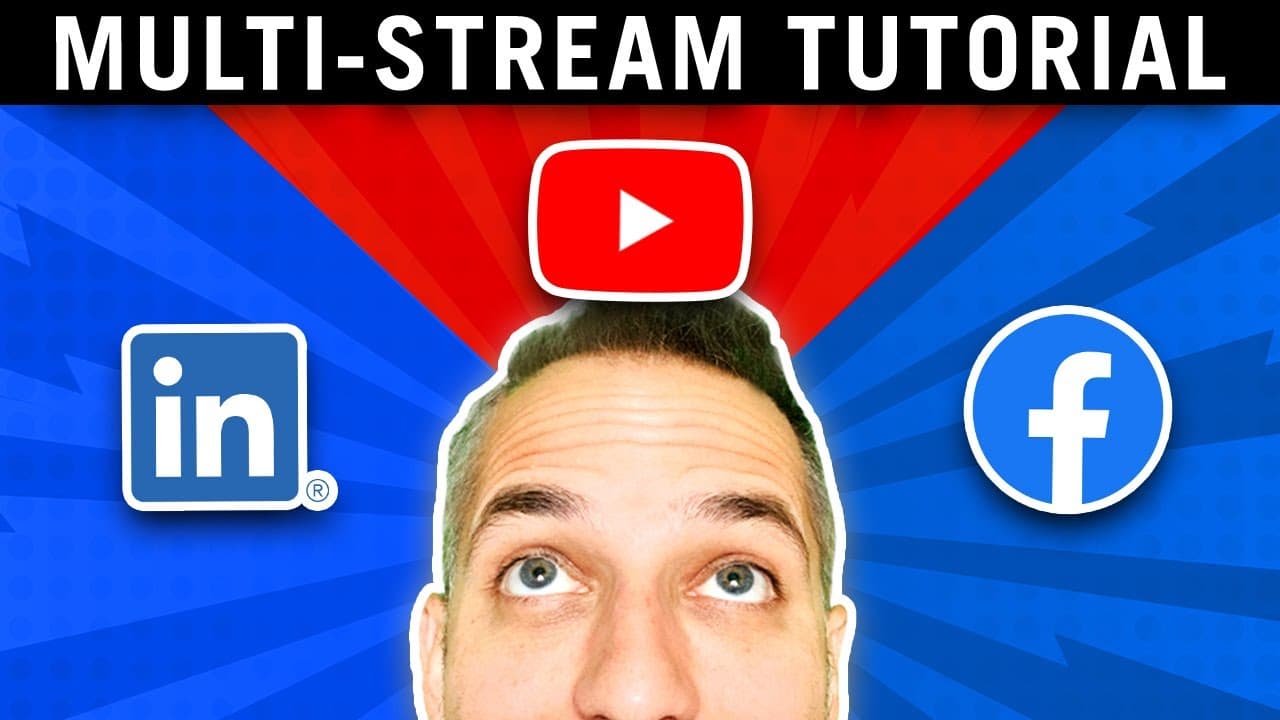
How to Multi-Stream on YouTube, Facebook, & LinkedIn SIMULTANEOUSLY (restream tutorial)
TL;DR
Learn how to simultaneously stream on YouTube, Facebook, Twitch, and more using Restream, boosting audience growth and engagement.
Transcript
today i'm going to show you how to multi-stream your youtube live onto facebook live twitch linkedin and 50 other sites all at the same time you don't need any fancy equipment you don't need to have mega high watt powered internet but when you learn how to multicast using this tool you will be able to grow your audience grow your subscribers and gr... Read More
Key Insights
- 🫒 Simulcasting live content with Restream can effectively boost audience growth and engagement on multiple platforms.
- 👊 Restream provides a user-friendly interface for managing live streams, offering diverse features like graphic overlays and chat management.
- 🥺 Multi-streaming enables creators and entrepreneurs to reach a larger audience, potentially leading to increased subscribers, followers, and sales.
- 🪡 Utilizing Restream for multi-streaming can streamline the broadcasting process and eliminate the need for complex software setups.
- 😫 Setting up multi-streaming channels on Restream is a straightforward process, allowing users to connect and broadcast on various platforms seamlessly.
- 🫒 Live studio tools in Restream facilitate a professional broadcasting experience, offering features like screen sharing, guest invites, and customizable graphics.
- 💍 Multi-streaming creates a centralized platform for engaging audiences across different social media channels, maximizing brand visibility and impact.
Install to Summarize YouTube Videos and Get Transcripts
Explore YouTube Video Summarizer or Get YouTube Transcript Extractor
Questions & Answers
Q: How can Restream help in multi-streaming live content?
Restream is an online broadcasting tool that simplifies simulcasting live streams to various platforms simultaneously, eliminating the need for multiple setups or software.
Q: What equipment do you need to start multi-streaming?
To begin multi-streaming, all you need is a webcam, laptop, and internet speed of at least three gigabytes, making it accessible for creators and entrepreneurs alike.
Q: How can multi-streaming benefit YouTube creators and entrepreneurs?
Multi-streaming allows YouTube creators to engage a wider audience by broadcasting on different platforms, while entrepreneurs can leverage this tool to enhance brand visibility and reach potential customers on various social media platforms.
Q: What features does Restream offer for managing multi-streaming setups?
Restream provides features like live broadcast studio tools, lower thirds display, guest invitations, chat management, and customizable graphics, enhancing the overall broadcasting experience for users.
Summary & Key Takeaways
-
Owen Video teaches how to multi-stream live content on different platforms, increasing audience reach.
-
Utilize Restream to simplify the process of simulcasting on multiple channels.
-
Enhance brand visibility and engagement by broadcasting live content across various social media platforms.
Read in Other Languages (beta)
Share This Summary 📚
Summarize YouTube Videos and Get Video Transcripts with 1-Click
Try YouTube Summary with ChatGPT & Claude or YouTube Transcript Generator
Explore More Summaries from Owen Video 📚



Summarize YouTube Videos and Get Video Transcripts with 1-Click
Try YouTube Summary with ChatGPT & Claude or YouTube Transcript Generator