How to Optimize SEO with Google Webmaster Tools
TL;DR
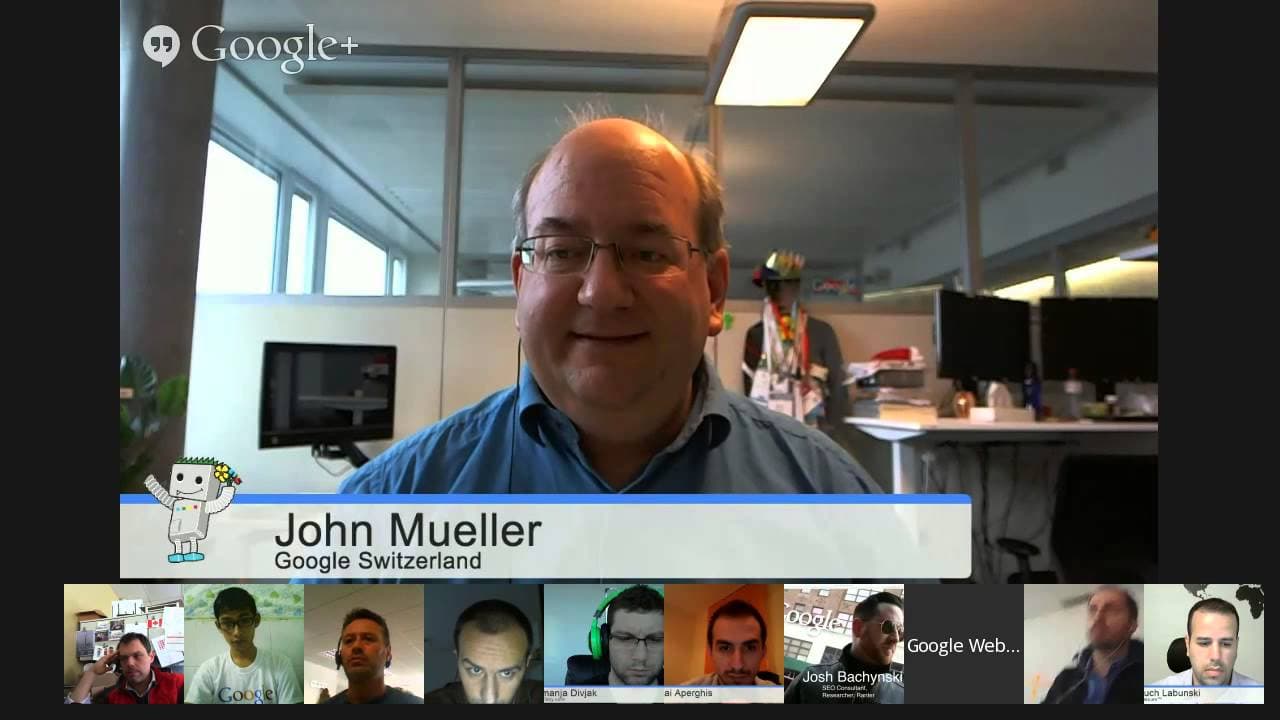
Google Webmaster Central office hours provide a platform for webmasters to get answers to their SEO questions. John Mueller, a Webmaster Trends Analyst at Google, explains that responsive design is treated equivalently to other mobile configurations. He also emphasizes the importance of technical SEO and user experience in optimizing a website's performance.
Transcript
JOHN MUELLER: OK. Welcome, everyone, to today's Google Webmaster Central Office Hours Hangouts. My name is John Mueller. I am a Webmaster Trends Analyst here at Google in Switzerland. And part of what I do is talk with webmasters, publishers, SEOs, like the people here in the Hangout, and the people who submitted questions, and try to get your ques... Read More
Key Insights
- Responsive websites, M-dot sites, and dynamic serving are treated equivalently by Google.
- Terms of service and privacy policies do not directly impact search rankings.
- Technical SEO is crucial for ensuring a website is crawlable and indexable.
- User experience plays a significant role in SEO, focusing on task completion and usability.
- Google's algorithms can handle extortion schemes involving spam links without needing payment.
- The disavow tool can be used to negate the impact of unwanted backlinks.
- Google My Business and traditional search teams maintain a separation to ensure neutrality.
- Exact match domains are not inherently advantageous unless they provide high-quality content.
Install to Summarize YouTube Videos and Get Transcripts
Explore YouTube Video Summarizer or Get YouTube Transcript Extractor
Questions & Answers
Q: How does Google treat responsive websites compared to M-dot sites?
Google treats responsive websites, M-dot sites, and dynamic serving equivalently. The choice of which to use depends on what works best for your site's infrastructure. There are inherent advantages to using the same URL, such as avoiding issues like canonicalization, but these are more technical considerations rather than ranking factors.
Q: Does having a terms of service page affect SEO rankings?
Having a terms of service or privacy policy page does not directly affect SEO rankings. Googlebot will crawl and index these pages, but they are not considered a sign of a higher quality website since the content can easily be copied and pasted. However, for users, the presence of such pages might indicate a legitimate business.
Q: Is technical SEO more important than user experience?
Both technical SEO and user experience are important for a website's performance. Technical SEO ensures that a site is crawlable and indexable, which is crucial for search engines. User experience focuses on task completion and usability, which are important for retaining visitors and ensuring they can easily find the information they need.
Q: How should webmasters handle spam links created by competitors?
Webmasters should use the disavow tool to negate the impact of spam links created by competitors. Google's algorithms are designed to handle such extortion schemes, and there is no need to pay for link removal. The disavow tool helps ensure that these links do not affect your site's rankings.
Q: What is the relationship between Google My Business and traditional search?
Google My Business and traditional search teams maintain a separation to ensure neutrality. While they may collaborate occasionally, changes in web search are communicated to Google My Business at the same time as to external parties. This separation helps maintain the integrity of organic search results.
Q: Do exact match domains have an advantage in search rankings?
Exact match domains do not have an inherent advantage in search rankings unless they provide high-quality content. Google's focus is on delivering relevant and useful results, so sites with exact match domains must still meet quality standards to rank well. Low-quality sites using exact match domains may be demoted by Google's algorithms.
Q: Should sponsored content links be nofollowed?
Yes, links in sponsored content should be nofollowed to avoid being considered paid links. This ensures that the link does not artificially impact the link graph and search rankings. Sponsored content can still provide visibility and traffic without passing page rank.
Q: How does Google handle site downtime in terms of rankings?
Google recommends returning a 503 status code during site downtime to indicate a temporary issue. This helps prevent Googlebot from dropping pages from the index. A short downtime, like a day and a half, should not significantly impact rankings if handled properly. Once the site is back up, rankings should stabilize within a few days.
Summary & Key Takeaways
-
Responsive design, M-dot sites, and dynamic serving are treated the same by Google. The choice depends on what works best for your infrastructure. Technical SEO is essential for making a website crawlable and indexable, while user experience is crucial for task completion.
-
Webmasters should focus on creating high-quality content and ensuring their site is technically sound. Google's algorithms can handle negative SEO attempts like spam links, and the disavow tool can be used to negate unwanted backlinks.
-
Google My Business and traditional search maintain a separation to ensure neutrality. Exact match domains are not inherently beneficial unless they offer high-quality content. Sponsored content links should be nofollowed to avoid penalties.
Read in Other Languages (beta)
Share This Summary 📚
Summarize YouTube Videos and Get Video Transcripts with 1-Click
Try YouTube Summary with ChatGPT & Claude or YouTube Transcript Generator
Explore More Summaries from Google Search Central 📚






Summarize YouTube Videos and Get Video Transcripts with 1-Click
Try YouTube Summary with ChatGPT & Claude or YouTube Transcript Generator