How to Manage Google Site Migrations and SEO Issues
TL;DR
To manage site migrations and SEO issues effectively, focus on setting up proper 301 redirects and avoid unnecessary noindex tags. Ensure the use of structured data to improve visibility in search results. For issues like out-of-stock products, decide between using 301 redirects or 404s based on relevance to the category page.
Transcript
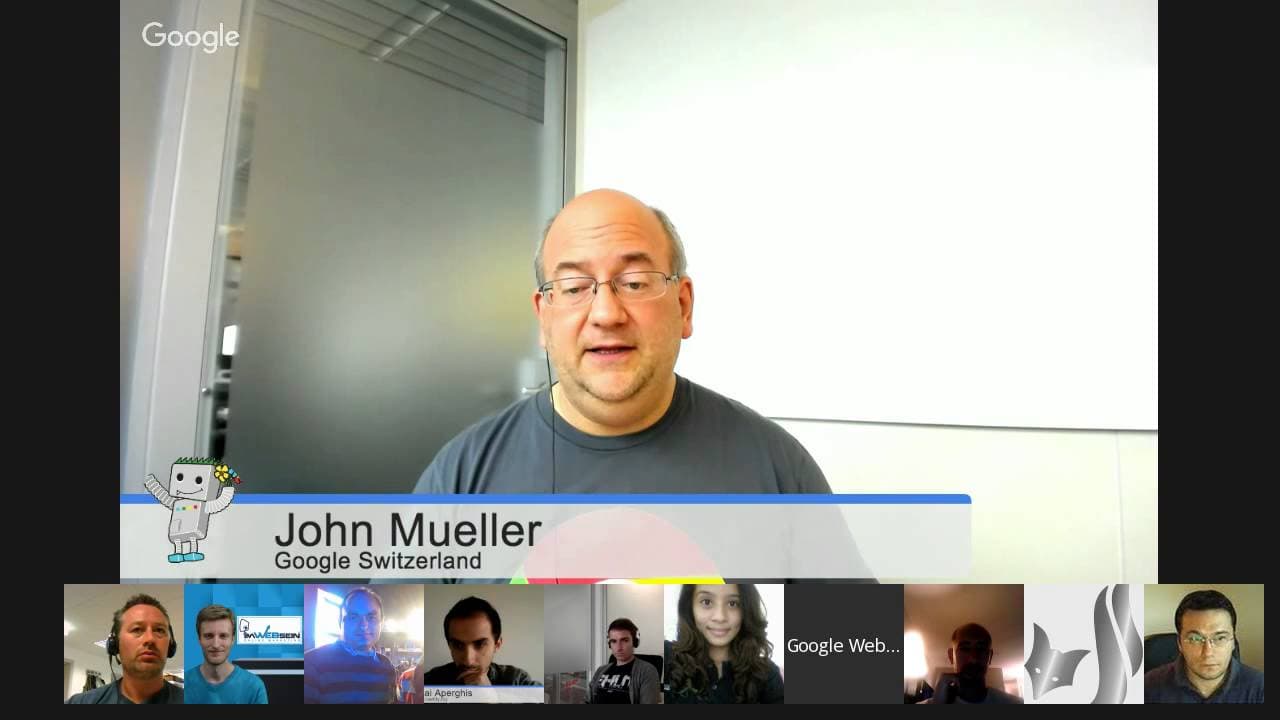
JOHN MUELLER: OK. Welcome, everyone, to today's Google Webmaster Central Office Hours Hangout. My name is John Mueller, and I'm a Webmaster Trends Analyst here at Google in Switzerland. And part of what we do is talk with webmasters and publishers like the ones here in the Hangout, the ones that submitted lots of questions, people in the forum as w... Read More
Key Insights
- 301 redirects are essential during site migrations to ensure link equity is maintained.
- Noindex tags should not be combined with robots.txt blocking, as this prevents Google from seeing the noindex.
- Google processes 410 errors slightly faster than 404s, but the practical impact is minimal.
- Structured data helps Google understand and display content in the Knowledge Graph, though it doesn't guarantee inclusion.
- Google treats too many redirects as soft 404s if they redirect to irrelevant pages.
- Page speed impacts crawl rate, with faster sites being crawled more frequently.
- Googlebot can follow up to five redirects in sequence before it stops.
- Crawl stats in Search Console provide insights into how efficiently Googlebot can crawl your site.
Install to Summarize YouTube Videos and Get Transcripts
Explore YouTube Video Summarizer or Get YouTube Transcript Extractor
Questions & Answers
Q: How should I handle site migrations to avoid losing SEO value?
During site migrations, it's crucial to use 301 redirects to transfer link equity from old URLs to new ones. Ensure that the redirects are set up correctly and point to relevant pages to maintain your site's SEO value. Avoid using noindex tags on pages you want to keep indexed.
Q: What should I do if Googlebot is crawling URLs I didn't create?
If Googlebot is crawling unexpected URLs, it might be due to incorrect site setup, such as relative links or server-side rewriting causing infinite structures. Use tools like Screaming Frog to identify and fix these issues, ensuring efficient crawling and indexing of your actual content.
Q: How can I improve my site's crawl rate?
To improve your site's crawl rate, focus on reducing server response times to below one second per URL. Use a CDN or optimize your server setup to achieve this. Faster response times allow Googlebot to crawl more pages efficiently, leading to quicker indexing of new or updated content.
Q: What is the impact of using too many redirects on my site?
Using too many redirects can lead Google to treat them as soft 404s, especially if they redirect to irrelevant pages. Googlebot can follow up to five redirects in a sequence, but ensure that redirects are meaningful and lead to relevant content to avoid indexing issues.
Q: How does Google handle out-of-stock product pages?
For out-of-stock products, consider using a 301 redirect to a relevant category or replacement product page if available. If not, a 404 is appropriate. Google treats 410 errors slightly faster than 404s, but the practical impact on your site's indexing is minimal.
Q: Why is structured data important for SEO?
Structured data helps Google understand your site's content better and can enhance the way your site appears in search results, such as through the Knowledge Graph. While it doesn't guarantee inclusion, it provides context that can improve visibility and click-through rates.
Q: What should I do if my site has a lot of internal server errors?
Internal server errors can affect crawl rate and indexing. Ensure your server can handle Googlebot's requests efficiently. If errors persist, Google may reduce crawl rate to prevent overloading. Fix server issues and ensure pages return the correct status codes to improve indexing.
Q: How can I ensure my JavaScript content is indexed by Google?
Ensure all JavaScript files are accessible to Googlebot and not blocked by robots.txt. Use the Fetch and Render tool in Search Console to verify how Google sees your page. If issues persist, consider server-side rendering or pre-rendering for critical content to ensure proper indexing.
Summary & Key Takeaways
-
Effective site migration requires proper 301 redirects to maintain link equity. Avoid combining noindex tags with robots.txt as this prevents Google from seeing the noindex. Structured data aids in visibility but does not guarantee Knowledge Graph inclusion.
-
Page speed is crucial as it influences how often Googlebot crawls your site. Faster sites allow for more frequent crawling, ensuring new content is indexed quickly. Googlebot can follow up to five redirects, but too many redirects to irrelevant pages are treated as soft 404s.
-
For out-of-stock products, decide between using 301 redirects or 404s based on relevance to the category page. Crawl stats in Search Console can help you understand how efficiently Googlebot crawls your site, aiming for a response time below one second per URL.
Read in Other Languages (beta)
Share This Summary 📚
Summarize YouTube Videos and Get Video Transcripts with 1-Click
Try YouTube Summary with ChatGPT & Claude or YouTube Transcript Generator
Explore More Summaries from Google Search Central 📚






Summarize YouTube Videos and Get Video Transcripts with 1-Click
Try YouTube Summary with ChatGPT & Claude or YouTube Transcript Generator