Raspberry Pi Pico - USB HID Auto Clicker with Circuit Python
TL;DR
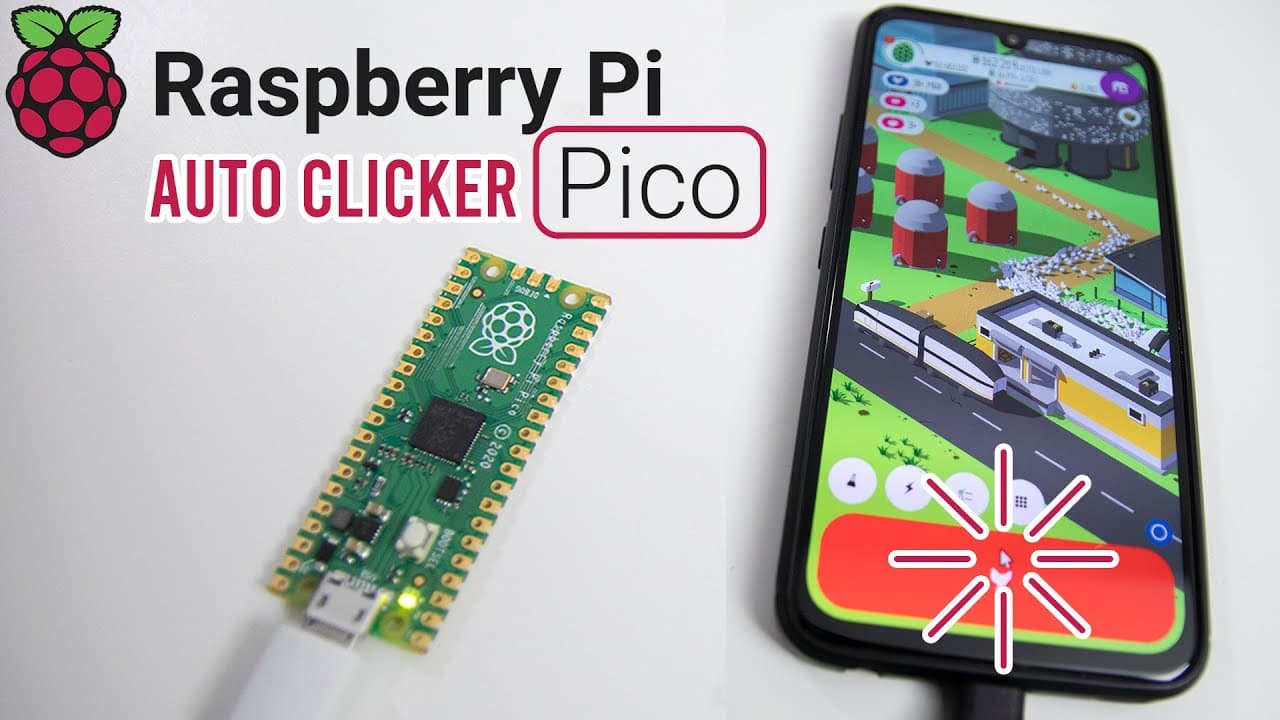
Learn to create an auto-clicker for a game using Raspberry Pi Pico.
Transcript
hey guys it's don here from nova spare tech and welcome back to the channel and today we are going to be doing some usb hid on the raspberry pi pico so let's get started now before we begin if you haven't watched my previous video on the micro python for the raspberry pi pico i recommend doing so because i have some environments that i set up on my... Read More
Key Insights
- ♓ The Raspberry Pi Pico can be transformed into a functional USB HID device, enabling various automation tasks.
- 👤 CircuitPython provides more user-friendly functionality for handling USB interactions compared to MicroPython.
- 👨💻 Using libraries from Adafruit simplifies the coding process and enhances the capabilities of the project.
- 😒 Effective use of a sleep function in the code can help manage timing and control click rates.
- 👨💻 The coding project illustrates practical applications of programming concepts in real-world devices.
- 🎮 An automated mouse clicker can significantly enhance gameplay in clicker-based games by maximizing efficiency.
- 👤 Users can build upon this project by experimenting with different applications, expanding their skills with Raspberry Pi Pico.
Install to Summarize YouTube Videos and Get Transcripts
Explore YouTube Video Summarizer or Get YouTube Transcript Extractor
Questions & Answers
Q: What is the purpose of using the Raspberry Pi Pico in this project?
The Raspberry Pi Pico is used as a USB HID device to automate mouse clicks in the game Egg Incorporated. This showcases the Pico's ability to interact with other devices and demonstrates programming with MicroPython and CircuitPython to control input devices.
Q: Why is CircuitPython preferred over MicroPython for this project?
CircuitPython is preferred because it comes with built-in support for USB HID, which is essential for automating mouse clicks. MicroPython lacks this specific library, making CircuitPython a more suitable choice for projects requiring USB device interaction.
Q: How does the coding structure control the clicking speed?
The code uses a loop that decreases the 'click' variable with each iteration while calling the mouse click function. A sleep function is also integrated to control the timing between clicks, allowing the user to adjust the pace according to their needs.
Q: What is the role of the LED in this project?
The LED serves as a visual indicator of the clicking status. It lights up when the clicking process is active and turns off after the clicks are complete, providing immediate feedback about the operation of the auto-clicker to the user.
Summary & Key Takeaways
-
The video demonstrates how to set up a Raspberry Pi Pico to function as a USB HID device, specifically for automating mouse clicks in a game called Egg Incorporated.
-
Key setup steps include installing CircuitPython, importing necessary libraries, and coding to control mouse clicks efficiently while managing LED indicators for status feedback.
-
The final project allows repeated clicking in the game, demonstrating the Raspberry Pi Pico's capability to interface with USB devices and automate tasks.
Read in Other Languages (beta)
Share This Summary 📚
Summarize YouTube Videos and Get Video Transcripts with 1-Click
Try YouTube Summary with ChatGPT & Claude or YouTube Transcript Generator
Explore More Summaries from Novaspirit Tech 📚






Summarize YouTube Videos and Get Video Transcripts with 1-Click
Try YouTube Summary with ChatGPT & Claude or YouTube Transcript Generator