How to Create Basic Graphs in R Using Base Functions
TL;DR
To create basic graphs in R, use built-in Base R functions to produce bar plots, histograms, and box plots. Start with a bar plot by providing frequency data, visualize distributions with histograms for numeric variables, and use box plots to compare categories like gender. These methods serve as a foundational step in data visualization within R.
Transcript
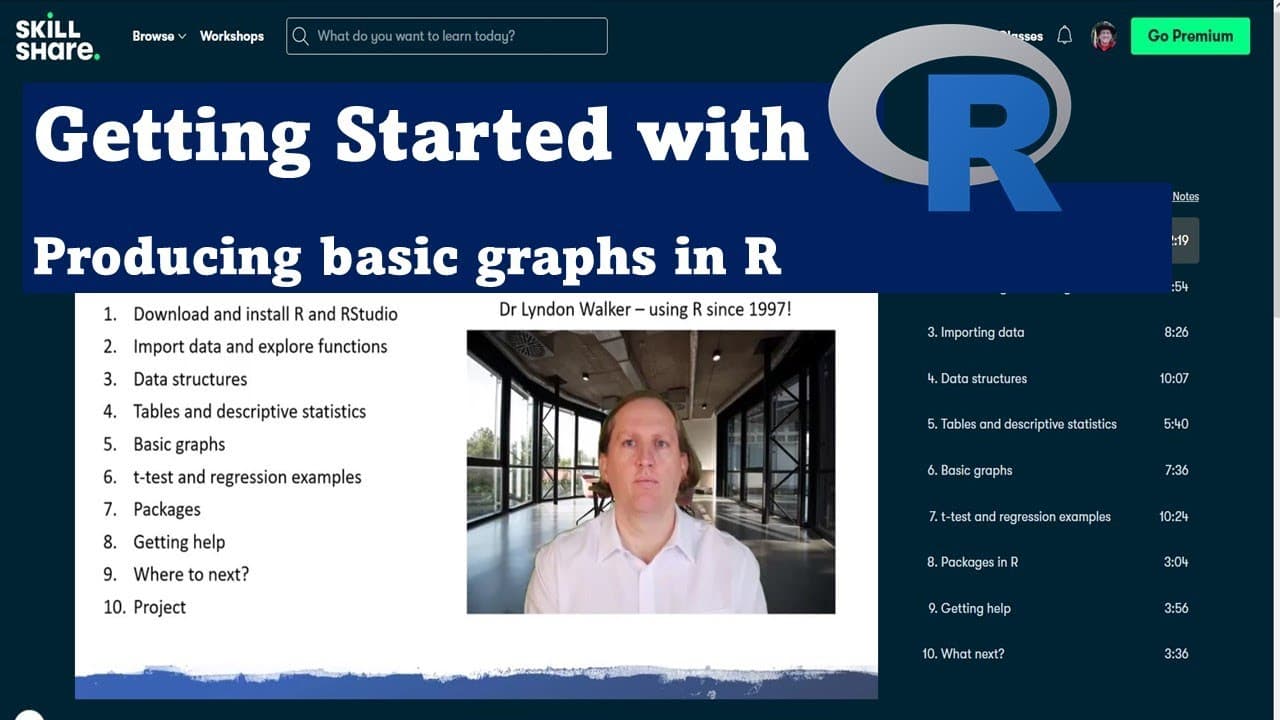
hi i'm dr lyndon walker the following video is part of my skillshare course getting started with r here behind me you can see the various different chapters of the skillshare course you can click on the link below the video to take you to the skillshare course and you'll be able to download the data that i use in this video and work along with it i... Read More
Key Insights
- 🤢 Base R provides basic functions for creating bar plots, histograms, and box plots, making it suitable for beginners.
- 🤢 Bar plots are effective for visualizing categorical data and require frequency counts as input for appropriate representation.
- 🏋️ Data distribution can be assessed with histograms, essential for numeric variables like weight.
- ⚧️ Box plots summarize data distributions and highlight differences between categories, such as gender.
- 🤢 The use of the zoom feature in R can enhance visibility and comprehension of generated plots.
- ✍️ R's syntax allows for efficiency in writing functions; using the tilde (~) can streamline variable references in plotting.
- 😀 While Base R is helpful for starting out, exploring packages expands visualization capabilities significantly.
Install to Summarize YouTube Videos and Get Transcripts
Explore YouTube Video Summarizer or Get YouTube Transcript Extractor
Questions & Answers
Q: What are the main types of plots covered in this video?
The video covers three essential types of plots: bar plots, histograms, and box plots. Each serves a different purpose; bar plots represent categorical data, histograms display the distribution of numeric data, and box plots summarize the distribution of a dataset and highlight the median and quartiles.
Q: How do you create a bar plot in R using the table function?
To create a bar plot in R, first, you use the table function to generate frequency counts of the categories within your data. You can then pass this output directly to the bar plot function. Alternatively, you can store the frequency counts in an object and use that object as the input to the bar plot function for greater clarity and simplicity.
Q: What adjustments can be made to improve the visual appeal of a bar plot?
To improve the visual appeal of a bar plot, you can add a title with the main argument, label the axes using xlab and ylab, and change colors or patterns. Additionally, using the zoom feature can help ensure that all category names are visible by stretching the plot if they appear cramped.
Q: How does a histogram represent data, and what variables are appropriate for this type of plot?
A histogram represents the distribution of a numeric variable by dividing the data into bins and counting the number of observations in each bin. This type of plot is appropriate for continuous data, such as weight, heights, or test scores, as it visually captures how data values cluster within defined ranges.
Q: What is the significance of the tilde (~) symbol in a box plot function in R?
In R, the tilde symbol is used to indicate a relationship between variables in model formulas. In the context of a box plot, it specifies that the variable on the left (e.g., weight) is a function of the variable on the right (e.g., sex). This allows for the box plot to visualize distributions of the left variable separated by categories defined by the right variable.
Q: Can you explain how the box plot visually interprets gender differences in the dataset?
The box plot visually represents gender differences by displaying separate boxes for each category (e.g., male and female). Each box illustrates key statistical measures—such as the median, quartiles, and possible outliers. This allows for easy comparison of weight distributions across genders, highlighting any significant differences.
Q: Why should one consider using additional packages for data visualization in R?
While Base R provides basic plotting functions, additional packages like ggplot2 offer more sophisticated and aesthetically pleasing visualizations. These packages come with advanced features that allow for greater customization, layered plotting, and better handling of different data types, making them ideal for complex data presentation needs.
Q: How can viewers access the course materials and practice data used in this video?
Viewers can access the course materials, including the practice data used for demonstrations, by clicking on the link provided below the video to the Skillshare course. This allows them to follow along and replicate the visualizations discussed, enhancing their learning and practical skills in R.
Summary & Key Takeaways
-
This video provides a foundational understanding of data visualization in R, focusing on how to create basic plots using the built-in Base R functions without additional packages.
-
The instructor demonstrates how to produce three key types of visualizations: bar plots, histograms, and box plots, while offering practical tips for enhancing the displays.
-
Viewers are encouraged to interact with the provided data to follow along and practice the visualization techniques discussed in the Skillshare course.
Read in Other Languages (beta)
Share This Summary 📚
Summarize YouTube Videos and Get Video Transcripts with 1-Click
Try YouTube Summary with ChatGPT & Claude or YouTube Transcript Generator
Explore More Summaries from Dr Lyndon Walker 📚






Summarize YouTube Videos and Get Video Transcripts with 1-Click
Try YouTube Summary with ChatGPT & Claude or YouTube Transcript Generator