How to Embed a phone screen in a video | Easy Tutorial
TL;DR
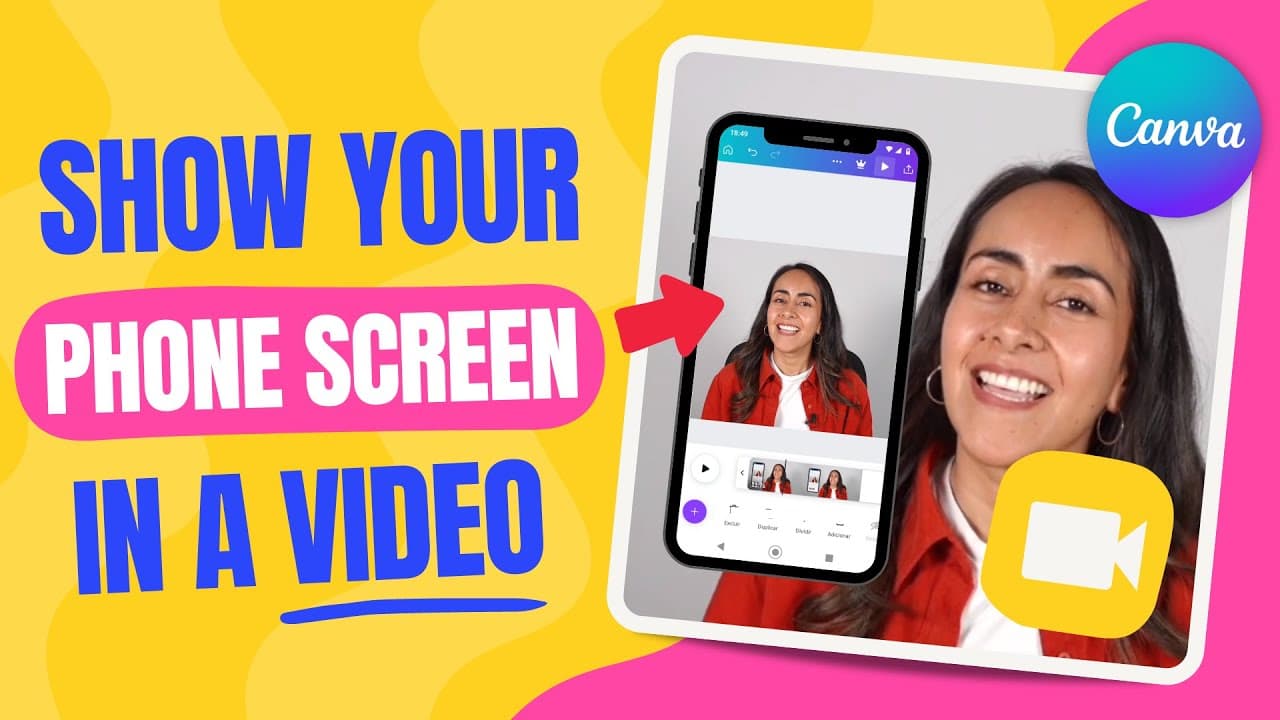
Learn how to record and edit phone screen videos for free using Canva.
Transcript
in this tutorial you'll learn how to show a phone screen on a video just like the one that you're seeing right here it doesn't matter if you are using an iPhone or an Android device the process is pretty simple it is free and I'll show you all the steps in this video so stay watching until the end and if you guys are ready for this tutorial let's g... Read More
Key Insights
- 👏 Android users can use apps like Screen Recorder & X Recorder for screen recording.
- 👤 iPhone users can access the screen recording feature via Settings.
- 🧘 Synchronizing audio cues for multiple videos helps in editing them seamlessly.
- 🎮 Canva offers video editing capabilities, including trimming and adding elements.
- 🎮 Free Canva accounts can be used for basic video editing.
- 🎮 Canva Pro offers more creative options for video editing.
- 🥶 Canva Pro has a 45-day free trial, while a 30-day free trial is available for Indian users.
Install to Summarize YouTube Videos and Get Transcripts
Explore YouTube Video Summarizer or Get YouTube Transcript Extractor
Questions & Answers
Q: How can Android users record their phone screens?
Android users can use apps like Screen Recorder & X Recorder to easily record their phone screens by simply pressing a floating button for recording.
Q: How can iPhone users access their screen recording feature?
iPhone users can access the screen recording feature by going to Settings, selecting Control Center, adding Screen Recording, and then dragging it to their desired position for easy access.
Q: How can users synchronize their recorded videos for editing?
Users can synchronize their videos by clapping at the start of recording and then trimming the videos based on the audio of the claps to ensure both start at the same time.
Q: How can Canva be used to edit the synchronized videos?
Canva can be used to edit the synchronized videos by uploading them, syncing them, trimming unnecessary parts, and adding elements like frames and backgrounds before downloading the edited video.
Summary & Key Takeaways
-
Detailed tutorial on how to record phone screens using apps for Android and iOS.
-
Guidance on syncing recorded videos and editing them using Canva.
-
Tips on adding elements like arrows and downloading the final edited video.
Read in Other Languages (beta)
Share This Summary 📚
Summarize YouTube Videos and Get Video Transcripts with 1-Click
Try YouTube Summary with ChatGPT & Claude or YouTube Transcript Generator
Explore More Summaries from Design with Canva 📚






Summarize YouTube Videos and Get Video Transcripts with 1-Click
Try YouTube Summary with ChatGPT & Claude or YouTube Transcript Generator