Products
Features
YouTube Video Summarizer
Summarize YouTube videos
Web & PDF Highlighter
Highlight web pages & PDFs
Chat with PDF
Ask any PDF questions with AI
Ask AI Clone
Chat with your highlights & memories
Audio Transcriber
Transcribe audio files to text
Glasp Reader
Read and highlight articles
Kindle Highlight Export
Export your Kindle highlights
Idea Hatch
Hatch ideas from your highlights
Integrations
Obsidian Plugin
Notion Integration
Pocket Integration
Instapaper Integration
Medium Integration
Readwise Integration
Snipd Integration
Hypothesis Integration
Apps & Extensions
Chrome Extension
Safari Extension
Edge Add-ons
Firefox Add-ons
iOS App
Android App
Discover
Discover
Ideas
Discover new ideas and insights
Articles
Curated articles and insights
Books
Book recommendations by great minds
Posts
Essays and notes from readers
Quotes
Inspiring quotes collection
Videos
Curated videos and summaries
Explore Glasp
Glasp Story
How we grew from 0 to 3 million users
Glasp Newsletter
Weekly insights and updates
Glasp Talk
Interview series with great minds
Glasp Blog
Latest news and articles
Glasp Use Cases
Learn how others use Glasp
Build & Support
Glasp API
Access Glasp's API for developers
MCP Connector
Connect Glasp to Claude & ChatGPT
Community
Glasp Reddit Community
Students
Student discount and benefits
FAQs
Frequently Asked Questions
AboutPricing
DashboardLog inSign up

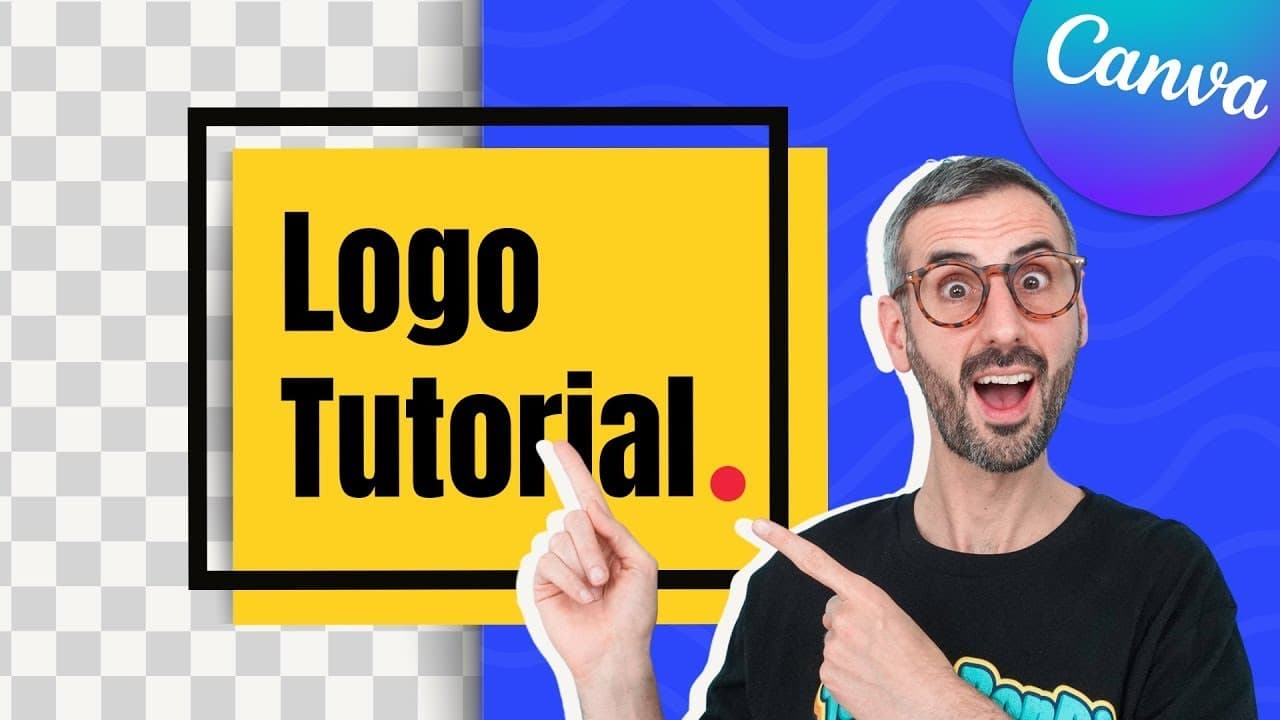
How to Make a Logo and Download it with Transparent Background | FREE Canva Tutorial for Beginners
64.6K views
•
October 6, 2022
by
Design with Canva
YouTube video player
How to Make a Logo and Download it with Transparent Background | FREE Canva Tutorial for Beginners

TL;DR

Learn how to create a professional logo using Canva, even with no graphic design experience, in just five simple steps.

Transcript

in this tutorial I want to show you how easy it is to create a logo like this one with canva and this even if you have no idea about graphic design or even if it's the first time you open canva so ready for designing your logo let's go alright guys today is your lucky day because I'm going to save you a couple of hundred dollars that you would pay ... Read More

Key Insights

  • 🇨🇷 Canva offers an easy and cost-effective solution for creating logos without hiring a graphic designer.
  • 🦮 The tutorial provides step-by-step instructions to guide beginners through the logo creation process.
  • 👻 Customization options in Canva allow for personalization and branding.
  • 🎨 Canva Pro offers additional features, such as transparent background downloads, which can enhance your logo design.
  • 😤 Seeking feedback from team members or clients can help ensure the final logo matches the desired brand image.
  • 👤 Canva's user-friendly interface makes logo creation accessible to individuals with no graphic design experience.
  • 👻 Export options in Canva allow for downloading logos in different file formats, including high-resolution PNG with transparent backgrounds.

Install to Summarize YouTube Videos and Get Transcripts

Explore YouTube Video Summarizer or Get YouTube Transcript Extractor

Questions & Answers

Q: Can I create a logo using Canva without any graphic design experience?

Absolutely! This tutorial demonstrates how easy it is to create a logo using Canva, even for beginners with no prior design knowledge. The step-by-step instructions make the process simple and accessible.

Q: How do I start creating a logo in Canva?

The first step is to choose a template from the Canva library. By browsing through the logo templates and selecting one that resonates with your brand or concept, you can have a base design to work with.

Q: How can I customize the logo design in Canva?

After selecting a template, you can customize it by changing colors, text, and typography to suit your brand or preference. Canva provides various design features to tweak and refine the template, ensuring your logo is unique.

Q: How can I receive feedback on my logo design using Canva?

Canva allows you to share your design with others, such as team members or clients, and receive their feedback. You can use comments and tagging features to invite others to review and provide their opinions on the different logo options.

Summary & Key Takeaways

  • This tutorial teaches how to create a logo using Canva, saving hundreds of dollars on hiring a graphic designer.

  • The five steps include starting with a template, customizing the design, adding creative elements, getting feedback, and downloading the final logo.

  • Canva Pro is recommended for step five, but a free trial is available for 45 days.


Read in Other Languages (beta)

English

Share This Summary 📚

Summarize YouTube Videos and Get Video Transcripts with 1-Click

Download browser extensions on:

Try YouTube Summary with ChatGPT & Claude or YouTube Transcript Generator

Explore More Summaries from Design with Canva 📚

How to Create Videos with Animations and Music in Canva FOR FREE! - Updated Tutorial thumbnail
How to Create Videos with Animations and Music in Canva FOR FREE! - Updated Tutorial
Design with Canva
Collaborative video editing - How to make a group video in Canva - New feature - Canva tutorial thumbnail
Collaborative video editing - How to make a group video in Canva - New feature - Canva tutorial
Design with Canva
5 Ways to USE Canva to MAKE MONEY (Part 1) - Tips you NEED to know to be successful thumbnail
5 Ways to USE Canva to MAKE MONEY (Part 1) - Tips you NEED to know to be successful
Design with Canva
How to Use DALL·E 3 in ChatGPT to Create Unique Images thumbnail
How to Use DALL·E 3 in ChatGPT to Create Unique Images
Design with Canva
OFFEO - First Impressions & first animated video thumbnail
OFFEO - First Impressions & first animated video
Design with Canva
How Does Canva Magic Design Create Custom Visuals? thumbnail
How Does Canva Magic Design Create Custom Visuals?
Design with Canva

Summarize YouTube Videos and Get Video Transcripts with 1-Click

Download browser extensions on:

Try YouTube Summary with ChatGPT & Claude or YouTube Transcript Generator

Apps & Extensions

  • Chrome Extension
  • Safari Extension
  • Edge Add-ons
  • Firefox Add-ons
  • iOS App
  • Android App

Key Features

  • YouTube Video Summarizer
  • Web & PDF Summarizer
  • Web & PDF Highlighter
  • Chat with PDF
  • Ask AI Clone
  • Audio Transcriber
  • Glasp Reader
  • Kindle Highlight Export
  • Idea Hatch

Integrations

  • Obsidian Plugin
  • Notion Integration
  • Pocket Integration
  • Instapaper Integration
  • Medium Integration
  • Readwise Integration
  • Snipd Integration
  • Hypothesis Integration

More Features

  • APIs
  • MCP Connector
  • Blog & Post
  • Embed Links
  • Image Highlight
  • Personality Test
  • Quote Shots

Company

  • About us
  • Our Story
  • Blog
  • Community
  • FAQs
  • Job Board
  • Newsletter
  • Pricing
Terms

•

Privacy

•

Guidelines

© 2026 Glasp Inc. All rights reserved.


