Products
Features
YouTube Video Summarizer
Summarize YouTube videos
Web & PDF Highlighter
Highlight web pages & PDFs
Chat with PDF
Ask any PDF questions with AI
Ask AI Clone
Chat with your highlights & memories
Audio Transcriber
Transcribe audio files to text
Glasp Reader
Read and highlight articles
Kindle Highlight Export
Export your Kindle highlights
Idea Hatch
Hatch ideas from your highlights
Integrations
Obsidian Plugin
Notion Integration
Pocket Integration
Instapaper Integration
Medium Integration
Readwise Integration
Snipd Integration
Hypothesis Integration
Apps & Extensions
Chrome Extension
Safari Extension
Edge Add-ons
Firefox Add-ons
iOS App
Android App
Discover
Discover
Ideas
Discover new ideas and insights
Articles
Curated articles and insights
Books
Book recommendations by great minds
Posts
Essays and notes from readers
Quotes
Inspiring quotes collection
Videos
Curated videos and summaries
Explore Glasp
Glasp Newsletter
Weekly insights and updates
Glasp Talk
Interview series with great minds
Glasp Blog
Latest news and articles
Glasp Use Cases
Learn how others use Glasp
Build & Support
Glasp API
Access Glasp's API for developers
MCP Connector
Connect Glasp to Claude & ChatGPT
Community
Glasp Reddit Community
Students
Student discount and benefits
FAQs
Frequently Asked Questions
AboutPricing
DashboardLog inSign up

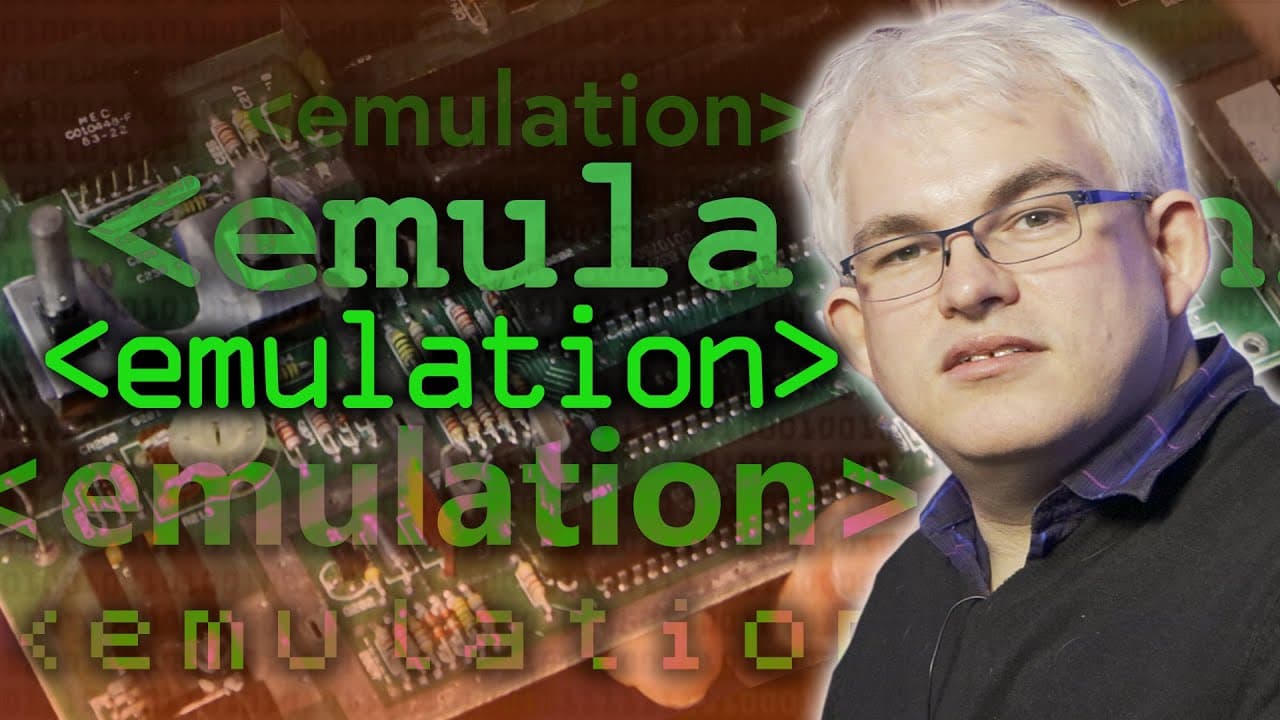
Emulation - Computerphile
January 12, 2023
by
Computerphile
YouTube video player
Emulation - Computerphile

TL;DR

Learn about the process of building an emulator, specifically for emulating a game system or computer.

Transcript

over the Christmas period I picked up this game for my PlayStation Atari 50 which is a sort of interactive history of the Atari games consoles misses out the stuck but the Atari games consoles and arcade games and one of the things it does is it emulates the game so you can actually play them there's been a new Jaguar emulator written by Richard Wh... Read More

Key Insights

  • 👾 Emulating a game system or computer involves understanding the hardware components and memory layout.
  • ❓ Accurate emulation requires replicating the timing and synchronization of hardware interactions.
  • 🪡 Emulating a more complex system can be challenging due to limited documentation and the need for extensive testing on real hardware.

Install to Summarize YouTube Videos and Get Transcripts

Explore YouTube Video Summarizer or Get YouTube Transcript Extractor

Questions & Answers

Q: What are the main components that need to be emulated in a game system or computer?

The main components include the CPU, memory, input/output devices, and graphics interface. Emulating these components allows the software to replicate the behavior of the original system.

Q: Why is it important to accurately replicate the timing and synchronization of hardware interactions?

Proper timing and synchronization ensure that the software behaves the same way as the original hardware. This is crucial for accurate emulation, especially in gaming systems where timing is critical for graphics and input/output operations.

Q: How does emulating a more complex system differ from a simpler one?

Emulating a complex system involves understanding the interactions between various hardware components and ensuring they are synchronized. Additionally, the documentation may be limited, requiring tests on real hardware to determine accurate behavior.

Q: Can emulation be resource-intensive?

Yes, emulation can be resource-intensive, especially when replicating the timing and synchronization of hardware interactions. Emulators may require high CPU power to ensure accurate emulation.

Summary & Key Takeaways

  • Emulating a game system or computer requires understanding the hardware components and memory layout of the system.

  • Key components to emulate include the CPU, memory, input/output devices, and graphics interface.

  • It is essential to accurately replicate the timing and synchronization of hardware interactions to ensure proper emulation.


Read in Other Languages (beta)

English

Share This Summary 📚

Summarize YouTube Videos and Get Video Transcripts with 1-Click

Download browser extensions on:

Try YouTube Summary with ChatGPT & Claude or YouTube Transcript Generator

Explore More Summaries from Computerphile 📚
Stable Diffusion in Code (AI Image Generation) - Computerphile thumbnail
Stable Diffusion in Code (AI Image Generation) - Computerphile
Computerphile
Exploiting the Tiltman Break - Computerphile thumbnail
Exploiting the Tiltman Break - Computerphile
Computerphile
Error Detection and Flipping the Bits - Computerphile thumbnail
Error Detection and Flipping the Bits - Computerphile
Computerphile
Triple Ref Pointers - Computerphile thumbnail
Triple Ref Pointers - Computerphile
Computerphile
Network Address Translation - Computerphile thumbnail
Network Address Translation - Computerphile
Computerphile
Man in the Middle Attacks & Superfish - Computerphile thumbnail
Man in the Middle Attacks & Superfish - Computerphile
Computerphile

Summarize YouTube Videos and Get Video Transcripts with 1-Click

Download browser extensions on:

Try YouTube Summary with ChatGPT & Claude or YouTube Transcript Generator

Apps & Extensions

  • Chrome Extension
  • Safari Extension
  • Edge Add-ons
  • Firefox Add-ons
  • iOS App
  • Android App

Key Features

  • YouTube Video Summarizer
  • Web & PDF Summarizer
  • Web & PDF Highlighter
  • Chat with PDF
  • Ask AI Clone
  • Audio Transcriber
  • Glasp Reader
  • Kindle Highlight Export
  • Idea Hatch

Integrations

  • Obsidian Plugin
  • Notion Integration
  • Pocket Integration
  • Instapaper Integration
  • Medium Integration
  • Readwise Integration
  • Snipd Integration
  • Hypothesis Integration

More Features

  • APIs
  • MCP Connector
  • Blog & Post
  • Embed Links
  • Image Highlight
  • Personality Test
  • Quote Shots

Company

  • About us
  • Blog
  • Community
  • FAQs
  • Job Board
  • Newsletter
  • Pricing
Terms

•

Privacy

•

Guidelines

© 2026 Glasp Inc. All rights reserved.