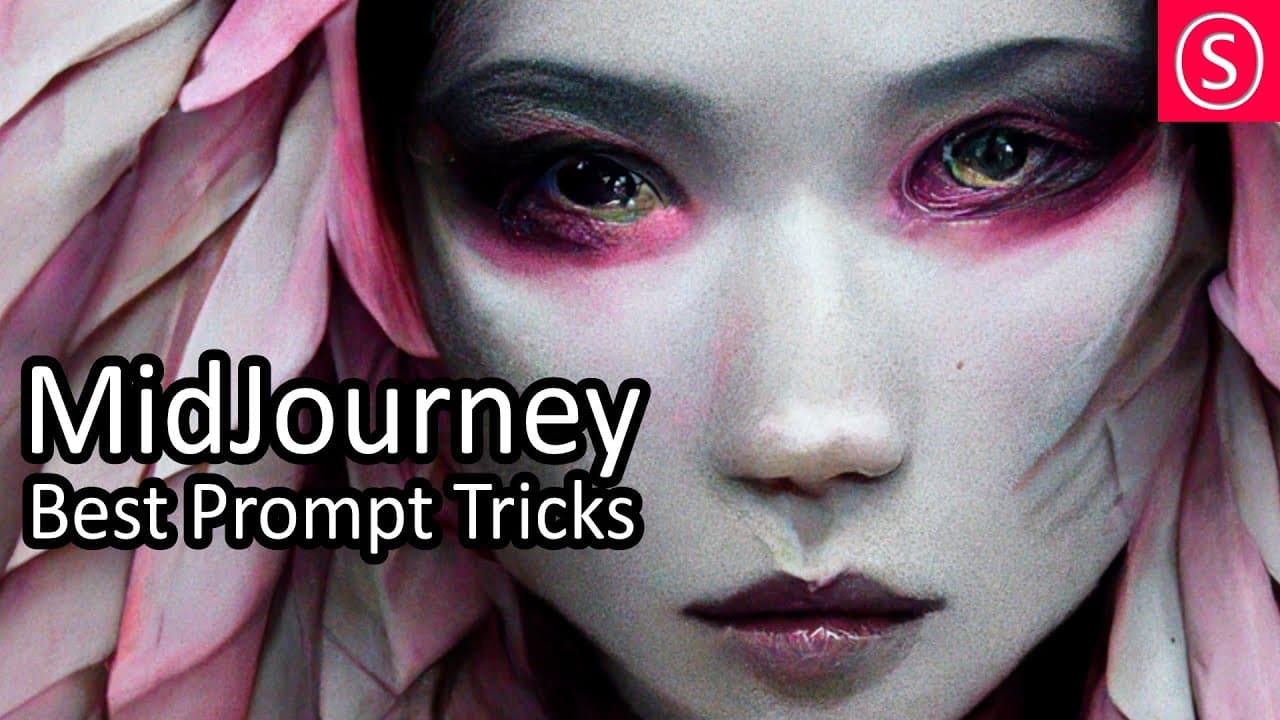
MidJourney AI - Best Prompt Ticks - Beginners Guide - Beginners - MJ Explained - NFT Art
TL;DR
Learn how to optimize your use of Mid Journey AI to generate stunning and unique artworks using specific prompts and techniques.
Transcript
today i'm going to show you how to get the best results with mid journey ai hello my friends how are you doing my name is olivio i'm a professional artist let's get started so in this video i want to go from the most fun to the most detailed now if you want to know how to sign up to midjourney.com that is more to the end of the video i have an inde... Read More
Key Insights
- 👻 Mid Journey AI provides prompts that allow users to generate artwork based on specific descriptions and preferences.
- 🖐️ Keywords and technical terms play a significant role in producing desired results.
- 🥳 Quality, stylize options, and image ratio impact the outcome of the artwork.
- 🏋️ Combining multiple prompts and assigning weights can result in more unique and varied artwork.
- 🧑🎨 The AI's ability to replicate styles and understand different artistic techniques is highly appreciated by artists and designers.
- 🌱 Seeds can be used to transfer creative inspiration from one image to another.
- 🎨 Exploration of various palettes, lighting techniques, and luminous sense types enhances the artistic possibilities.
Install to Summarize YouTube Videos and Get Transcripts
Explore YouTube Video Summarizer or Get YouTube Transcript Extractor
Questions & Answers
Q: How can I get the best results with Mid Journey AI?
To maximize results, consider using more specific and detailed prompts, including technical terms, artistic styles, and references. Experiment with different weights, quality levels, and stylize options to find the desired outcome.
Q: Can I combine different prompts to create more unique artwork?
Yes, combining prompts using square brackets allows for more complex and customized results. You can also assign weights to prioritize certain aspects and create a more balanced composition.
Q: How can I optimize the technical aspects of the artwork?
Adjusting the image quality, stylize options, and image ratio can significantly impact the final artwork. Experimentation with these settings will help achieve desired outcomes.
Q: Can I use famous artists or styles as prompts?
Yes, you can reference famous artists or specific styles to generate artwork in their likeness. The AI will attempt to recreate the style but with its own unique interpretation.
Key Insights:
- Mid Journey AI provides prompts that allow users to generate artwork based on specific descriptions and preferences.
- Keywords and technical terms play a significant role in producing desired results.
- Quality, stylize options, and image ratio impact the outcome of the artwork.
- Combining multiple prompts and assigning weights can result in more unique and varied artwork.
- The AI's ability to replicate styles and understand different artistic techniques is highly appreciated by artists and designers.
- Seeds can be used to transfer creative inspiration from one image to another.
- Exploration of various palettes, lighting techniques, and luminous sense types enhances the artistic possibilities.
- Mid Journey AI offers incredible potential for artists to rapidly prototype and experiment with different styles and compositions.
Summary & Key Takeaways
-
Mid Journey AI allows users to generate artwork by providing prompts that describe the desired style, compositions, and artistic elements.
-
The prompts can be weighted to prioritize certain aspects and can be combined to create more complex and unique results.
-
Exploring different technical terms, artistic styles, and references can help users achieve the desired outcomes.
-
Playing with quality, stylize options, and image ratio can significantly impact the final artwork.
Read in Other Languages (beta)
Share This Summary 📚
Summarize YouTube Videos and Get Video Transcripts with 1-Click
Try YouTube Summary with ChatGPT & Claude or YouTube Transcript Generator
Explore More Summaries from Olivio Sarikas 📚
Summarize YouTube Videos and Get Video Transcripts with 1-Click
Try YouTube Summary with ChatGPT & Claude or YouTube Transcript Generator